Skip to content
SetupArc

Best USB-C Hub for MacBook

A MacBook's handful of USB-C ports fills up fast; a good hub adds HDMI, USB-A, a card reader and Ethernet while passing power back to the laptop. This guide is for MacBook Air and Pro owners who want more connectivity without a full Thunderbolt dock. Every pick is confirmed Mac-compatible and single-cable.

SetupArc may earn commissions from qualifying purchases.

Quick picks

1Best Overall
SetupArc8.9

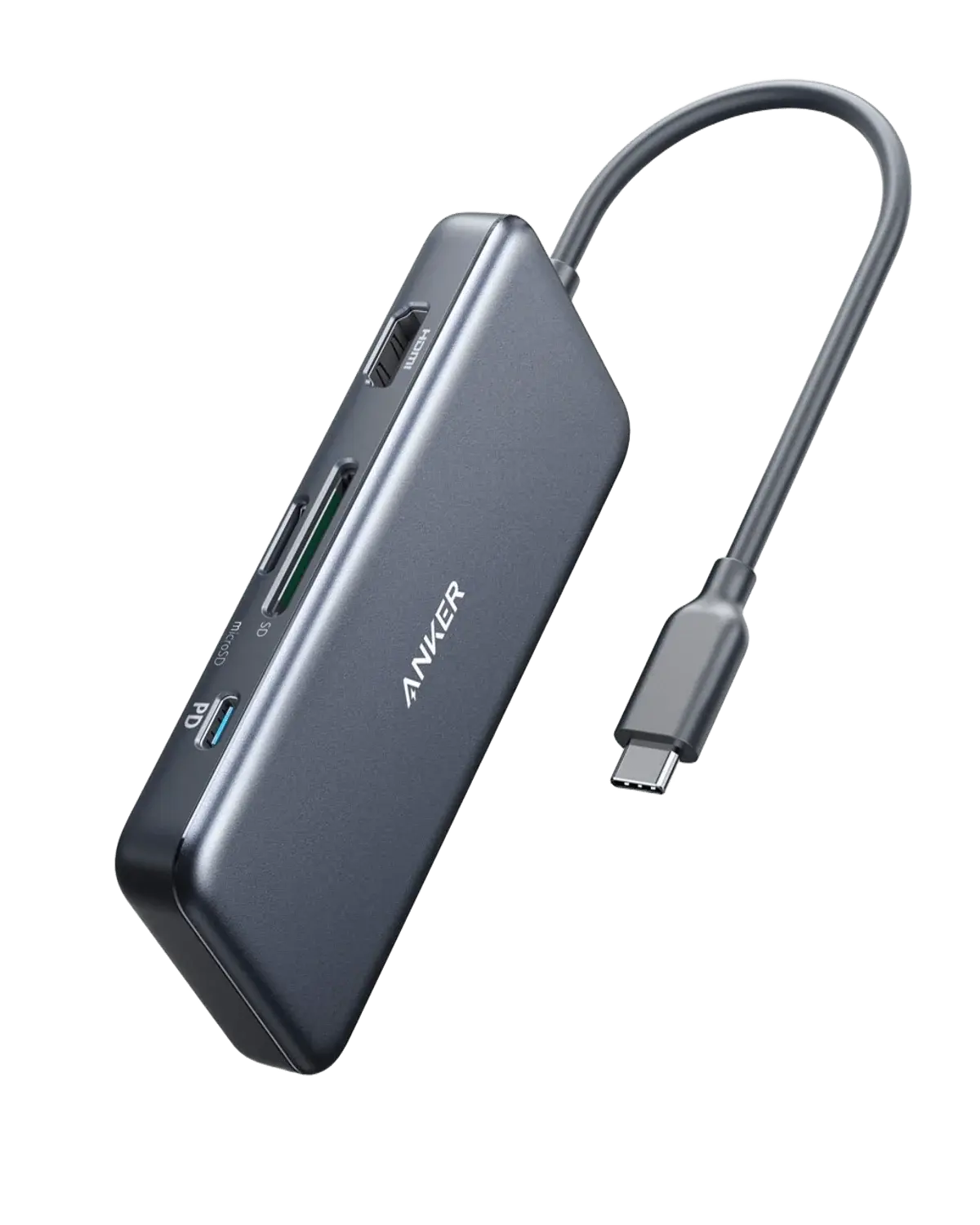
Anker 555 USB-C Hub (8-in-1)

The USB-C hub for most people: the right ports, well built, fairly priced.

Why it fits: A well-rounded 8-in-1 with 4K@60 HDMI, 10 Gbps USB data, Gigabit Ethernet and 85 W passthrough — the right balance of ports and price for most MacBooks.

HDMI
4K@60Hz
USB-A Data
2× USB-A 10 Gb/s
Ethernet
Gigabit (1 Gbps)
Passthrough Charging
85W

Best suited for: Productivity · General Use · Mac compatibility

Tradeoff: 1GbE (not 2.5GbE)
2Best Value
SetupArc8.6

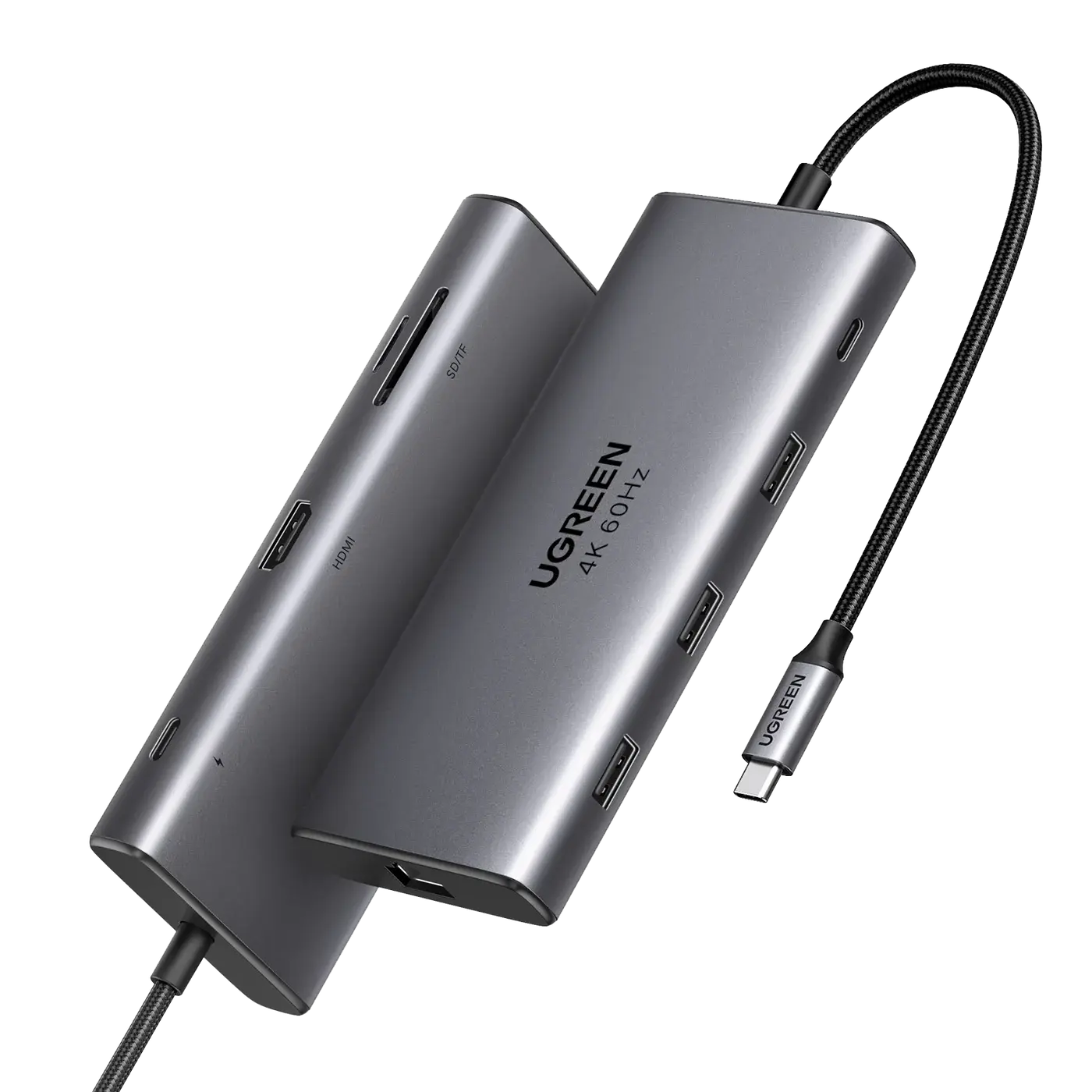
UGREEN Revodok Pro 109

The best value 9-in-1 hub: pricier-hub features at a lower price.

Why it fits: Nine ports including 4K@60 HDMI and 100 W passthrough for slightly less — the most connectivity per dollar if a fixed cable isn't a dealbreaker.

Total Ports
9
HDMI
4K@60Hz (HDR)
Passthrough Charging
100W
Ethernet
Gigabit (1 Gbps)

Best suited for: Productivity · General Use · Mac compatibility

Tradeoff: 1GbE (not 2.5GbE)
3Best for Portability
SetupArc8.2

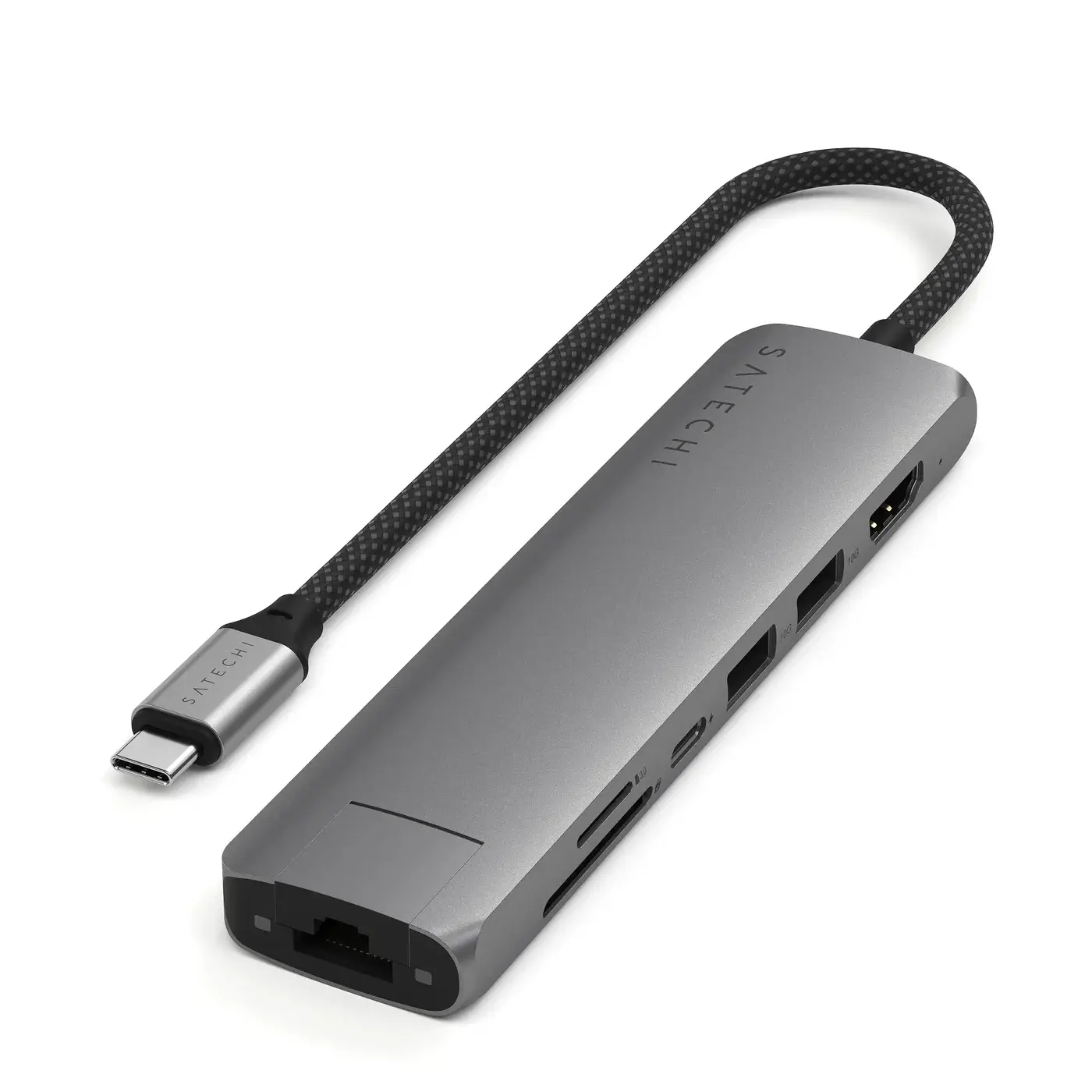
Satechi 7-in-1 USB-C Slim Multiport Adapter

The best-looking MacBook travel hub, with a solid everyday port set.

Why it fits: A slim aluminum adapter styled to match the MacBook, with 4K@60 HDMI and Gigabit Ethernet — the nicest hub to carry in a bag.

HDMI
4K@60Hz
Ethernet
Gigabit (1 Gbps)
Build
Aluminum, braided cable
Total Ports
7

Best suited for: Productivity · Mac compatibility · General Use

Tradeoff: Pricey for the port set

4Best Budget
SetupArc8.4

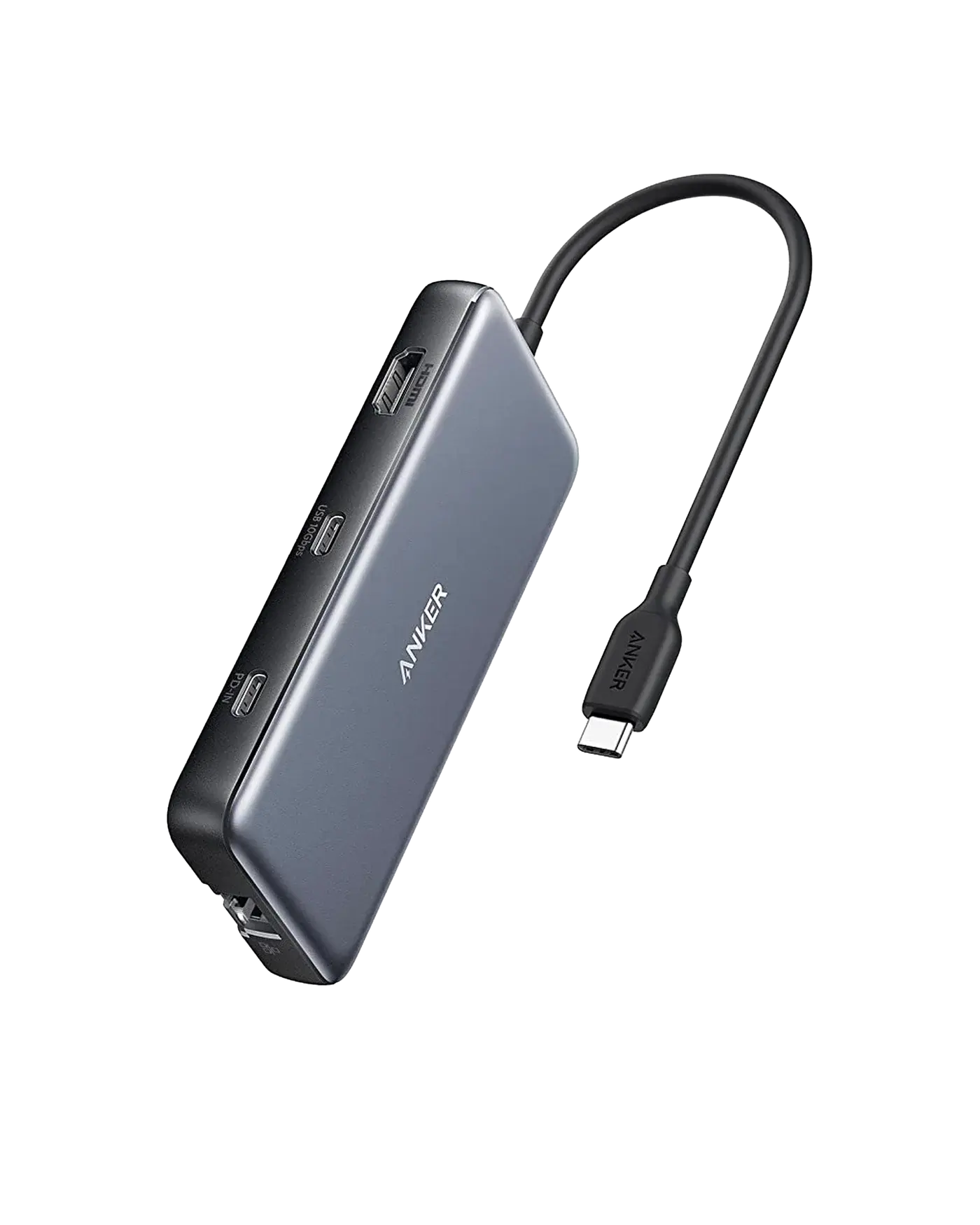
Anker 341 USB-C Hub (7-in-1)

The best cheap hub: the essentials, done reliably, for around $30.

Why it fits: A compact 7-in-1 around $36 covering the essentials; note that HDMI tops out at 4K@30 Hz, which is fine for a static external display at a desk.

HDMI
4K@30Hz
USB-A Data
2× USB-A 5 Gb/s
Ethernet
Gigabit (1 Gbps)
Passthrough Charging
100W PD-in (up to 85W)

Best suited for: Productivity · General Use · Mac compatibility

Tradeoff: HDMI limited to 4K@30

What matters for this use case

USB-C compatibility

Confirm the hub supports Mac video over DisplayPort Alt Mode and, ideally, ships with an integrated or included USB-C cable. Every pick here is Mac-verified.

Display output

HDMI at 4K@60 Hz is the target for a crisp external monitor; some budget hubs cap at 4K@30 Hz, which looks choppy for cursor movement.

Power delivery

Passthrough charging of 85–100 W lets one cable power the MacBook and its peripherals. Match it to your charger — 100 W suits a 14-inch Pro.

Ethernet

Gigabit Ethernet adds a stable wired connection for calls and large transfers, which most MacBooks lack natively.

Portability

For travel, a slim body and a captured cable help; for a fixed desk, a detachable cable and more ports win out.

How we chose

Recommendations are based on current specifications, product positioning, verified manufacturer data and third-party testing — not hands-on reviews. Products are ordered by how well they fit this specific use case, never by commission, retailer count or popularity. Use the interactive Compare tool and the Setup Finder to weigh them against your own priorities.

Related content