Monitors · Head-to-head
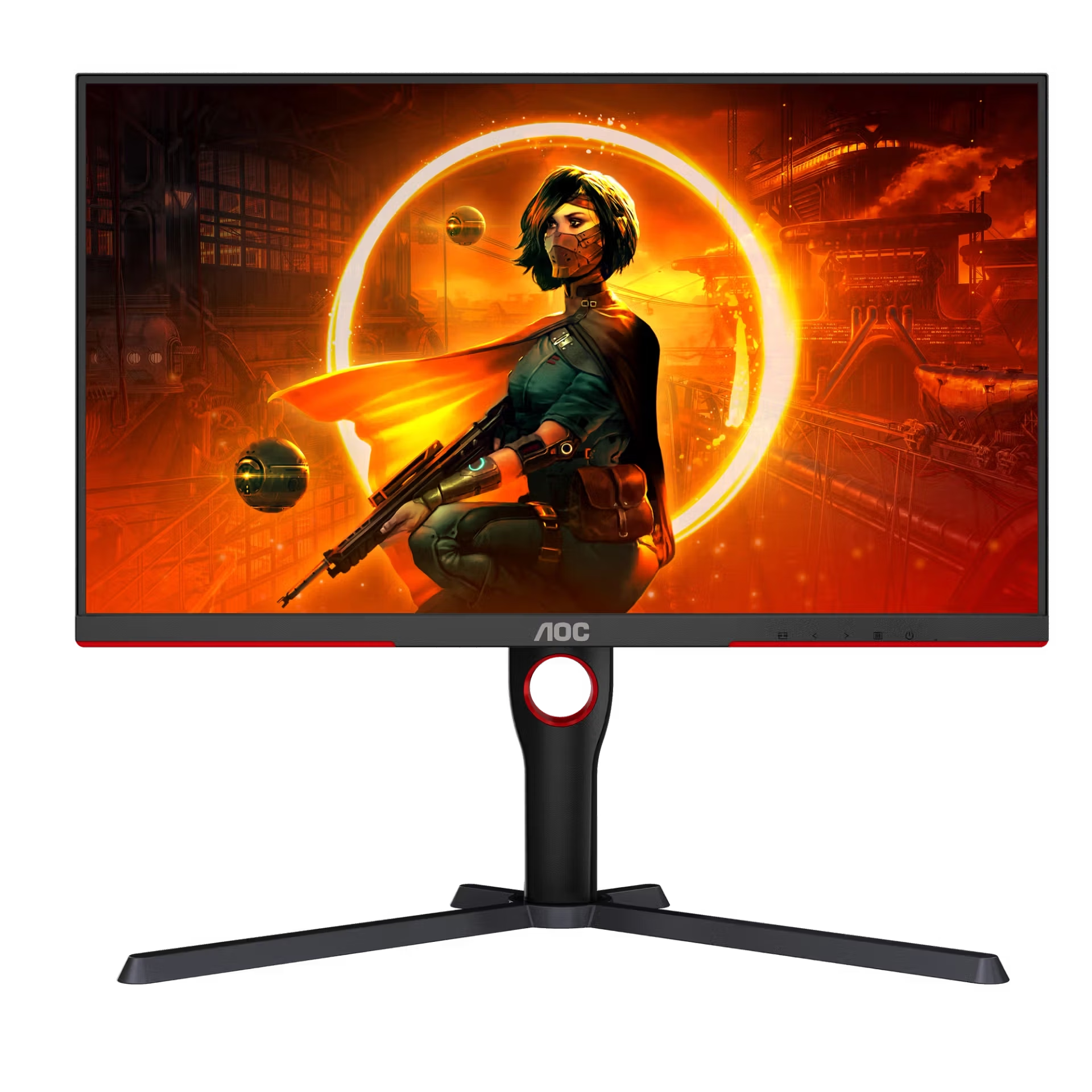
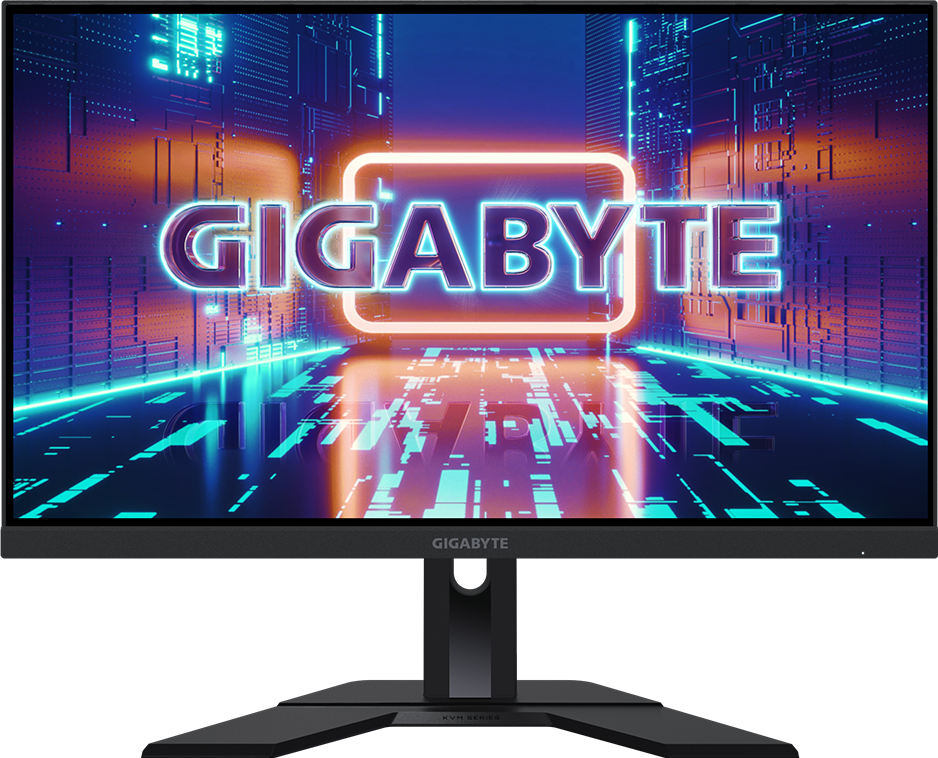
AOC Gaming Q27G3XMN vs Gigabyte M27Q (Rev. 2.0)
Two 27-inch 1440p monitors in overlapping reference-price bands — Mini-LED HDR brightness against an IPS panel with a KVM and USB-C data.
Quick verdict
Choose the AOC Gaming Q27G3XMN if…
Choose the AOC Q27G3XMN if HDR impact is what you want from a budget screen — a VA Mini-LED panel rated DisplayHDR 1000 with 1000-nit peak brightness, running at 180 Hz.
Choose the Gigabyte M27Q (Rev. 2.0) if…
Choose the Gigabyte M27Q if the monitor also has to work — an SS-IPS panel at 170 Hz with a KVM switch and USB-C data, and the wider viewing angles VA cannot match.
What you'll actually notice
The differences that change which one you should buy, rather than every difference there is.
Panel technology
Decides itDifferent panel types: VA (Mini-LED) on the AOC Gaming Q27G3XMN against SS-IPS on the Gigabyte M27Q (Rev. 2.0). IPS holds colour and contrast more evenly off-axis; VA goes deeper on contrast head-on.
USB-C connection
Decides itOnly the Gigabyte M27Q (Rev. 2.0) takes a USB-C video connection (Yes (data)). The AOC Gaming Q27G3XMN is recorded without one, so a laptop connects over HDMI or DisplayPort and charges separately.
KVM switch
Only the Gigabyte M27Q (Rev. 2.0) has a KVM switch, so one keyboard and mouse can move between two connected machines without unplugging anything. That is a two-computer desk feature; on a single-machine desk it changes nothing.
HDR
The AOC Gaming Q27G3XMN carries the stronger HDR certification (VESA DisplayHDR 1000 against HDR Ready (HDR10 input)). That shows up in HDR games and film, not in ordinary SDR desktop use.
What the price difference means
These sit in overlapping reference-price bands ($200–$260 against $230–$280), so price is unlikely to decide this one — choose on the differences above.
Reference prices are our own editorial figures for a typical street price, not live retailer quotes.
Key differences
The specifications that meaningfully differ between the two. A highlighted value is the stronger figure where it can be compared objectively.
| Specification | AOC Gaming Q27G3XMN | Gigabyte M27Q (Rev. 2.0) |
|---|---|---|
| Panel Type | VA (Mini-LED) | SS-IPS |
| Color Coverage | ~90% DCI-P3 | 95% DCI-P3 |
| Brightness | 1000 nits (peak) | 350 nits |
| HDR | VESA DisplayHDR 1000 | HDR Ready (HDR10 input) |
| Refresh Rate | 180 Hz | 170 Hz |
| Response Time | 1 ms (MPRT) | 0.5 ms (MPRT) |
| USB-C | No | Yes (data) |
| DisplayPort | 2 × DP 1.4 | 1 × DP 1.2 |
Full side-by-side specs
| Specification | AOC Gaming Q27G3XMN | Gigabyte M27Q (Rev. 2.0) |
|---|---|---|
| Screen Size | 27" | 27" |
| Resolution | 2560 × 1440 (QHD) | 2560 × 1440 (QHD) |
| Refresh Rate | 180 Hz | 170 Hz |
| Panel Type | VA (Mini-LED) | SS-IPS |
| Aspect Ratio | 16:9 | 16:9 |
| Response Time | 1 ms (MPRT) | 0.5 ms (MPRT) |
| Brightness | 1000 nits (peak) | 350 nits |
| HDR | VESA DisplayHDR 1000 | HDR Ready (HDR10 input) |
| Color Coverage | ~90% DCI-P3 | 95% DCI-P3 |
| USB-C | No | Yes (data) |
| Thunderbolt | No | No |
| HDMI | 2 × HDMI 2.0 | 2 × HDMI 2.0 |
| DisplayPort | 2 × DP 1.4 | 1 × DP 1.2 |
| Adaptive Sync | FreeSync Premium / G-Sync Compatible | FreeSync Premium / G-Sync Compatible |
| VESA Mount | 100 × 100 | 100 × 100 |
| Speakers | No | No |
| Height Adjustable | Yes | Yes |
| KVM Switch | — | Yes |
Who should buy each one
AOC Gaming Q27G3XMN
Budget gamers who want genuine HDR brightness and contrast at 1440p/180Hz.
- VA viewing angles
- Some HDR blooming
Gigabyte M27Q (Rev. 2.0)
Value buyers who want a fast 1440p panel that doubles for gaming and multi-device productivity.
- Basic HDR (no real local dimming)
- USB-C power delivery is limited
Final verdict
There is no single winner here — the right choice depends on what you need.
Better for HDR contrast and brightness.
Read the full AOC Gaming Q27G3XMN reviewBetter for mixed work-and-play desks.
Read the full Gigabyte M27Q (Rev. 2.0) reviewAt 8.5 and 8.3, these scores are too close to decide anything on their own. Use the trade-offs above instead — how we score.
Keep exploring
Want to line these up against other options, or get a tailored recommendation?