Docking Stations · Head-to-head
CalDigit TS4 vs Dell Pro Thunderbolt 4 Dock WD25TB4
Two Thunderbolt 4 docks for single-cable desks — a maximal 18-port workstation versus a business-focused multi-display dock.
Quick verdict
Choose the CalDigit TS4 if…
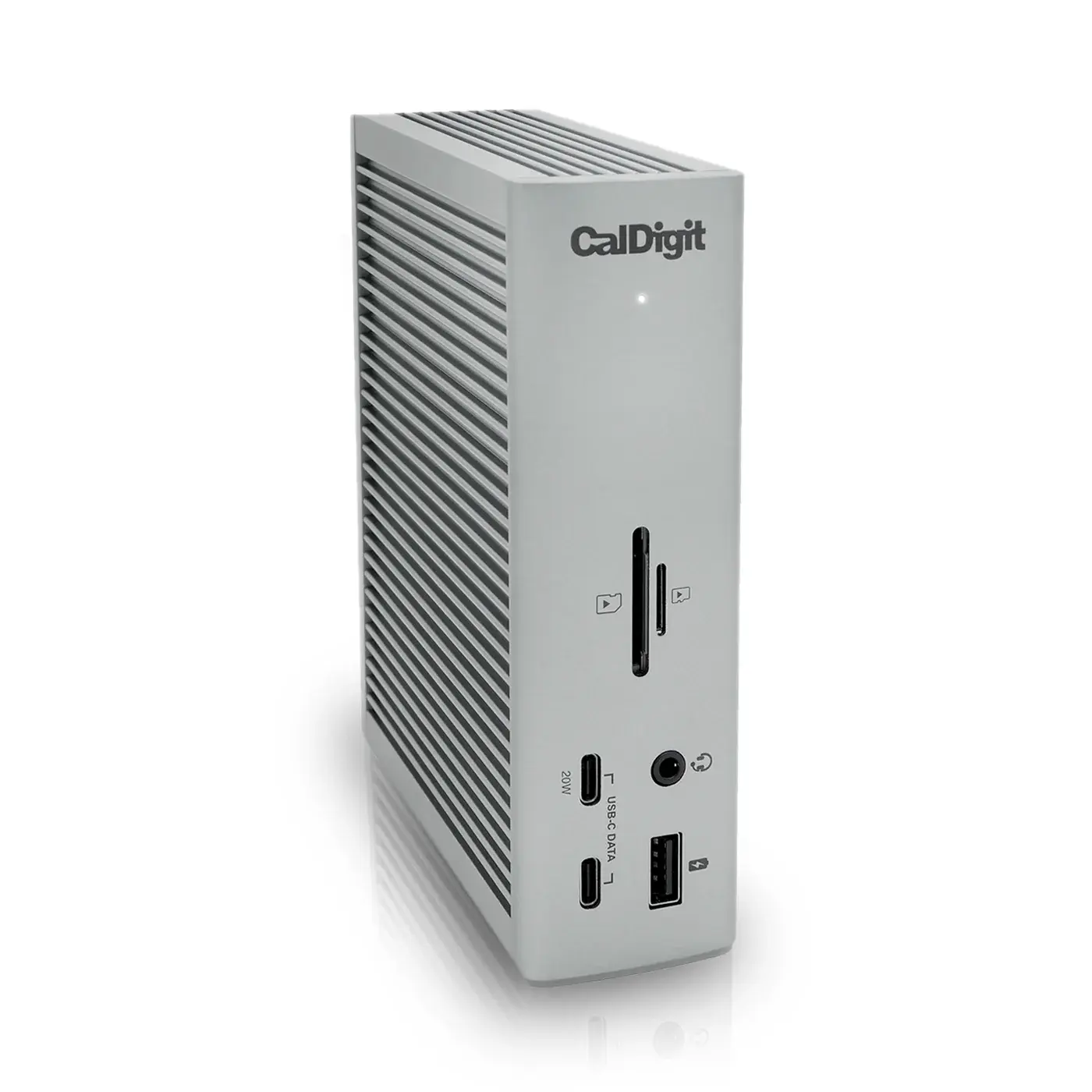
Choose the CalDigit TS4 if you want maximum connectivity — 18 ports including three Thunderbolt 4, 2.5 GbE and 98 W charging, with strong Mac and Windows support.
Choose the Dell Pro Thunderbolt 4 Dock WD25TB4 if…
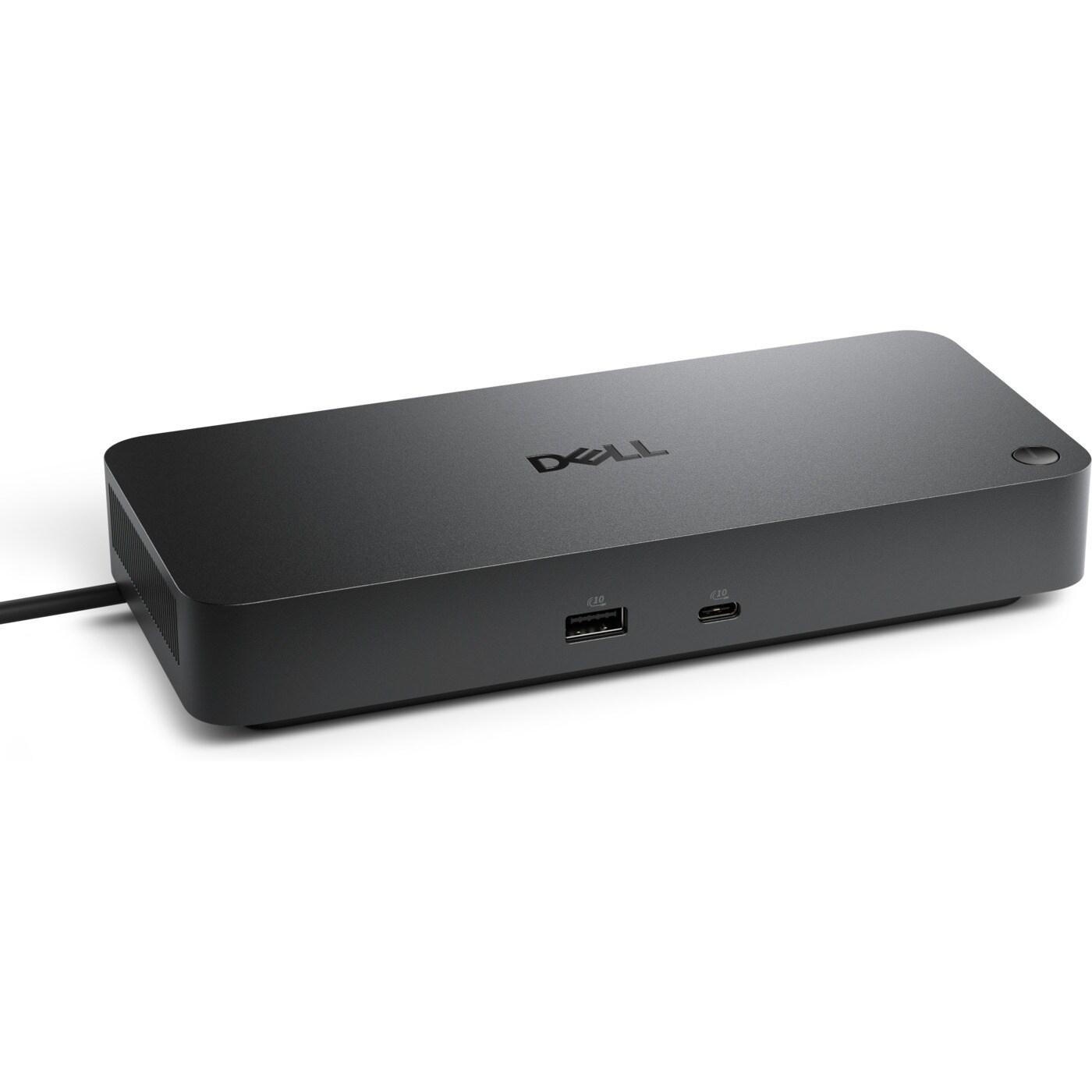
Choose the Dell Pro WD25TB4 if you're on a Dell/Windows laptop and want multi-display docking with up to 130 W charging and enterprise manageability.
What the price difference means
The CalDigit TS4 sits about $99 more by reference price ($380–$400 against $280–$330 for the Dell Pro Thunderbolt 4 Dock WD25TB4). That premium is buying specific capabilities rather than a generally better product.
Reference prices are our own editorial figures for a typical street price, not live retailer quotes.
Key differences
The specifications that meaningfully differ between the two. A highlighted value is the stronger figure where it can be compared objectively.
| Specification | CalDigit TS4 | Dell Pro Thunderbolt 4 Dock WD25TB4 |
|---|---|---|
| Connection | Thunderbolt 4 (40 Gb/s) | Thunderbolt 4 |
| Thunderbolt 4 Ports | 3 (1 host + 2 downstream) | 2 |
| Total Ports | 18 | — |
| Display Support | Single 8K or dual 6K@60 | Up to quad-display / 8K |
| HDMI | — | 1× HDMI |
| DisplayPort | — | 2× DisplayPort |
| USB-C Data | 3× USB-C 10 Gb/s | 2× USB-C |
| USB-A Data | 5× USB-A 10 Gb/s | 4× USB-A |
Full side-by-side specs
| Specification | CalDigit TS4 | Dell Pro Thunderbolt 4 Dock WD25TB4 |
|---|---|---|
| Connection | Thunderbolt 4 (40 Gb/s) | Thunderbolt 4 |
| Total Ports | 18 | — |
| Thunderbolt 4 Ports | 3 (1 host + 2 downstream) | 2 |
| USB-C Data | 3× USB-C 10 Gb/s | 2× USB-C |
| USB-A Data | 5× USB-A 10 Gb/s | 4× USB-A |
| Host Charging | 98W | 130W (Dell) / 96W (others) |
| Ethernet | 2.5 Gigabit | GbE + 2.5GbE |
| Display Support | Single 8K or dual 6K@60 | Up to quad-display / 8K |
| Card Reader | SD + microSD (UHS-II) | — |
| Compatibility | Mac / Windows / Chrome | Windows (Dell + TB4/USB4 laptops) / Mac |
| HDMI | — | 1× HDMI |
| DisplayPort | — | 2× DisplayPort |
Who should buy each one
CalDigit TS4
Laptop-first professionals and creatives who want a complete, reliable single-cable workstation.
- Expensive
- Large desktop footprint
Dell Pro Thunderbolt 4 Dock WD25TB4
Windows business users and IT buyers who need multi-monitor docking and manageability.
- Full 130W charging only for Dell laptops
- Utilitarian design
Final verdict
There is no single winner here — the right choice depends on what you need.
Better for port count and cross-platform desks.
Read the full CalDigit TS4 reviewBetter for Dell/Windows multi-monitor setups.
Read the full Dell Pro Thunderbolt 4 Dock WD25TB4 reviewThe CalDigit TS4 scores higher overall (9.4 against 8.8), but that is an editorial judgement across five criteria rather than a formula, and it does not override the trade-offs above — how we score.
Keep exploring
Want to line these up against other options, or get a tailored recommendation?