Skip to content
SetupArc

Best OLED Gaming Monitor

OLED brings perfect blacks, near-instant response and vivid color to gaming, and the latest panels finally reach very high refresh rates. This guide is for gamers weighing QD-OLED against WOLED, and resolution against refresh rate and screen size. Every pick is a genuine OLED gaming display from the current catalog.

SetupArc may earn commissions from qualifying purchases.

Quick picks

1Best Overall
SetupArc9.3

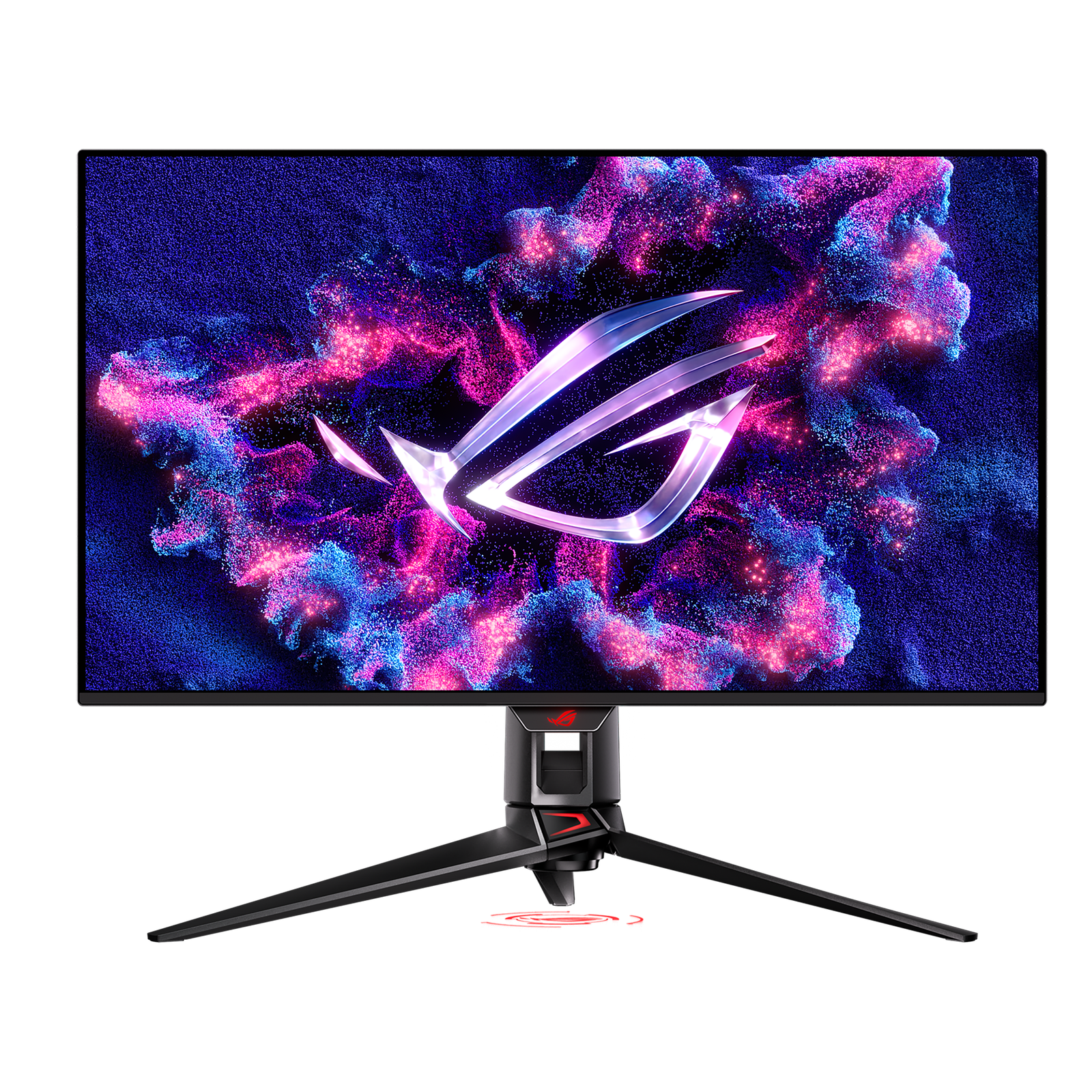
ASUS ROG Swift OLED PG32UCDM

A 4K/240Hz QD-OLED that's exceptional for gaming and doubles as a stunning creative display.

Why it fits: A 32-inch 4K QD-OLED at 240 Hz — the most complete display here, pairing cinematic detail with high-refresh esports speed.

Screen Size
32"
Resolution
3840 × 2160 (4K UHD)
Refresh Rate
240 Hz
Panel Type
QD-OLED

Best suited for: Gaming · Creative Work · Video Editing

Tradeoff: Expensive
Price
$950–$1,100
Check Price Full review
2Best Ultrawide
SetupArc9.1

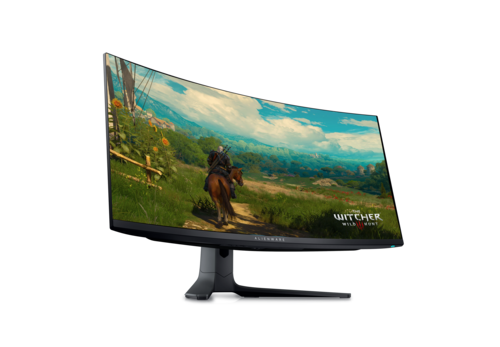
Alienware AW3423DWF

The value QD-OLED ultrawide: 34" 3440×1440, 165Hz, True Black HDR and massive immersion.

Why it fits: A 34-inch 21:9 QD-OLED that wraps you into the game; the extra width is transformative for sims, RPGs and productivity between sessions.

Screen Size
34" (Ultrawide)
Aspect Ratio
21:9
Refresh Rate
165 Hz
Panel Type
QD-OLED

Best suited for: Gaming · General Use · Multitasking

Tradeoff: 1440p vertical height only

Price
$699
Check Price Full review
3Best for Competitive
SetupArc9.0

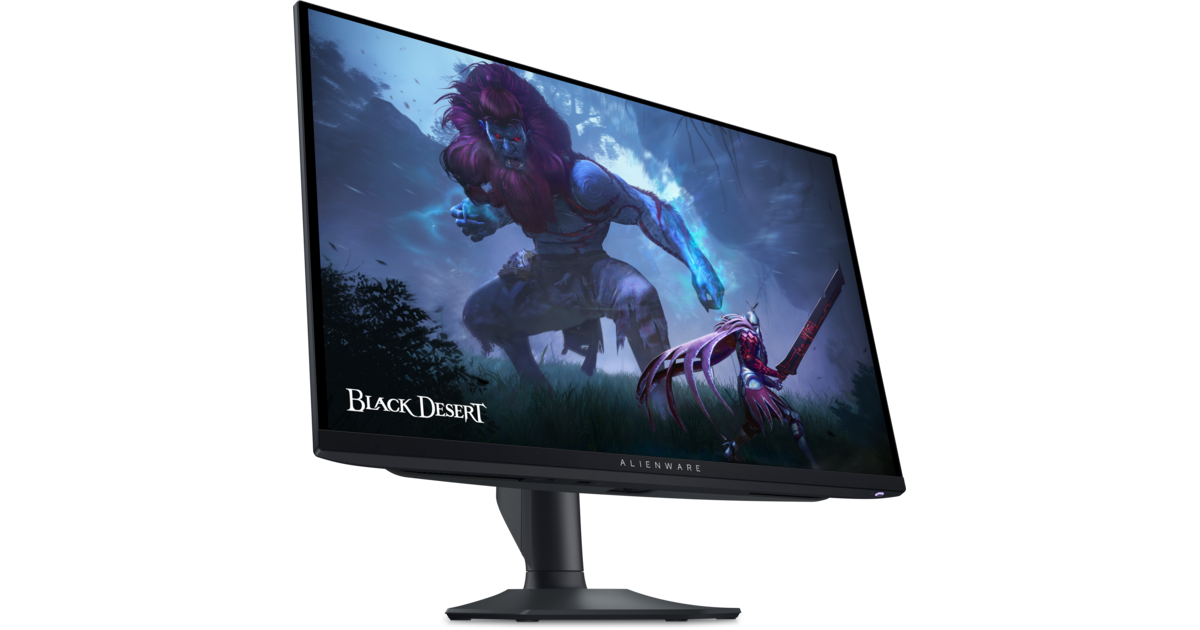
Alienware AW2725DF

360Hz QD-OLED with True Black HDR — elite motion clarity and contrast for gaming.

Why it fits: 360 Hz on a 1440p QD-OLED panel, built for fast FPS play where frame rate and motion clarity matter more than pixel count.

Refresh Rate
360 Hz
Resolution
2560 × 1440 (QHD)
Response Time
0.03 ms (GtG)
Panel Type
QD-OLED

Best suited for: Gaming · Competitive play

Tradeoff: No USB-C video or laptop charging

Price
$690
Check Price Full review
4Best WOLED
SetupArc8.9

LG UltraGear 27GS95QE-B

240Hz WOLED with True Black HDR and a matte finish — premium 1440p OLED gaming.

Why it fits: LG's WOLED panel at 240 Hz is an excellent 1440p alternative to QD-OLED, with strong motion clarity and True Black HDR.

Panel Type
WOLED
Refresh Rate
240 Hz
Resolution
2560 × 1440 (QHD)
HDR
DisplayHDR True Black 400

Best suited for: Gaming · Competitive play

Tradeoff: No USB-C video/charging

Price
$630–$800
Check Price Full review
5Best Value
SetupArc8.6

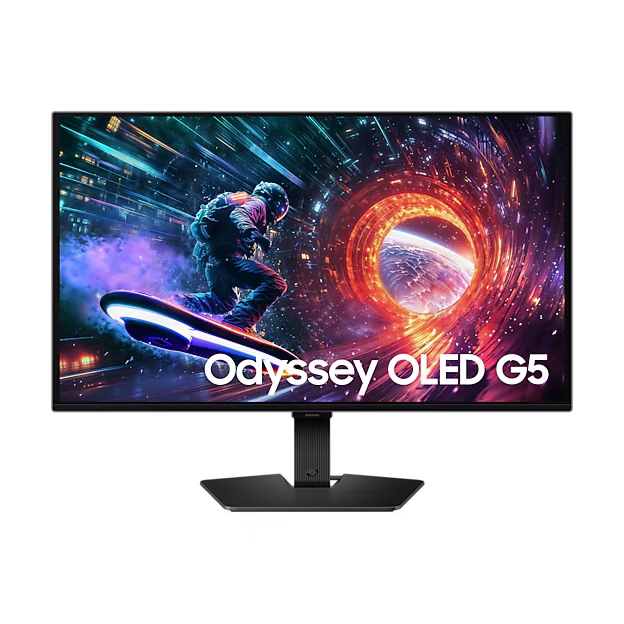
Samsung Odyssey OLED G5 (G50SF)

OLED contrast and color at roughly $400 — the value entry point into OLED gaming.

Why it fits: QD-OLED contrast and color at roughly $400 — the most affordable way into OLED gaming if you don't need 240 Hz or more.

Panel Type
QD-OLED
Refresh Rate
180 Hz
Resolution
2560 × 1440 (QHD)
HDR
HDR10

Best suited for: Gaming · General Use

Tradeoff: No USB-C

Price
$399
Check Price Full review

What matters for this use case

Refresh rate

Higher refresh (180–360 Hz) means smoother motion and lower input lag. Competitive FPS players gain most from 240 Hz and up; 144–180 Hz is plenty for most genres.

Response time & motion

OLED's ~0.03 ms response effectively eliminates smearing, so even a mid-refresh OLED looks sharper in motion than a fast LCD.

QD-OLED vs WOLED

QD-OLED tends toward richer color and slightly higher full-screen brightness; WOLED can render text subpixels more cleanly. Both deliver true blacks.

Burn-in considerations

OLEDs use pixel-shift and panel-refresh routines to mitigate burn-in, and gaming models now ship with multi-year burn-in warranties. Vary content and hide static bars for peace of mind.

VRR / adaptive sync

FreeSync and G-Sync compatibility remove tearing by matching the refresh rate to your GPU — standard on every pick here.

How we chose

Recommendations are based on current specifications, product positioning, verified manufacturer data and third-party testing — not hands-on reviews. Products are ordered by how well they fit this specific use case, never by commission, retailer count or popularity. Use the interactive Compare tool and the Setup Finder to weigh them against your own priorities.

Related content