Skip to content
SetupArc

Best Monitors of 2026

The right monitor depends on how you work and play. For gaming, prioritise a high refresh rate and fast response; for creative work, wide colour coverage and resolution; for everyday productivity, a sharp panel with USB-C or Thunderbolt keeps your desk tidy. The picks below span budgets and use cases.

Ranked by SetupArc score — our assessment across performance, design, features, compatibility and value. Based on current specifications and published third-party sources, not hands-on testing. How we score

SetupArc may earn commissions from qualifying purchases.
Not sure which to pick? Answer a few questions and the Setup Finder ranks the best monitors for your needs.

Looking for something more specific?

1
Best Overall
SetupArc9.3

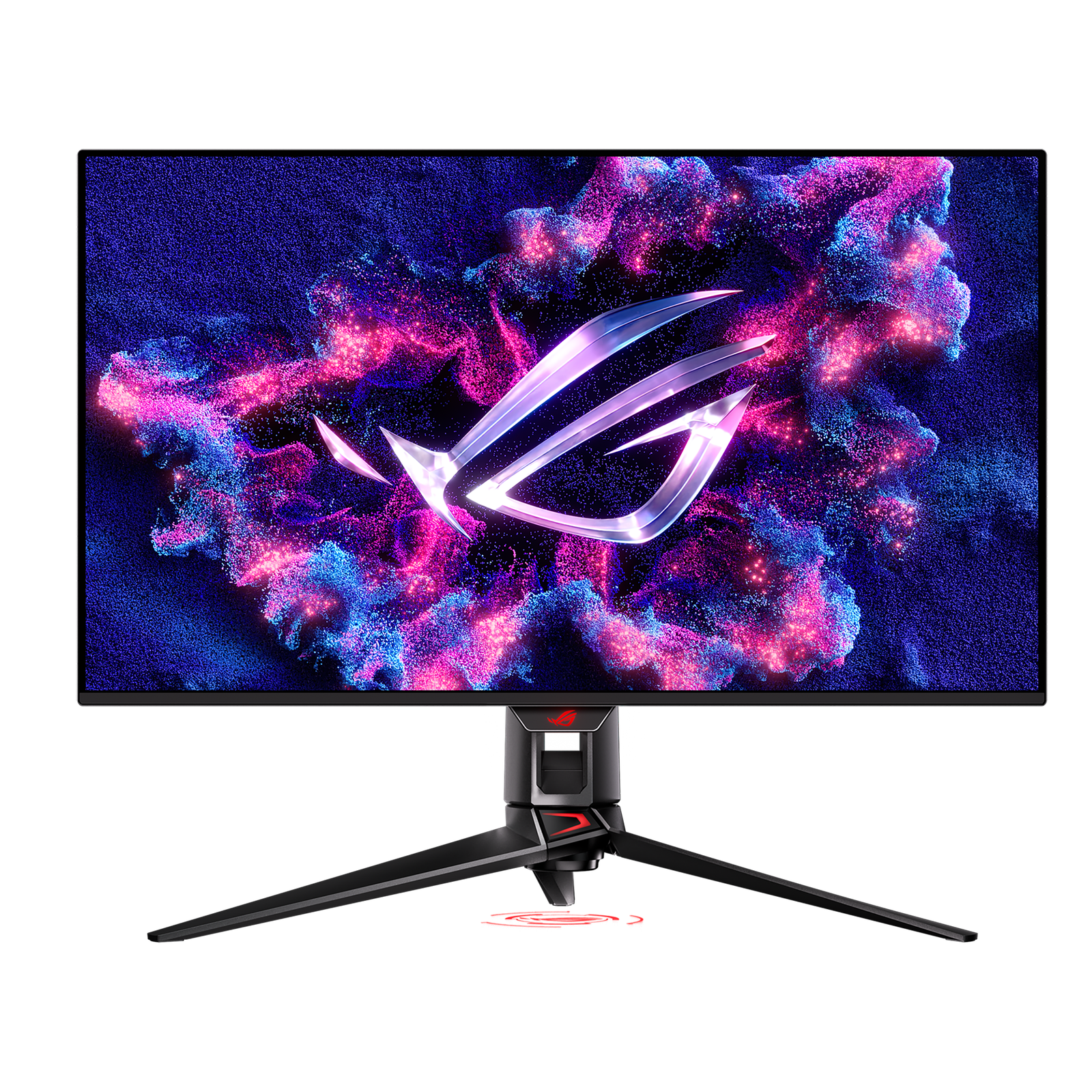
ASUS ROG Swift OLED PG32UCDM

A 4K/240Hz QD-OLED that's exceptional for gaming and doubles as a stunning creative display.

  • 32" 4K QD-OLED, 240Hz
  • USB-C 90W, HDMI 2.1
  • DisplayHDR 400 True Black

Best suited for: Gaming · Creative Work · Video Editing

Tradeoff: Expensive

Price
$950–$1,100
2
Best for Productivity
SetupArc9.2

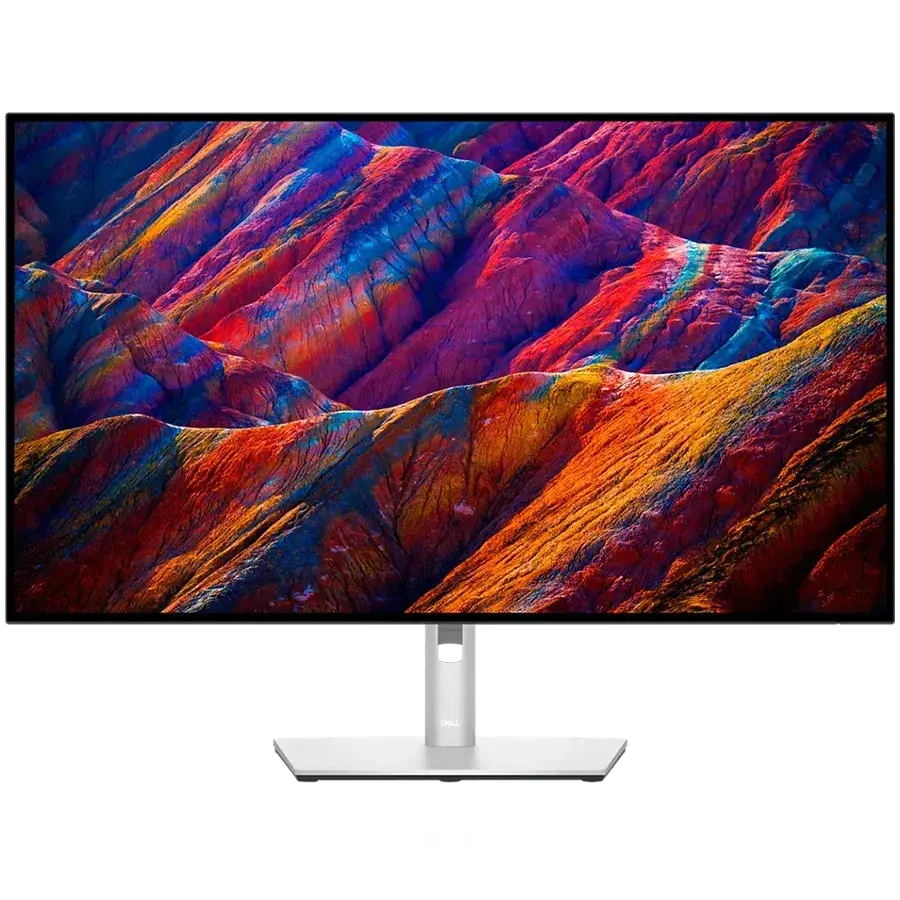
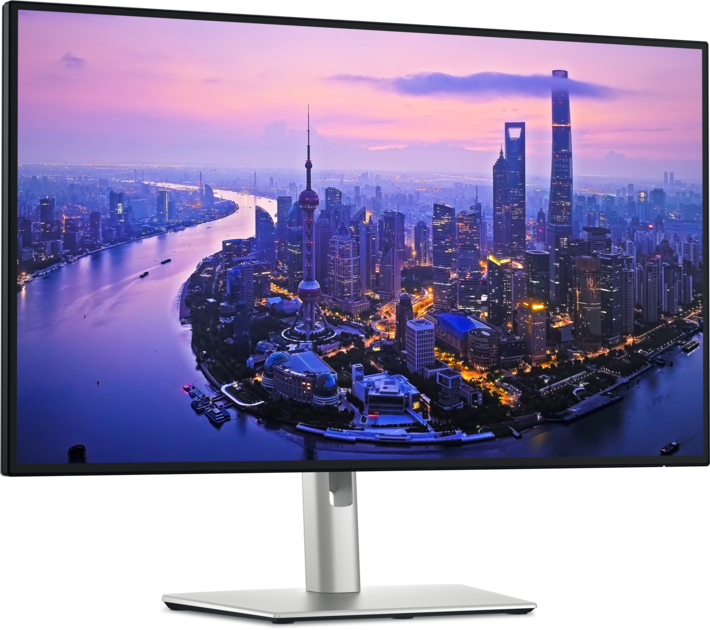
Dell UltraSharp U2725QE

The single-cable productivity monitor to beat: 4K, Thunderbolt 4, 140W charging, KVM and Ethernet in one.

  • 27" 4K IPS Black, 120Hz
  • Thunderbolt 4 hub, 140W PD
  • Built-in KVM + 2.5GbE Ethernet

Best suited for: Productivity · Coding · General Use

Tradeoff: Premium price for a 60/120Hz productivity panel

Price from
From $642
3
Best for Gaming
SetupArc9.1

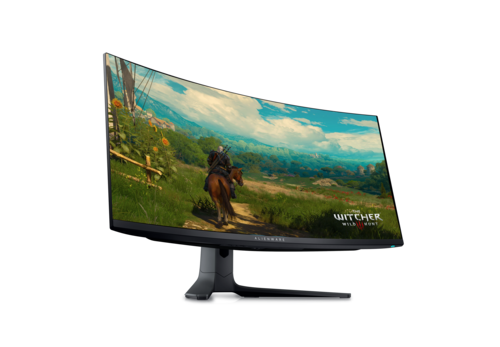
Alienware AW3423DWF

The value QD-OLED ultrawide: 34" 3440×1440, 165Hz, True Black HDR and massive immersion.

  • 34" 3440×1440 QD-OLED
  • 1800R curve, 165Hz
  • DisplayHDR True Black 400

Best suited for: Gaming · General Use · Multitasking

Tradeoff: 1440p vertical height only

Price
$699
4
SetupArc9.0

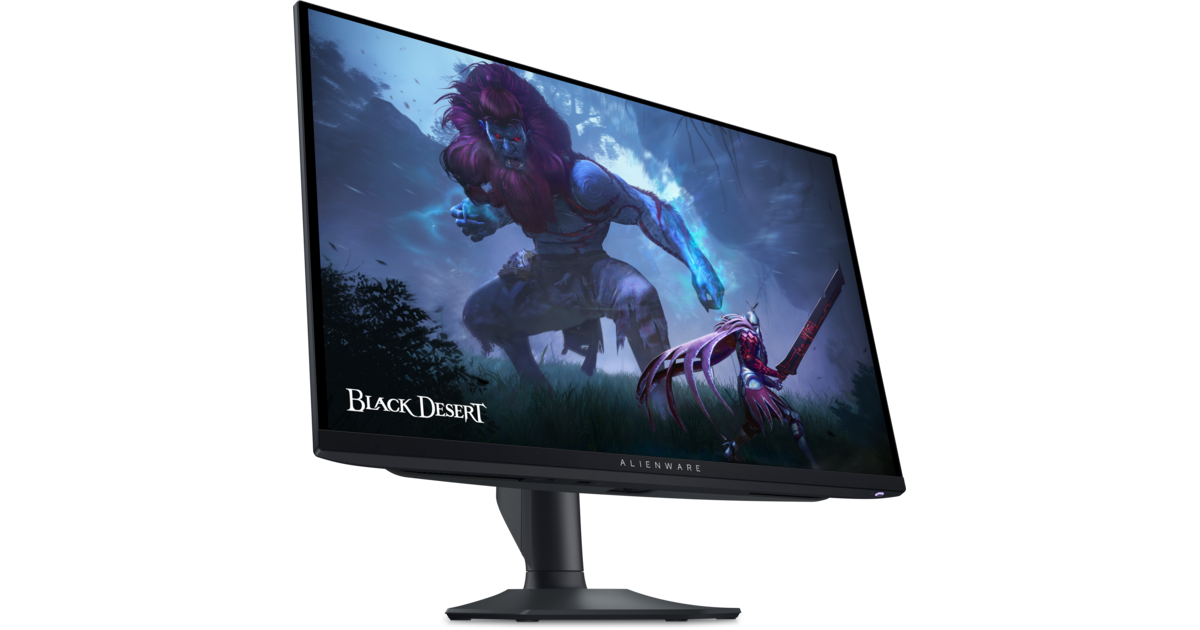
Alienware AW2725DF

360Hz QD-OLED with True Black HDR — elite motion clarity and contrast for gaming.

  • 27" 1440p QD-OLED
  • 360Hz, 0.03ms
  • DisplayHDR 400 True Black

Best suited for: Gaming · Competitive play

Tradeoff: No USB-C video or laptop charging

Price
$690
5
Best for Creators
SetupArc9.0

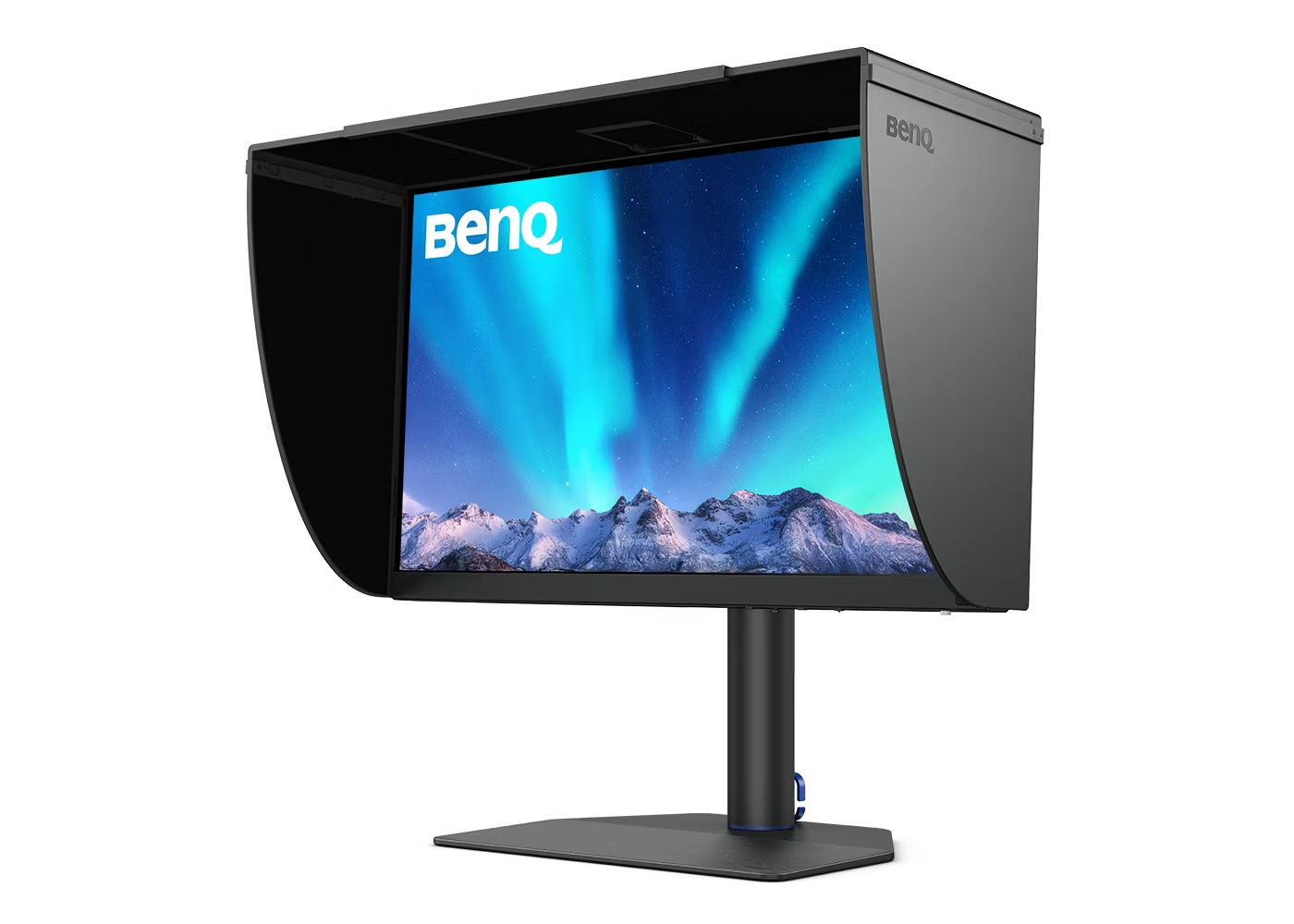
BenQ PhotoVue SW272U

Reference photo monitor: 99% Adobe RGB, 16-bit 3D LUT hardware calibration and a glare-free nano-matte panel.

  • 27" 4K IPS photographer display
  • 99% Adobe RGB / DCI-P3, ΔE≤1.5
  • Hardware calibration (Palette Master Ultimate)

Best suited for: Creative Work · Video Editing · Photo editing

Tradeoff: Expensive (price varies by bundle)

Price
$1,099–$1,549 (varies by bundle/retailer)
6
SetupArc8.9

LG UltraGear 27GS95QE-B

240Hz WOLED with True Black HDR and a matte finish — premium 1440p OLED gaming.

  • 27" 1440p WOLED, 240Hz
  • Matte anti-glare
  • DisplayHDR True Black 400

Best suited for: Gaming · Competitive play

Tradeoff: No USB-C video/charging

Price
$630–$800
7
SetupArc8.6

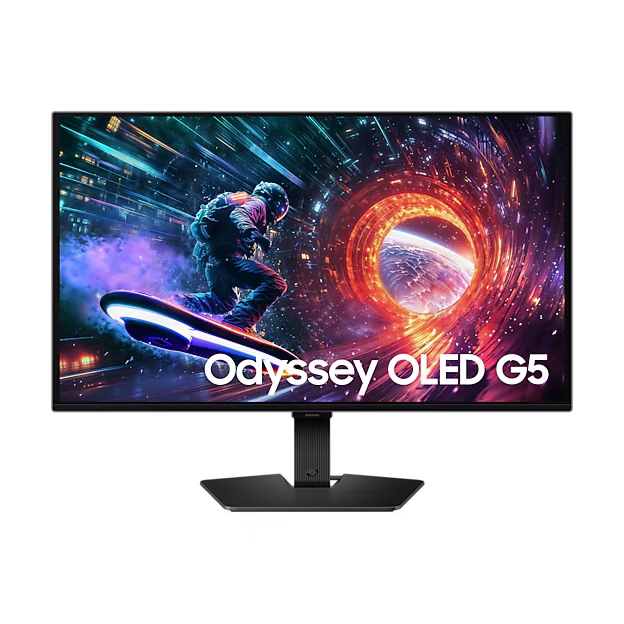
Samsung Odyssey OLED G5 (G50SF)

OLED contrast and color at roughly $400 — the value entry point into OLED gaming.

  • 27" 1440p QD-OLED
  • 180Hz, 0.03ms
  • HDR10 + OLED Safeguard

Best suited for: Gaming · General Use

Tradeoff: No USB-C

Price
$399
8
SetupArc8.6

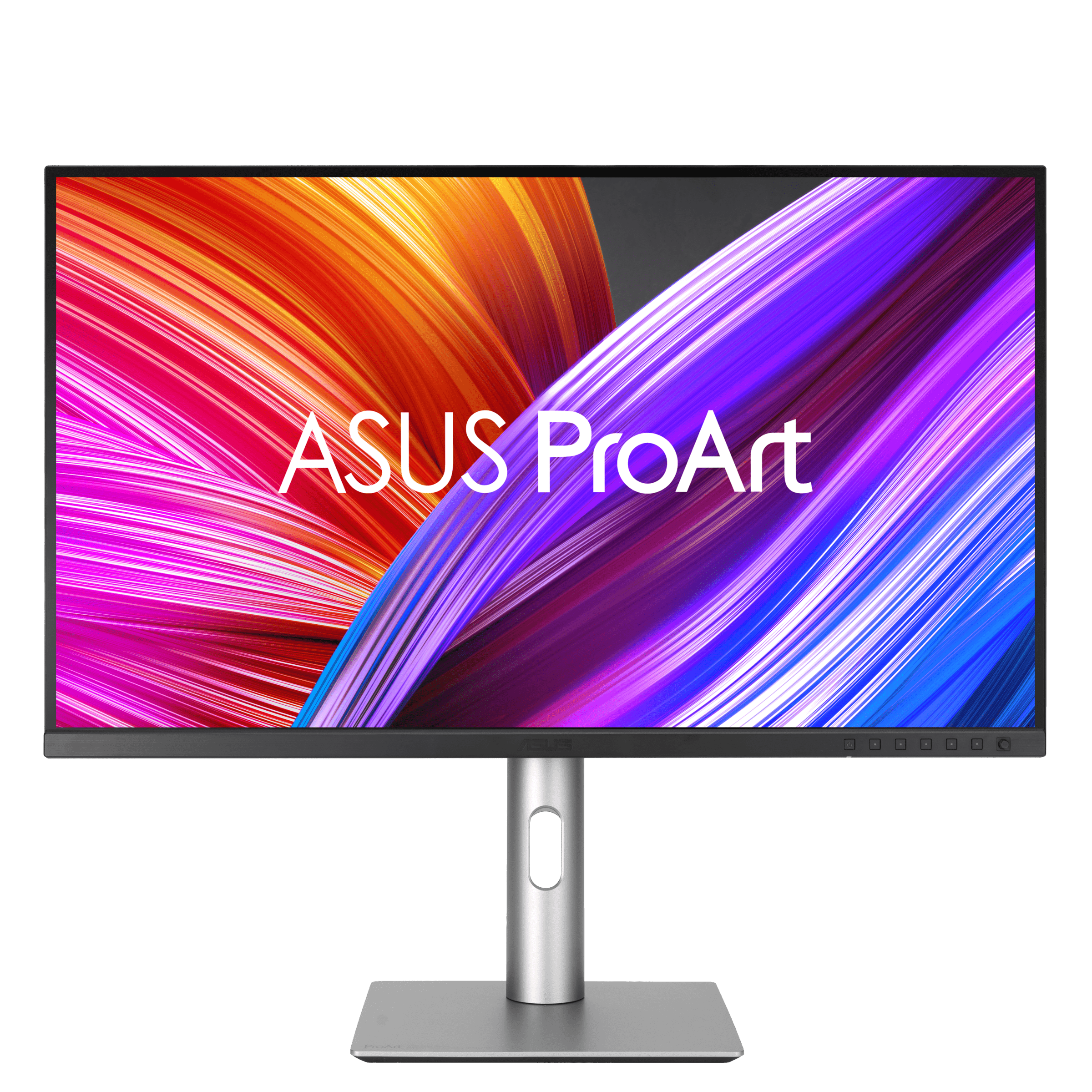
ASUS ProArt Display PA279CRV

99% Adobe RGB/DCI-P3, factory calibration and USB-C 96W at a value price — a lot of creator monitor for the money.

  • 27" 4K IPS, 60Hz
  • 99% Adobe RGB / DCI-P3
  • USB-C 96W + daisy-chain

Best suited for: Creative Work · Video Editing · Productivity

Tradeoff: 60Hz (not for gaming)

Price
$399
9
Best Value
SetupArc8.5

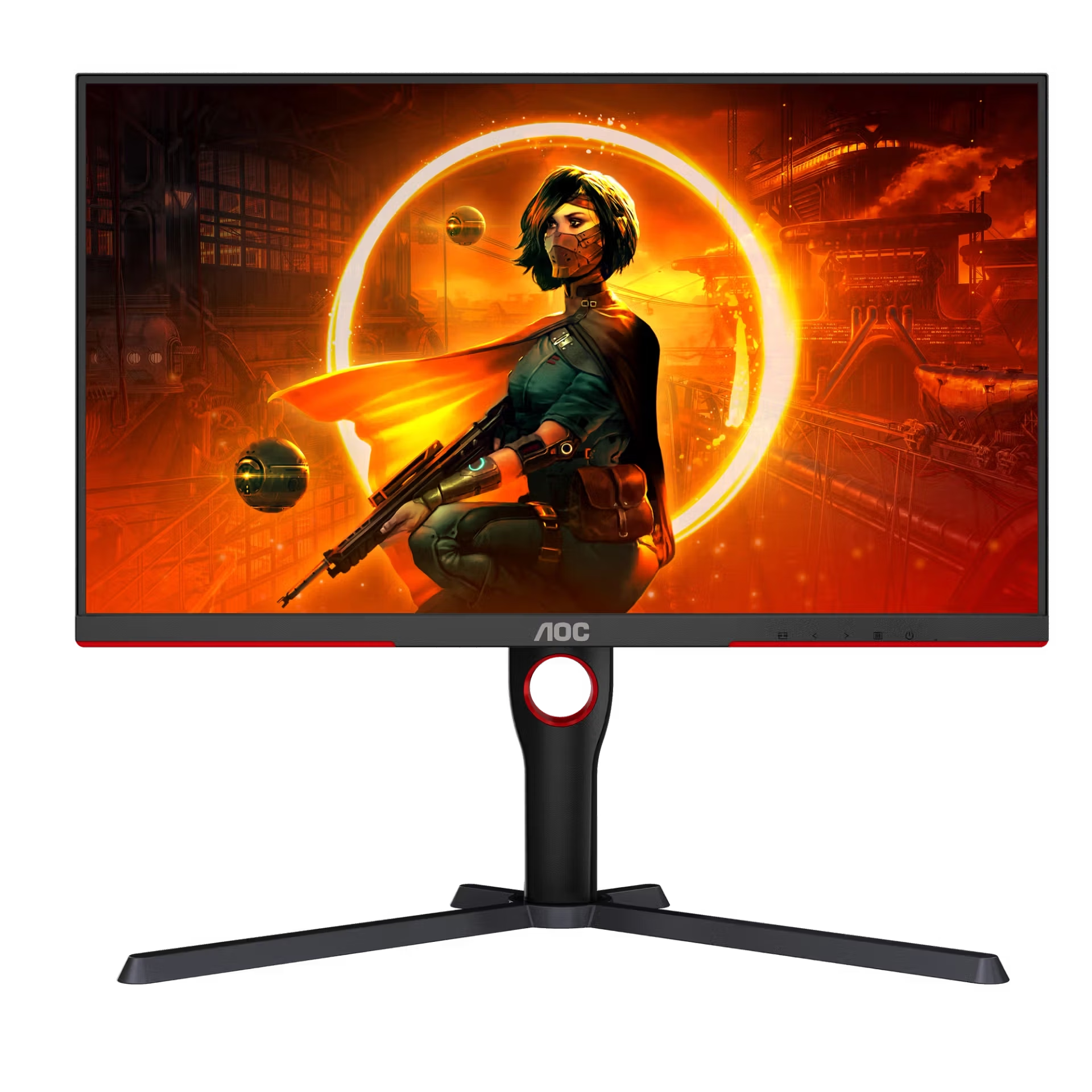
AOC Gaming Q27G3XMN

Mini-LED DisplayHDR 1000 and 180Hz for around $230 — the budget HDR gaming champion.

  • 27" 1440p VA, 180Hz
  • 336-zone Mini-LED FALD
  • DisplayHDR 1000

Best suited for: Gaming · General Use · HDR

Tradeoff: VA viewing angles

Price
$230
10
SetupArc8.5

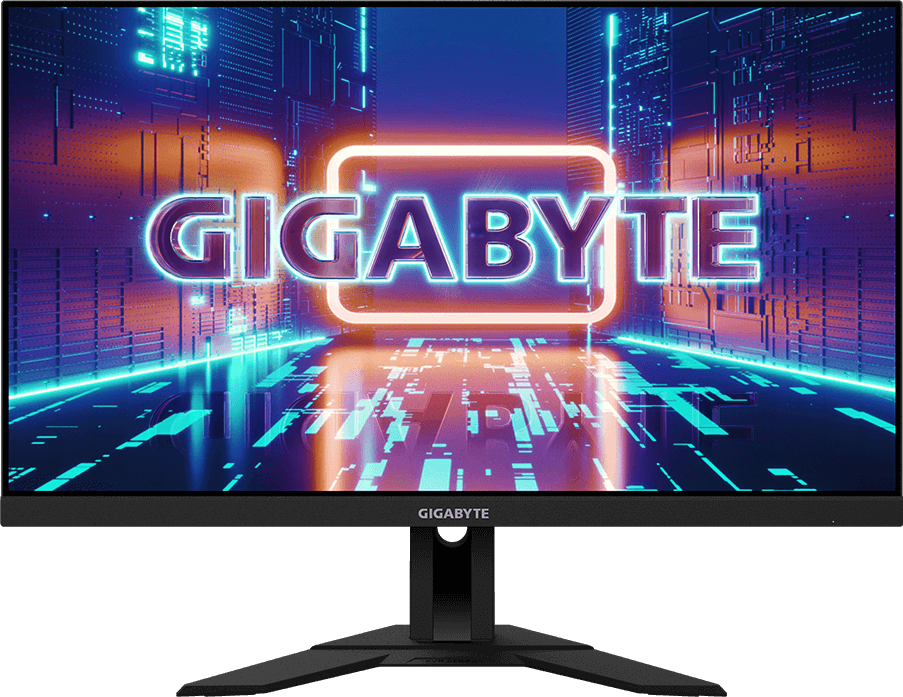
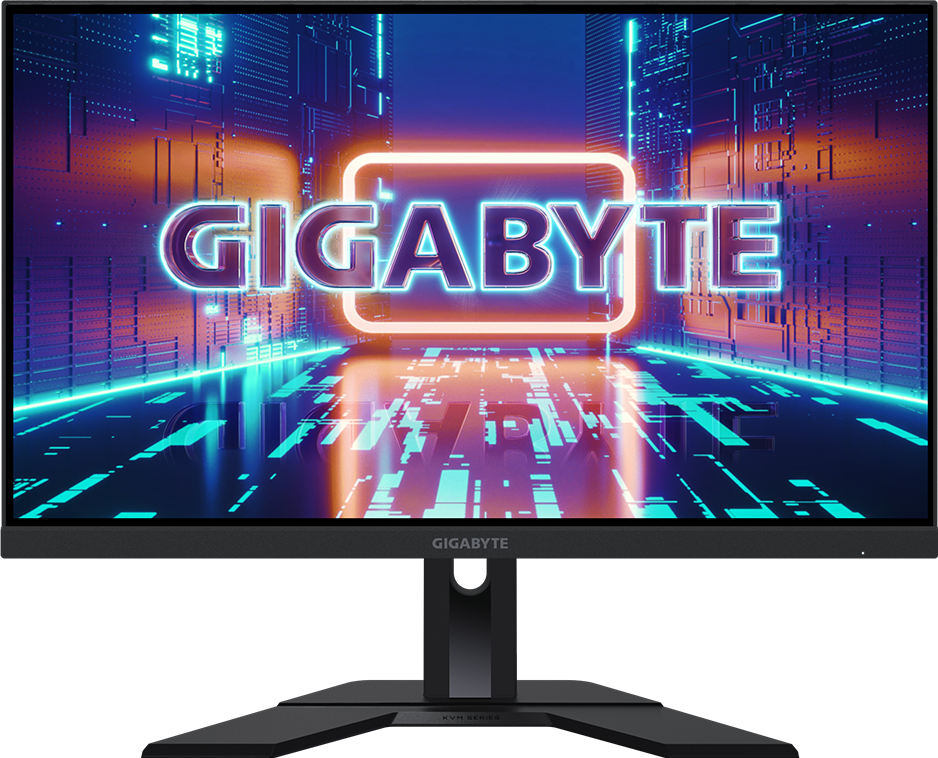
Gigabyte M28U

4K at 144Hz with HDMI 2.1, USB-C and KVM — a versatile value pick for play and work.

  • 28" 4K SS-IPS, 144Hz
  • 2 × HDMI 2.1
  • USB-C + Type-C KVM

Best suited for: Gaming · Creative Work · Productivity

Tradeoff: DisplayHDR 400 (no strong local dimming)

Price
$400–$500
11
SetupArc8.4

Dell S2725QC

Sharp 4K, 120Hz and single-cable USB-C charging at a genuinely mainstream price.

  • 27" 4K IPS, 120Hz
  • USB-C 65W single cable
  • 2 × HDMI 2.1

Best suited for: Productivity · General Use · Mac compatibility

Tradeoff: No Ethernet, KVM or DisplayPort input

Price
$280
12
Best Budget
SetupArc8.3

Gigabyte M27Q (Rev. 2.0)

1440p, 170Hz, KVM and USB-C at a value price — a dependable do-a-bit-of-everything monitor.

  • 27" 1440p SS-IPS, 170Hz
  • Built-in KVM
  • USB-C + USB hub

Best suited for: Gaming · Productivity · General Use

Tradeoff: Basic HDR (no real local dimming)

Price
$230–$280