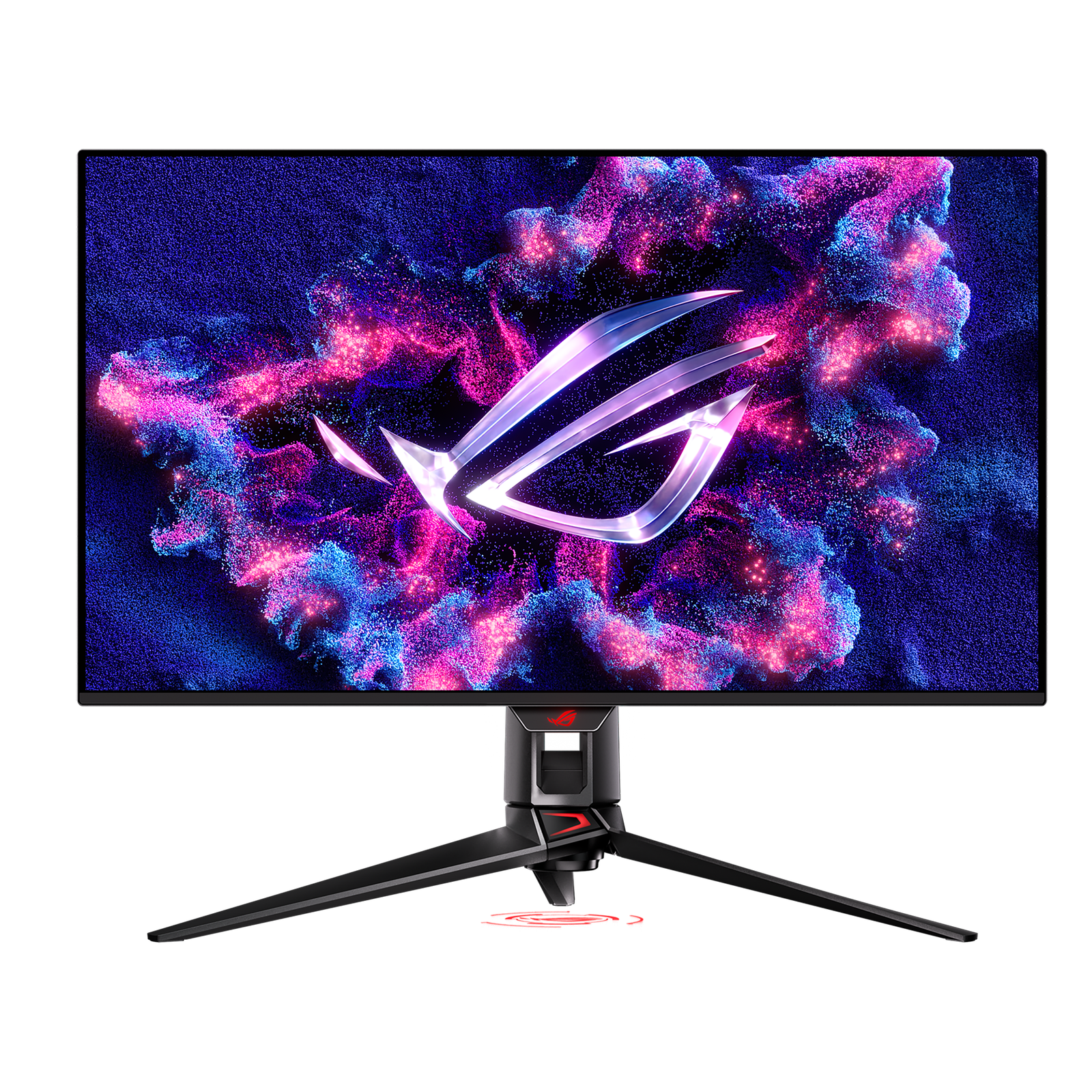
Best Overall
ASUS
SetupArc9.3
ASUS ROG Swift OLED PG32UCDM
A 4K/240Hz QD-OLED that's exceptional for gaming and doubles as a stunning creative display.
- Screen Size32"
- Resolution3840 × 2160 (4K UHD)
- Refresh Rate240 Hz
Price
$950–$1,100
The single-cable productivity monitor to beat: 4K, Thunderbolt 4, 140W charging, KVM and Ethernet in one.
The single-cable productivity monitor to beat: 4K, Thunderbolt 4, 140W charging, KVM and Ethernet in one.
The Dell UltraSharp U2725QE pairs a sharp 4K IPS Black panel (higher contrast than typical IPS) running at 120Hz with a full Thunderbolt 4 dock: one cable delivers video, data, 2.5GbE Ethernet and up to 140W of laptop charging, with a built-in KVM and USB hub. Based on specifications and current third-party testing, it is the strongest do-everything productivity display of its class.
Every product is assessed against the same five criteria, from specifications and use-case fit. How we score
Laptop-first professionals who want a tidy single-cable desk with Ethernet, KVM and high-wattage charging.
Gamers who need high refresh rates, and anyone who doesn't need the Thunderbolt dock and would rather save money.
On price: This sits in the upper middle of the 12 monitors we track on price.

You gain: Typically about $50 less by reference price.
You give up: You give up USB-C and Thunderbolt by going this way.
Price positions use our editorial reference prices, not live retailer quotes. Scores within a few tenths rarely decide a purchase — how we score.
| Specification | Dell UltraSharp U2725QEThis product | ASUS ROG Swift OLED PG32UCDM | Alienware AW3423DWF |
|---|---|---|---|
| SetupArc Score | 9.2 | 9.3 | 9.1 |
| Price | From $642 | $950–$1,100 | $699 |
| Screen Size | 27" | 32" | 34" (Ultrawide) |
| Resolution | 3840 × 2160 (4K UHD) | 3840 × 2160 (4K UHD) | 3440 × 1440 (UWQHD) |
| Refresh Rate | 120 Hz | 240 Hz | 165 Hz |
| Panel Type | IPS Black | QD-OLED | QD-OLED |
| Aspect Ratio | 16:9 | 16:9 | 21:9 |
| Response Time | 5 ms (GtG) | 0.03 ms (GtG) | 0.1 ms (GtG) |
| Brightness | 450 nits (DisplayHDR 600) | — | 1000 nits (peak) |
Live prices vary — we surface the lowest we've recorded. Tap through to check the current price.
If you want one monitor that docks your laptop, drives 4K at 120Hz and cleans up your cabling, the U2725QE is the reference pick. You pay for the Thunderbolt hub, but it replaces a separate dock.
A 4K/240Hz QD-OLED that's exceptional for gaming and doubles as a stunning creative display.
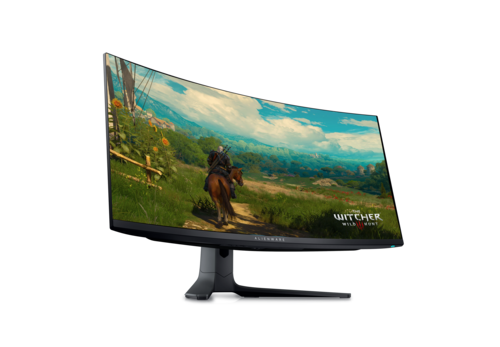
The value QD-OLED ultrawide: 34" 3440×1440, 165Hz, True Black HDR and massive immersion.
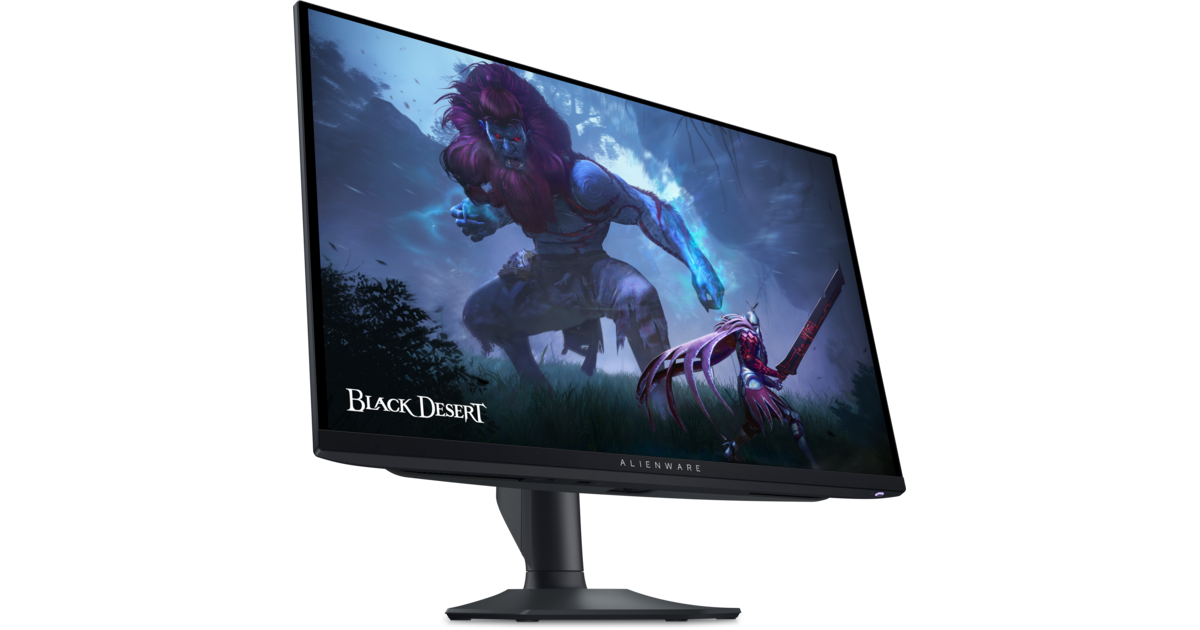
360Hz QD-OLED with True Black HDR — elite motion clarity and contrast for gaming.
Size, resolution, panel type, refresh rate and ports — the five decisions that actually matter, explained in plain English.
More pixels mean sharper text and more room — but also higher cost and scaling quirks. Here's how to decide for work.