Skip to content
SetupArc

Best USB-C Monitors

Every monitor here carries video, data and laptop charging over a single USB-C cable — but what separates them is how much power they actually deliver, and whether they replace a dock. This guide is for anyone docking a laptop: the charging wattage, Thunderbolt support, KVM and Ethernet are set out in full before the picks, so you can match a screen to the machine on your desk.

SetupArc may earn commissions from qualifying purchases.

Quick picks

1Best Single-Cable Workstation
SetupArc9.2

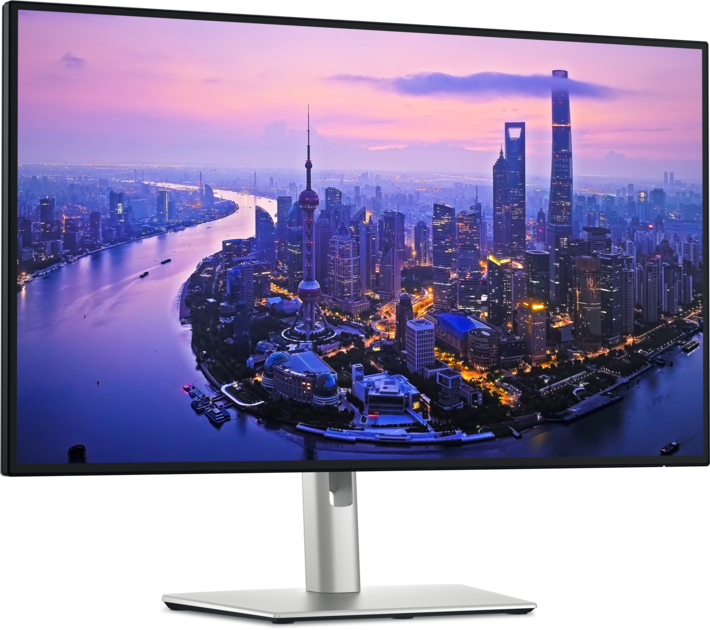
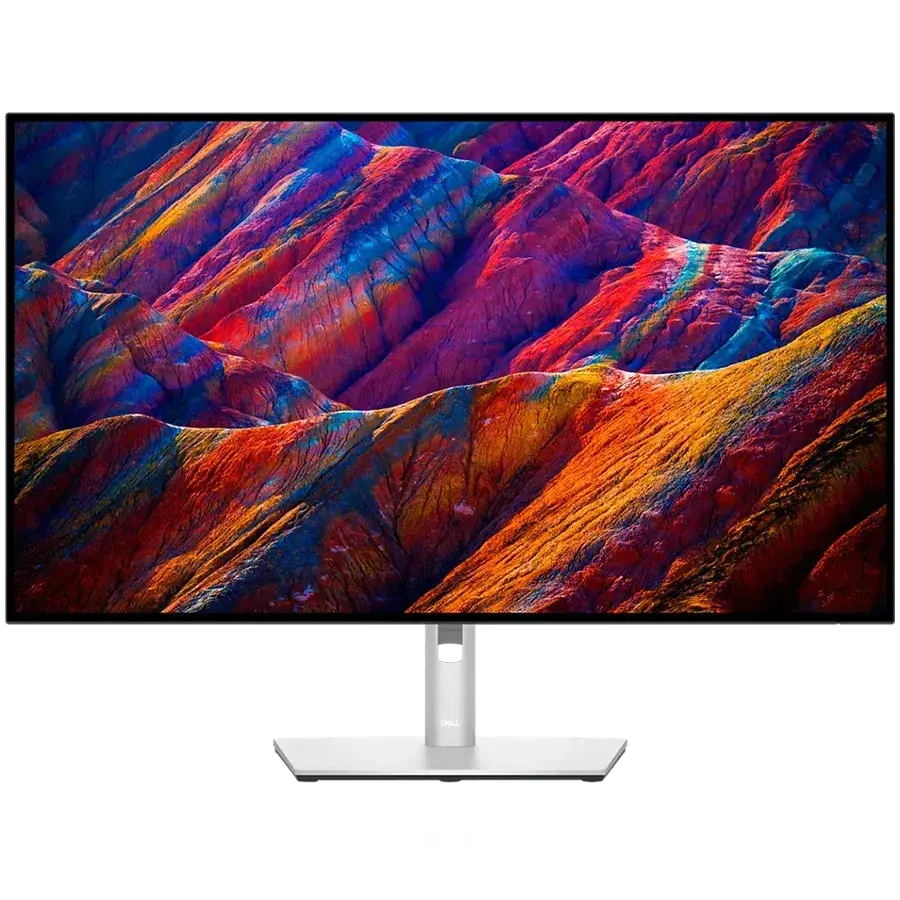
Dell UltraSharp U2725QE

The single-cable productivity monitor to beat: 4K, Thunderbolt 4, 140W charging, KVM and Ethernet in one.

Why it fits: The only pick with Thunderbolt 4 rather than plain USB-C: 140 W of charging, a built-in KVM and 2.5 GbE Ethernet, so one cable replaces a separate dock entirely.

USB-C Power Delivery
140 W
Thunderbolt
Thunderbolt 4
KVM Switch
Yes
Ethernet
2.5 GbE

Best suited for: Productivity · Coding · General Use

Tradeoff: Premium price for a 60/120Hz productivity panel

Skip it if: Gamers who need high refresh rates, and anyone who doesn't need the Thunderbolt dock and would rather save money.

Price from
From $642
Check Price Full review
2Best for Creative Work
SetupArc8.6

ASUS ProArt Display PA279CRV

99% Adobe RGB/DCI-P3, factory calibration and USB-C 96W at a value price — a lot of creator monitor for the money.

Why it fits: 96 W of charging — the second-highest here — alongside 99% Adobe RGB and DCI-P3 coverage and factory calibration, at a mid-range price.

USB-C Power Delivery
96 W
Color Coverage
99% Adobe RGB / 99% DCI-P3
Resolution
3840 × 2160 (4K UHD)
Refresh Rate
60 Hz

Best suited for: Creative Work · Video Editing · Productivity

Tradeoff: 60Hz (not for gaming)

Skip it if: Gamers (60Hz), and pros who need hardware calibration or higher peak HDR brightness.

Price
$399
Check Price Full review
3Best Value
SetupArc8.4

Dell S2725QC

Sharp 4K, 120Hz and single-cable USB-C charging at a genuinely mainstream price.

Why it fits: 4K at 120 Hz with 65 W single-cable charging and speakers for the lowest price on this page — the entry point to a one-cable desk, without the dock features.

USB-C Power Delivery
65 W
Resolution
3840 × 2160 (4K UHD)
Refresh Rate
120 Hz
Speakers
2 × 5W

Best suited for: Productivity · General Use · Mac compatibility

Tradeoff: No Ethernet, KVM or DisplayPort input

Skip it if: Anyone needing a Thunderbolt dock, Ethernet, KVM or high refresh rates.

Price
$280
Check Price Full review
4Best for Gaming
SetupArc9.3

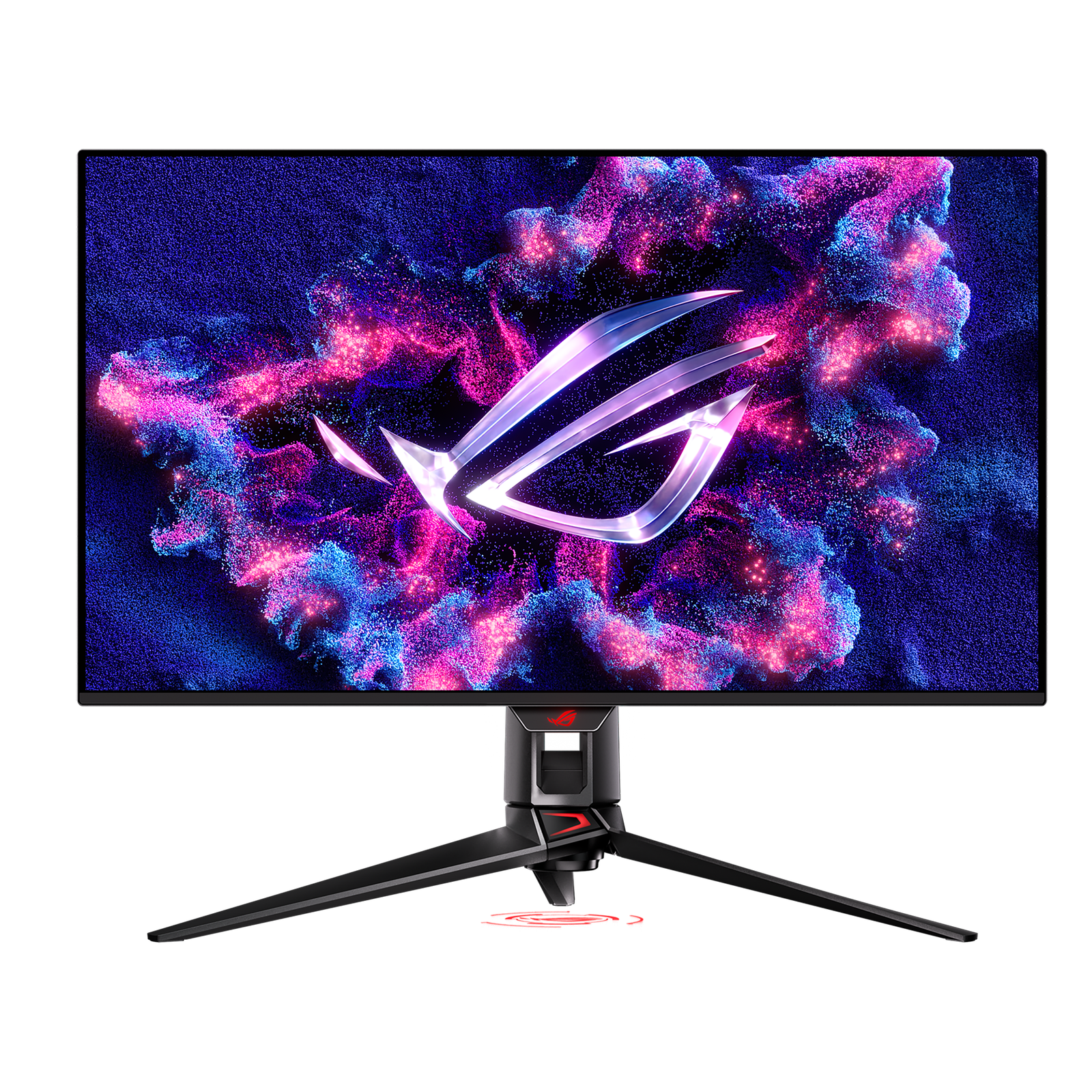
ASUS ROG Swift OLED PG32UCDM

A 4K/240Hz QD-OLED that's exceptional for gaming and doubles as a stunning creative display.

Why it fits: A 32-inch 4K QD-OLED at 240 Hz that still charges a laptop at 90 W and includes a KVM — rare in a gaming panel, where USB-C is usually data-only or absent.

USB-C Power Delivery
90 W
Refresh Rate
240 Hz
Panel Type
QD-OLED
KVM Switch
Yes

Best suited for: Gaming · Creative Work · Video Editing

Tradeoff: Expensive

Skip it if: Budget buyers, and anyone who leaves static UI on screen for long stretches without OLED care.

Price
$950–$1,100
Check Price Full review
5Best for Color-Critical Work
SetupArc9.0

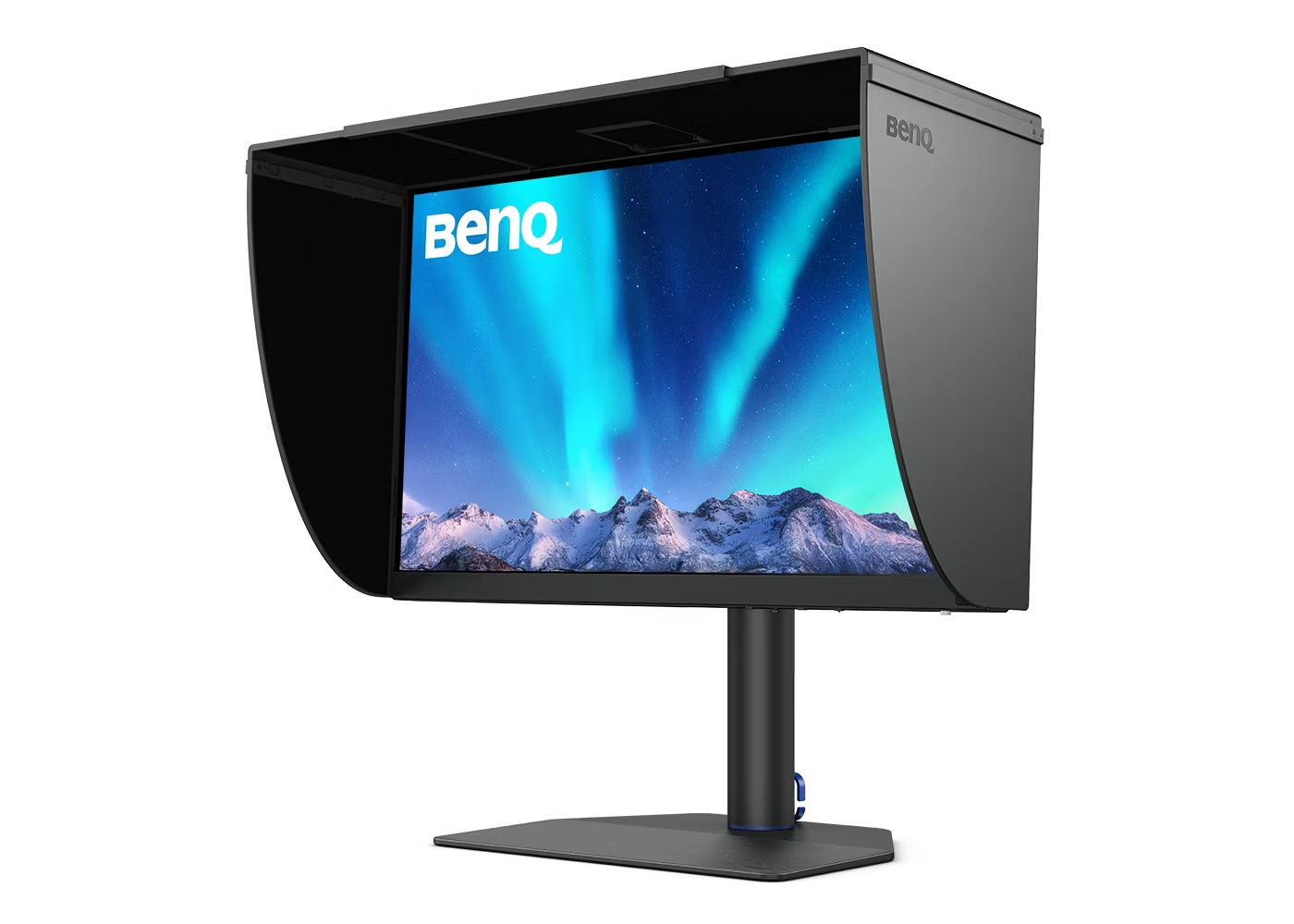
BenQ PhotoVue SW272U

Reference photo monitor: 99% Adobe RGB, 16-bit 3D LUT hardware calibration and a glare-free nano-matte panel.

Why it fits: 90 W charging on a nano-matte 4K panel with hardware calibration and 99% Adobe RGB — built for print and photo work rather than general docking.

USB-C Power Delivery
90 W
Color Coverage
99% Adobe RGB / 99% DCI-P3
Panel Type
IPS (Nano-Matte)
Resolution
3840 × 2160 (4K UHD)

Best suited for: Creative Work · Video Editing · Photo editing

Tradeoff: Expensive (price varies by bundle)

Skip it if: General users and gamers; the value proposition only makes sense for color-critical work.

Price
$1,099–$1,549 (varies by bundle/retailer)
Check Price Full review

USB-C power delivery at a glance

MonitorScoreResolutionRefresh RateUSB-C Power DeliveryThunderboltKVM SwitchEthernetReference price
Dell UltraSharp U2725QE9.23840 × 2160 (4K UHD)120 Hz140 WThunderbolt 4Yes2.5 GbE$640–$870
ASUS ProArt Display PA279CRV8.63840 × 2160 (4K UHD)60 Hz96 WNoNot recordedNot recorded$399–$470
Dell S2725QC8.43840 × 2160 (4K UHD)120 Hz65 WNoNot recordedNot recorded$280–$350
ASUS ROG Swift OLED PG32UCDM9.33840 × 2160 (4K UHD)240 Hz90 WNoYesNot recorded$950–$1,100
BenQ PhotoVue SW272U9.03840 × 2160 (4K UHD)60 Hz90 WNoNot recordedNot recorded$1,099–$1,549 (varies by bundle/retailer)

Values are the manufacturer specifications stored in our catalogue. Where a figure is not recorded we say so rather than estimating it. Reference price is a typical street price, not a live retailer quote.

How much USB-C power do you actually need?

Charging wattage is the specification that varies most between these monitors, and the one most often skimmed. A reasonable rule of thumb is to match the monitor's output to the wattage of the charger your laptop already ships with; below that, the laptop will usually still charge, but more slowly, and it may draw down under heavy load.

65 W
Enough for many thin-and-light laptops and for topping up while you work. It is the least headroom here, so a machine that ships with a higher-wattage charger may charge slowly under sustained load.
90 W
Comfortable for most mainstream laptops, including many 14-inch and 15-inch machines, with some headroom left for peripherals drawing from the monitor's hub.
96 W
Effectively the same bracket as 90 W with a little more margin — useful if you also power accessories from the monitor.
140 W
The most headroom of any pick here, aimed at larger or more power-hungry laptops that ship with high-wattage chargers. It also means charging is unlikely to be the limiting factor in a dock replacement.

USB-C or Thunderbolt?

Both use the same connector, so the port shape tells you nothing about capability. Plain USB-C over DisplayPort Alt Mode is enough for one display plus charging, which covers four of the five picks here. Thunderbolt adds bandwidth, which is what makes daisy-chaining and full dock behaviour practical — only the Dell UltraSharp U2725QE offers it on this page.

Read the full USB-C vs Thunderbolt guide →

What matters for this use case

Video and power over one cable

A USB-C port only guarantees a connector. For single-cable docking the monitor needs DisplayPort Alt Mode for video and Power Delivery for charging — a data-only USB-C port does neither, which is why not every monitor with a USB-C port belongs on this page.

Charging wattage

The headline figure is what the monitor can deliver, not necessarily what your laptop will receive: the cable's rating and the monitor's own power budget both cap it. A cable rated for the wattage you expect is as important as the monitor's number.

Hub and Ethernet

Downstream USB ports turn the monitor into a hub for keyboard, mouse and storage. Wired Ethernet is rarer and is the feature that most often decides whether a monitor can genuinely replace a separate dock.

KVM

A built-in KVM switches keyboard, mouse and display between two connected machines without extra hardware — the most useful feature here if you run a work laptop alongside a personal desktop.

Refresh rate

High refresh rates and USB-C charging rarely appear together: most high-refresh panels treat USB-C as data-only or omit it. If you want both, the choice narrows sharply.

Panel and resolution

Docking monitors are usually 4K at 27 to 32 inches, where text stays sharp for long working days. Colour coverage matters if the same screen also handles photo or video work.

How we chose

Recommendations are based on current specifications, product positioning, verified manufacturer data and third-party testing — not hands-on reviews. Products are ordered by how well they fit this specific use case, never by commission, retailer count or popularity. Use the interactive Compare tool and the Setup Finder to weigh them against your own priorities.

Common questions

Is 65 W enough for a USB-C monitor?

For many thin-and-light laptops, yes — it will charge while you work. If your laptop ships with a charger rated well above 65 W, expect slower charging under sustained load. The Dell S2725QC is the 65 W option here; the other picks deliver 90 W or more.

Do all USB-C monitors charge laptops?

No. Some USB-C ports carry data only, and some carry video without meaningful power. We list the stored wattage for every pick, and we exclude monitors whose charging capability is not documented in our catalogue.

Is Thunderbolt better than USB-C for a monitor?

It is more capable, not automatically better. Thunderbolt adds bandwidth for daisy-chaining and full dock behaviour. For a single display plus charging, plain USB-C with enough wattage does the same job for less.

Can a USB-C monitor replace a dock?

It depends on the ports behind the screen. A monitor with downstream USB, Ethernet and a KVM — the Dell UltraSharp U2725QE among these picks — can replace a dock for most desks. A monitor with charging alone cannot.

Does USB-C support high refresh rates?

Yes, but the combination is uncommon. Most high-refresh gaming monitors leave USB-C out or make it data-only. The ASUS ROG Swift OLED PG32UCDM is the exception here, pairing 240 Hz with 90 W charging.

Related content