Skip to content
SetupArc

Best Monitor for Productivity

A productivity monitor should make long days of documents, code and spreadsheets easier on your eyes while clearing your desk of cables. This guide is for professionals and hybrid workers who want crisp text, solid ergonomics and single-cable laptop docking. Every pick connects over USB-C or Thunderbolt and is chosen for real desk work, not gaming benchmarks.

SetupArc may earn commissions from qualifying purchases.

Quick picks

1Best Overall
SetupArc9.2

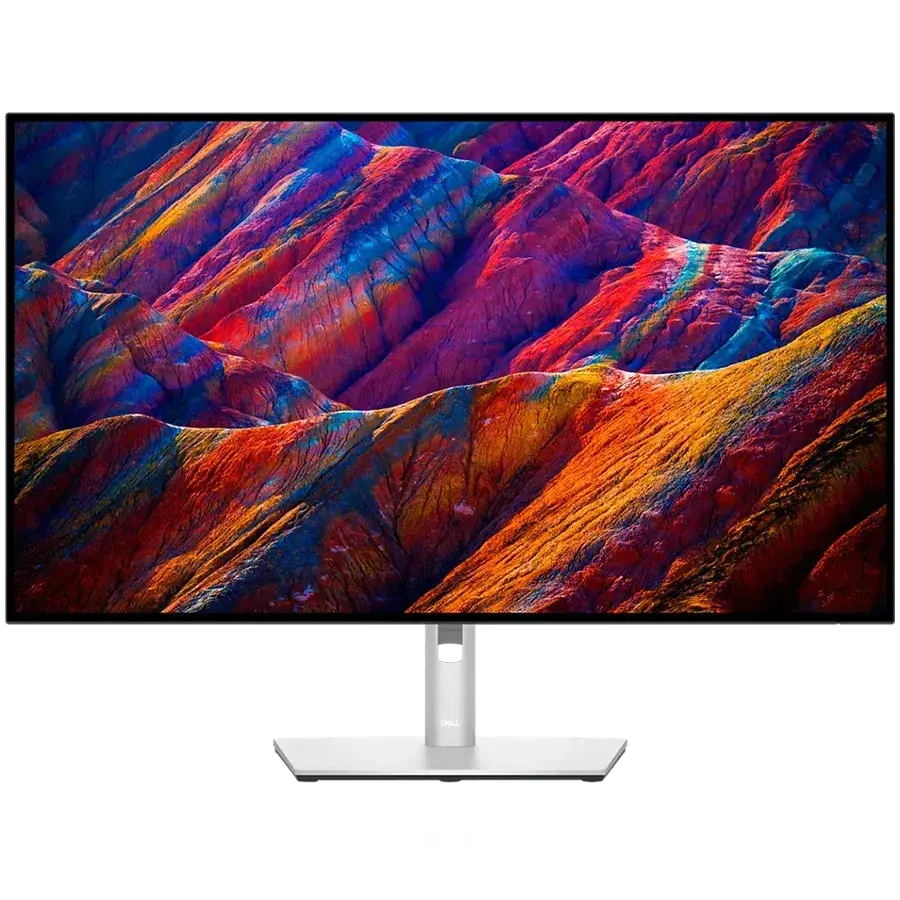
Dell UltraSharp U2725QE

The single-cable productivity monitor to beat: 4K, Thunderbolt 4, 140W charging, KVM and Ethernet in one.

Why it fits: 4K clarity on an IPS Black panel, plus a full Thunderbolt 4 dock with 140 W charging, a built-in KVM and 2.5 GbE — it turns a laptop into a one-cable desk.

Resolution
3840 × 2160 (4K UHD)
Panel Type
IPS Black
USB-C Power Delivery
140 W
Ethernet
2.5 GbE

Best suited for: Productivity · Coding · General Use

Tradeoff: Premium price for a 60/120Hz productivity panel
Price from
From $642
Check Price Full review
2Best Value
SetupArc8.4

Dell S2725QC

Sharp 4K, 120Hz and single-cable USB-C charging at a genuinely mainstream price.

Why it fits: The same 4K/120 Hz sharpness with single-cable 65 W USB-C charging and built-in speakers, at well under half the flagship's price.

Resolution
3840 × 2160 (4K UHD)
Refresh Rate
120 Hz
USB-C Power Delivery
65 W
Speakers
2 × 5W

Best suited for: Productivity · General Use · Mac compatibility

Tradeoff: No Ethernet, KVM or DisplayPort input

Price
$280
Check Price Full review
3Best for Creators
SetupArc8.6

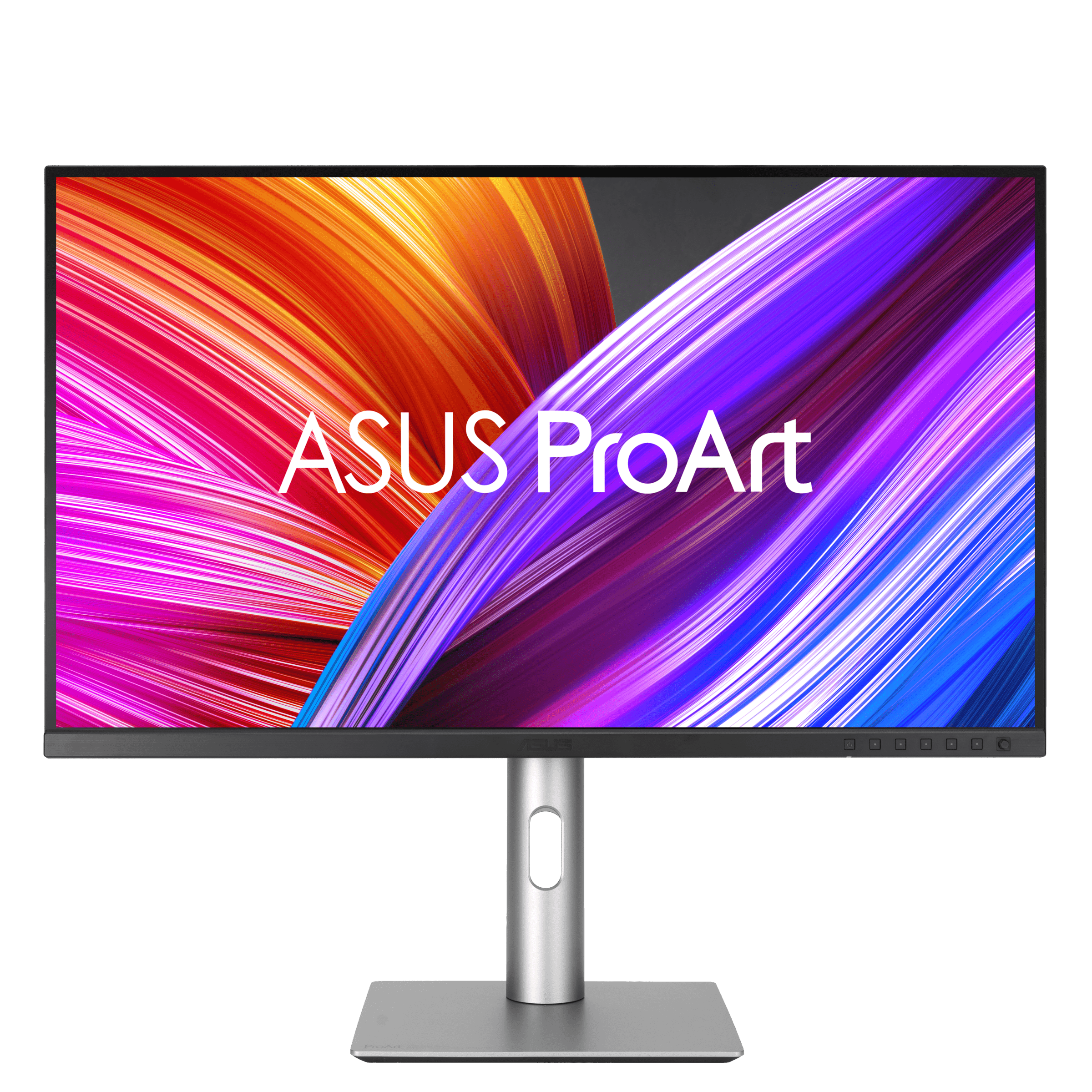
ASUS ProArt Display PA279CRV

99% Adobe RGB/DCI-P3, factory calibration and USB-C 96W at a value price — a lot of creator monitor for the money.

Why it fits: Factory-calibrated 4K with 99% Adobe RGB and DCI-P3 coverage and 96 W USB-C, so color work and everyday docking share one screen.

Resolution
3840 × 2160 (4K UHD)
Color Coverage
99% Adobe RGB / 99% DCI-P3
USB-C Power Delivery
96 W

Best suited for: Creative Work · Video Editing · Productivity

Tradeoff: 60Hz (not for gaming)

Price
$399
Check Price Full review
4Best Premium
SetupArc9.0

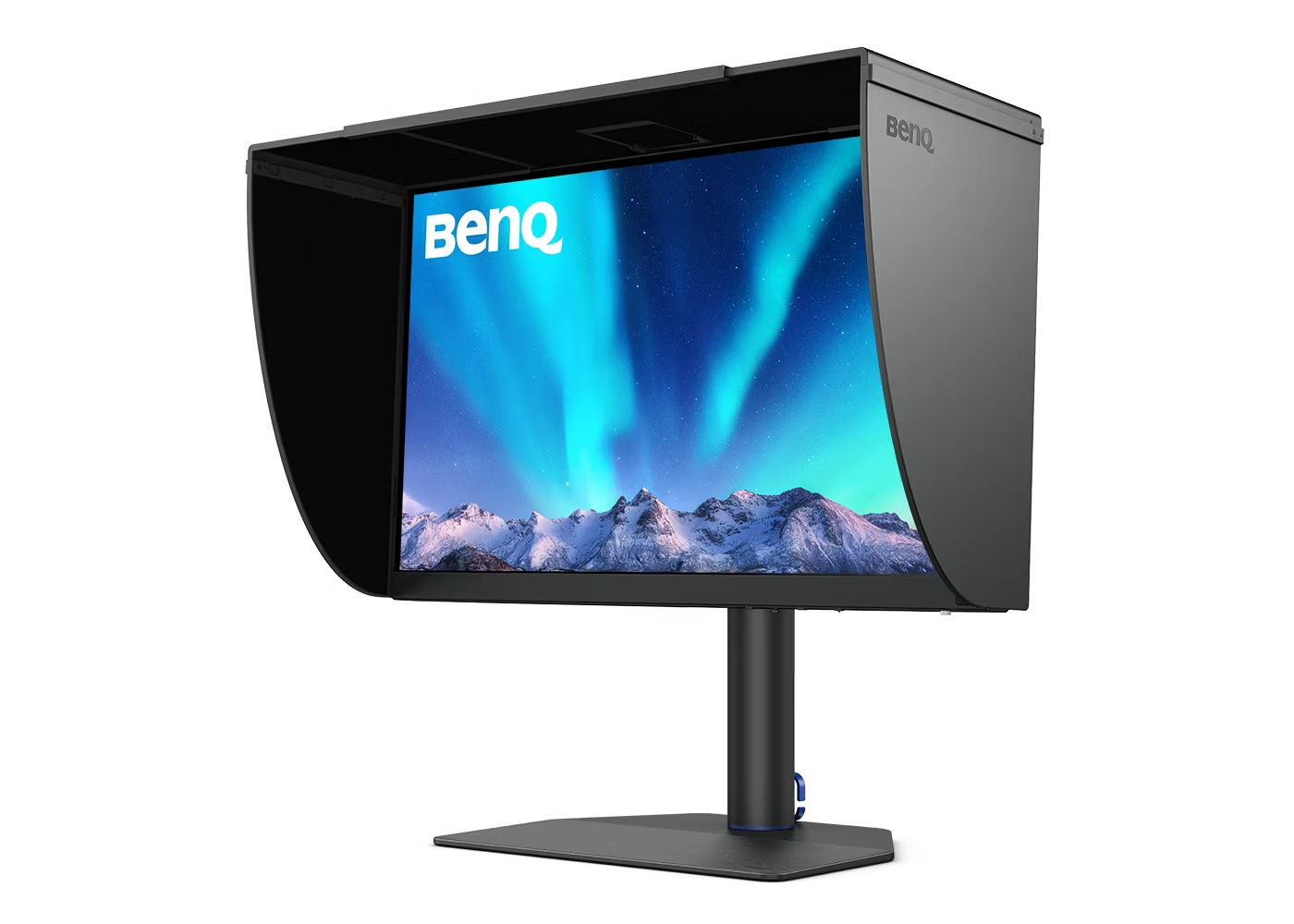
BenQ PhotoVue SW272U

Reference photo monitor: 99% Adobe RGB, 16-bit 3D LUT hardware calibration and a glare-free nano-matte panel.

Why it fits: A nano-matte 4K panel with hardware-calibrated Adobe RGB and DCI-P3 color for photo and video pros who want reference-grade accuracy with USB-C docking.

Resolution
3840 × 2160 (4K UHD)
Color Coverage
99% Adobe RGB / 99% DCI-P3
USB-C Power Delivery
90 W

Best suited for: Creative Work · Video Editing · Photo editing

Tradeoff: Expensive (price varies by bundle)

Price
$1,099–$1,549 (varies by bundle/retailer)
Check Price Full review

What matters for this use case

Resolution & text clarity

4K — or high-PPI QHD — keeps text crisp through hours of reading and coding. On a 27-inch screen, 4K is the sweet spot for sharpness without heavy scaling.

USB-C / Thunderbolt docking

One USB-C or Thunderbolt cable can carry video, data, Ethernet and laptop charging, the fastest route to a tidy desk. Check the charging wattage matches your laptop.

Connectivity & KVM

Extra USB ports, Ethernet and a built-in KVM let the monitor replace a separate dock and switch between two machines with a keypress.

Ergonomics

Height, tilt and swivel adjustment matter more than any spec for all-day comfort, and a VESA mount adds monitor-arm flexibility.

Panel & contrast

IPS and IPS Black panels give wide viewing angles and accurate color; IPS Black roughly doubles contrast for deeper, more readable text on white.

How we chose

Recommendations are based on current specifications, product positioning, verified manufacturer data and third-party testing — not hands-on reviews. Products are ordered by how well they fit this specific use case, never by commission, retailer count or popularity. Use the interactive Compare tool and the Setup Finder to weigh them against your own priorities.

Related content