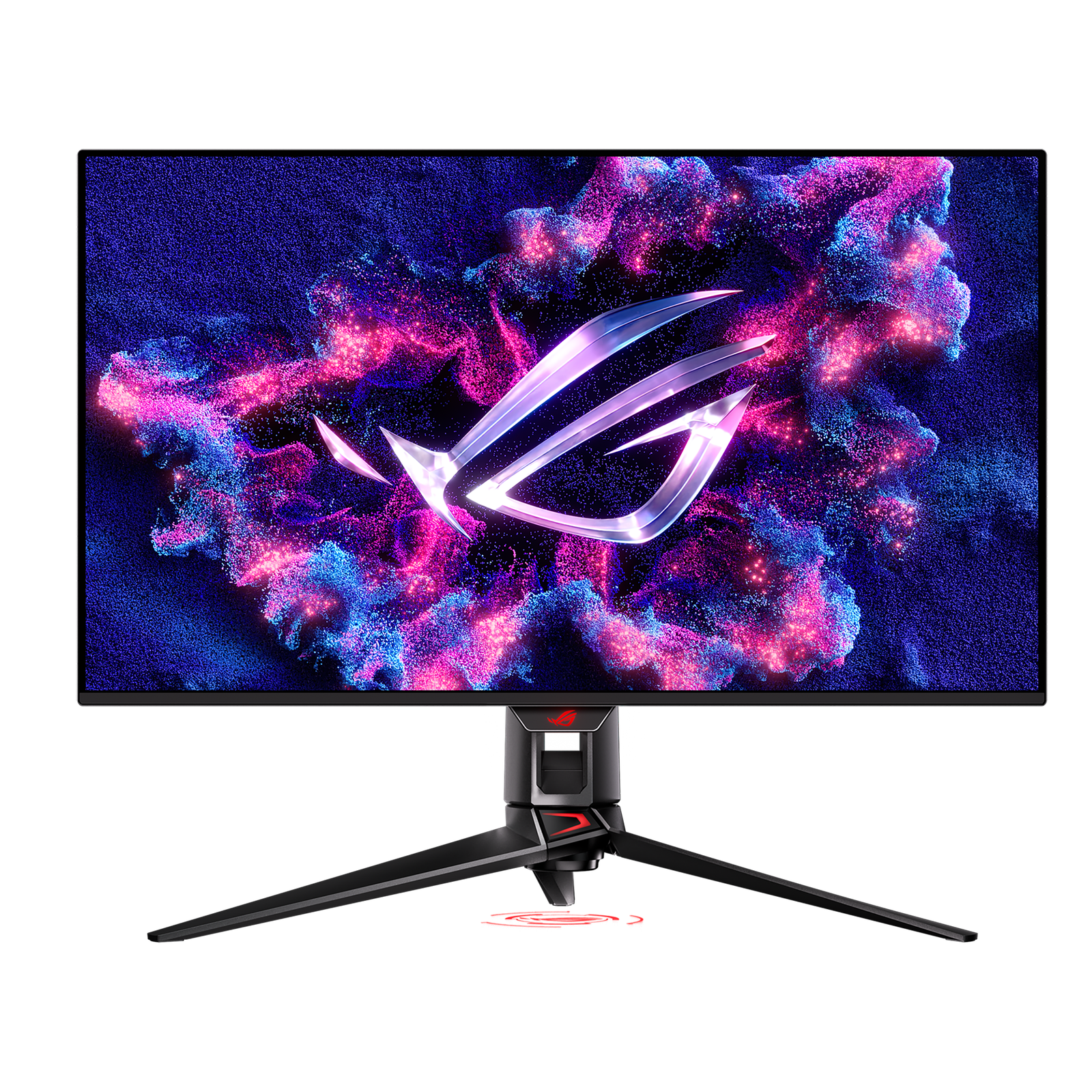
Best Overall
ASUS
SetupArc9.3
ASUS ROG Swift OLED PG32UCDM
A 4K/240Hz QD-OLED that's exceptional for gaming and doubles as a stunning creative display.
- Screen Size32"
- Resolution3840 × 2160 (4K UHD)
- Refresh Rate240 Hz
Price
$950–$1,100
4K at 144Hz with HDMI 2.1, USB-C and KVM — a versatile value pick for play and work.
4K at 144Hz with HDMI 2.1, USB-C and KVM — a versatile value pick for play and work.
The Gigabyte M28U is a 28-inch 3840×2160 SuperSpeed IPS monitor at 144Hz with 1ms response, 94% DCI-P3, HDMI 2.1, a USB-C input and a Type-C KVM. Based on specifications and current third-party testing, it's one of the better-value 4K high-refresh IPS displays and pulls double duty for gaming and content work.
Every product is assessed against the same five criteria, from specifications and use-case fit. How we score
Buyers who want affordable 4K/144Hz for gaming, consoles and creative work with USB-C convenience.
Those wanting OLED contrast or a full Thunderbolt dock with high-wattage charging.
On price: This sits mid-range among the 12 monitors we track on price.

You gain: Typically about $30 less by reference price.
You give up: You give up Adaptive Sync and KVM Switch by going this way.

You gain: Adds a stronger Design score.
You give up: Typically about $200 more by reference price.
Price positions use our editorial reference prices, not live retailer quotes. Scores within a few tenths rarely decide a purchase — how we score.
| Specification | Gigabyte M28UThis product | ASUS ROG Swift OLED PG32UCDM | Dell UltraSharp U2725QE |
|---|---|---|---|
| SetupArc Score | 8.5 | 9.3 | 9.2 |
| Price | $400–$500 | $950–$1,100 | From $642 |
| Screen Size | 28" | 32" | 27" |
| Resolution | 3840 × 2160 (4K UHD) | 3840 × 2160 (4K UHD) | 3840 × 2160 (4K UHD) |
| Refresh Rate | 144 Hz | 240 Hz | 120 Hz |
| Panel Type | SS-IPS | QD-OLED | IPS Black |
| Aspect Ratio | 16:9 | 16:9 | 16:9 |
| Response Time | 1 ms (GtG) | 0.03 ms (GtG) | 5 ms (GtG) |
| Brightness | 300 nits (400 peak) | — | 450 nits (DisplayHDR 600) |
Live prices vary — we surface the lowest we've recorded. Tap through to check the current price.
The M28U hits a sweet spot: 4K sharpness, 144Hz motion, HDMI 2.1 for consoles and USB-C plus KVM for a laptop. A capable all-rounder that doesn't cost flagship money.
A 4K/240Hz QD-OLED that's exceptional for gaming and doubles as a stunning creative display.
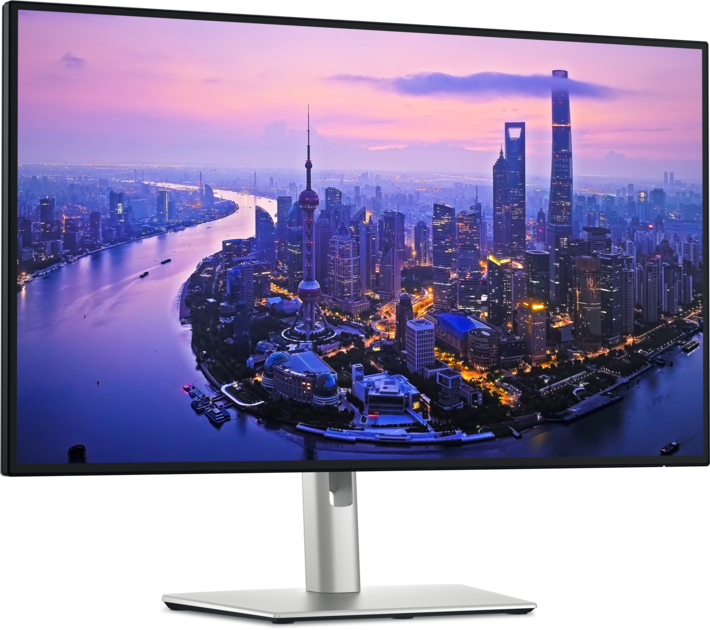
The single-cable productivity monitor to beat: 4K, Thunderbolt 4, 140W charging, KVM and Ethernet in one.
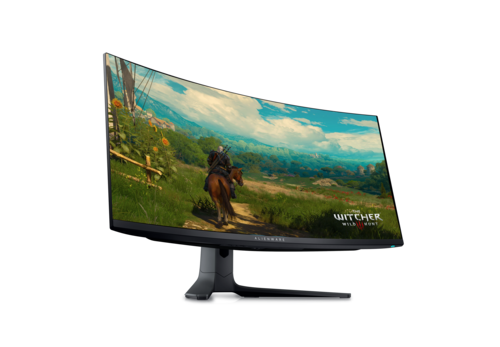
The value QD-OLED ultrawide: 34" 3440×1440, 165Hz, True Black HDR and massive immersion.
Size, resolution, panel type, refresh rate and ports — the five decisions that actually matter, explained in plain English.
More pixels mean sharper text and more room — but also higher cost and scaling quirks. Here's how to decide for work.