Skip to content
SetupArc

Best Monitors Under $750

$750 buys a great deal of monitor in 2026 — an ultrawide QD-OLED, 4K at 144 Hz, or genuine HDR brightness for a little over $200, depending on what you want most. The prices here are SetupArc's editorial typical ranges rather than live retailer quotes, and retail prices move, so we only list monitors whose whole typical range sits under the cap; three that often sell around $700 but regularly climb past $750 are left out on purpose.

SetupArc may earn commissions from qualifying purchases.

Quick picks

1Best Overall Under $750
SetupArc9.1

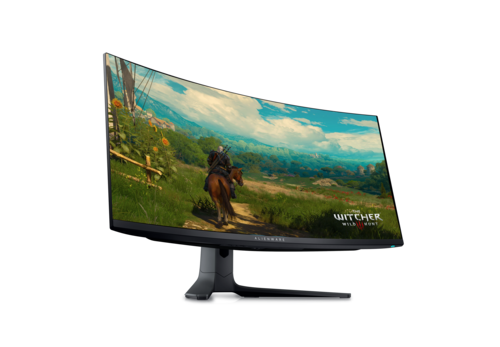
Alienware AW3423DWF

The value QD-OLED ultrawide: 34" 3440×1440, 165Hz, True Black HDR and massive immersion.

Why it fits: The highest-scoring monitor that fits this budget: a 34-inch curved QD-OLED ultrawide at 165 Hz, with per-pixel contrast that nothing else here matches.

Screen Size
34" (Ultrawide)
Panel Type
QD-OLED
Refresh Rate
165 Hz
Resolution
3440 × 1440 (UWQHD)

Best suited for: Gaming · General Use · Multitasking

Tradeoff: 1440p vertical height only

Skip it if: People with shallow desks, and buyers who want single-cable USB-C or the sharpest text for all-day office work.
Typical price
$500–$700
Check Price Full review
2Best OLED Value
SetupArc8.6

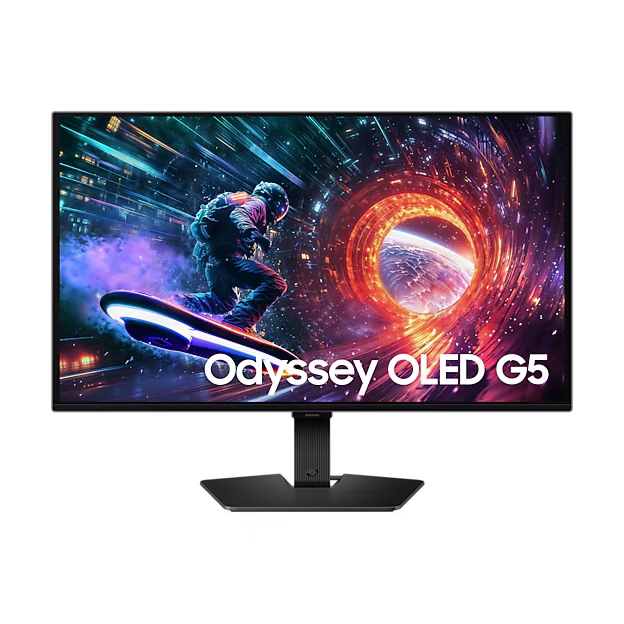
Samsung Odyssey OLED G5 (G50SF)

OLED contrast and color at roughly $400 — the value entry point into OLED gaming.

Why it fits: QD-OLED contrast and 180 Hz at the low end of this budget — the cheapest route to an OLED panel in our catalogue.

Panel Type
QD-OLED
Refresh Rate
180 Hz
Brightness
200 nits (typical)
HDR
HDR10

Best suited for: Gaming · General Use

Tradeoff: No USB-C

Skip it if: Competitive players chasing 240Hz+, and anyone who needs USB-C or bright-room HDR.

Typical price
$380–$430
Check Price Full review
3Best High-Refresh 4K
SetupArc8.5

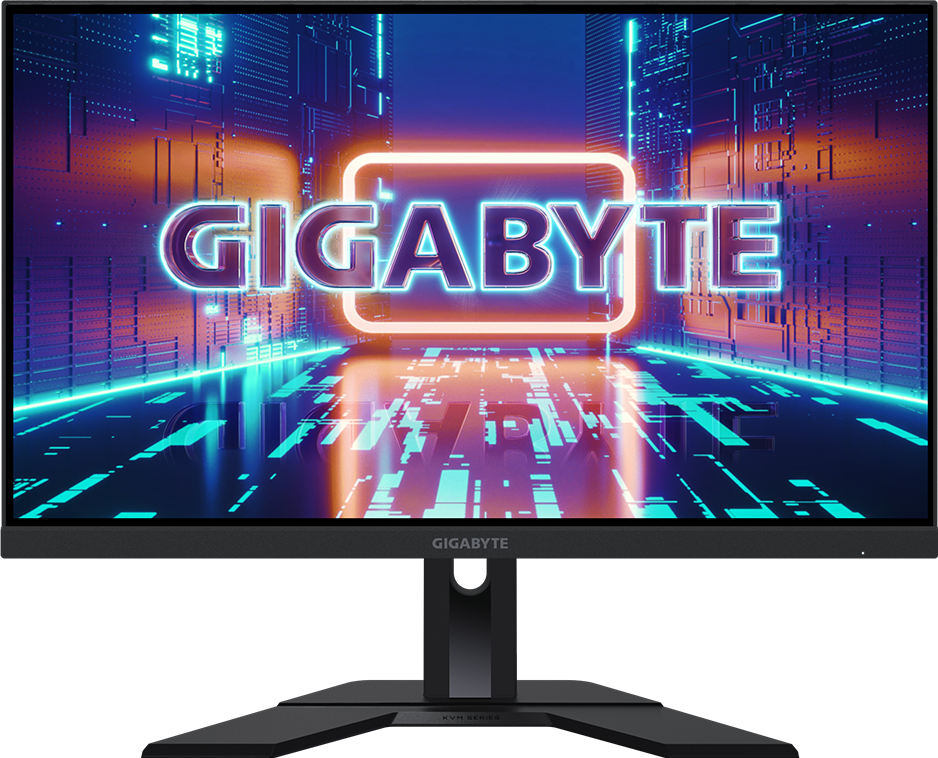
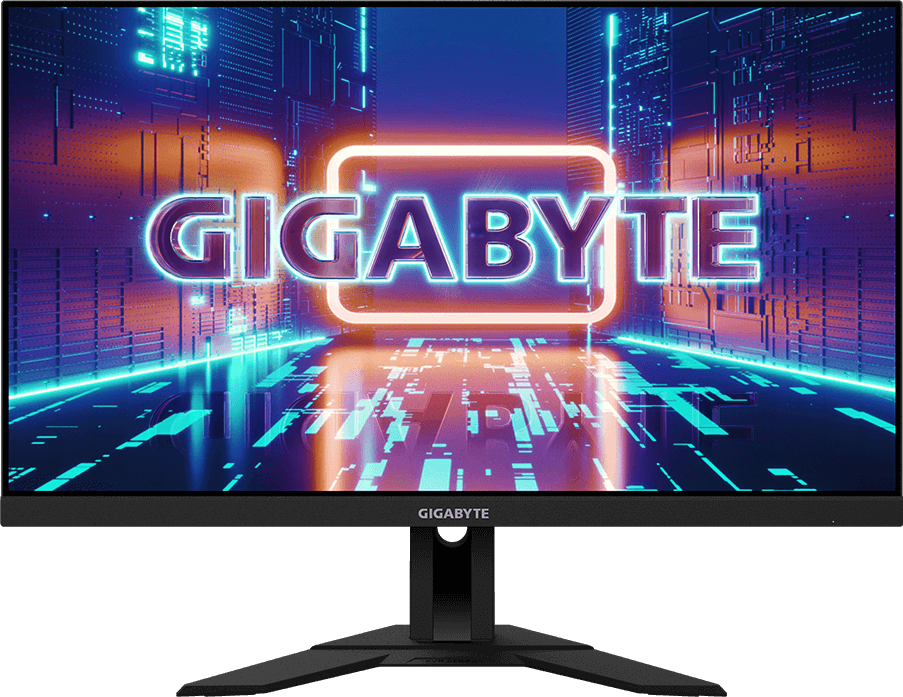
Gigabyte M28U

4K at 144Hz with HDMI 2.1, USB-C and KVM — a versatile value pick for play and work.

Why it fits: The only monitor under this cap that pairs 4K with 144 Hz, and it adds two HDMI 2.1 ports and a Type-C KVM for PC and console use.

Resolution
3840 × 2160 (4K UHD)
Refresh Rate
144 Hz
HDMI
2 × HDMI 2.1
KVM Switch
Yes (Type-C)

Best suited for: Gaming · Creative Work · Productivity

Tradeoff: DisplayHDR 400 (no strong local dimming)

Skip it if: Those wanting OLED contrast or a full Thunderbolt dock with high-wattage charging.

Typical price
$400–$500
Check Price Full review
4Best 4K Value
SetupArc8.4

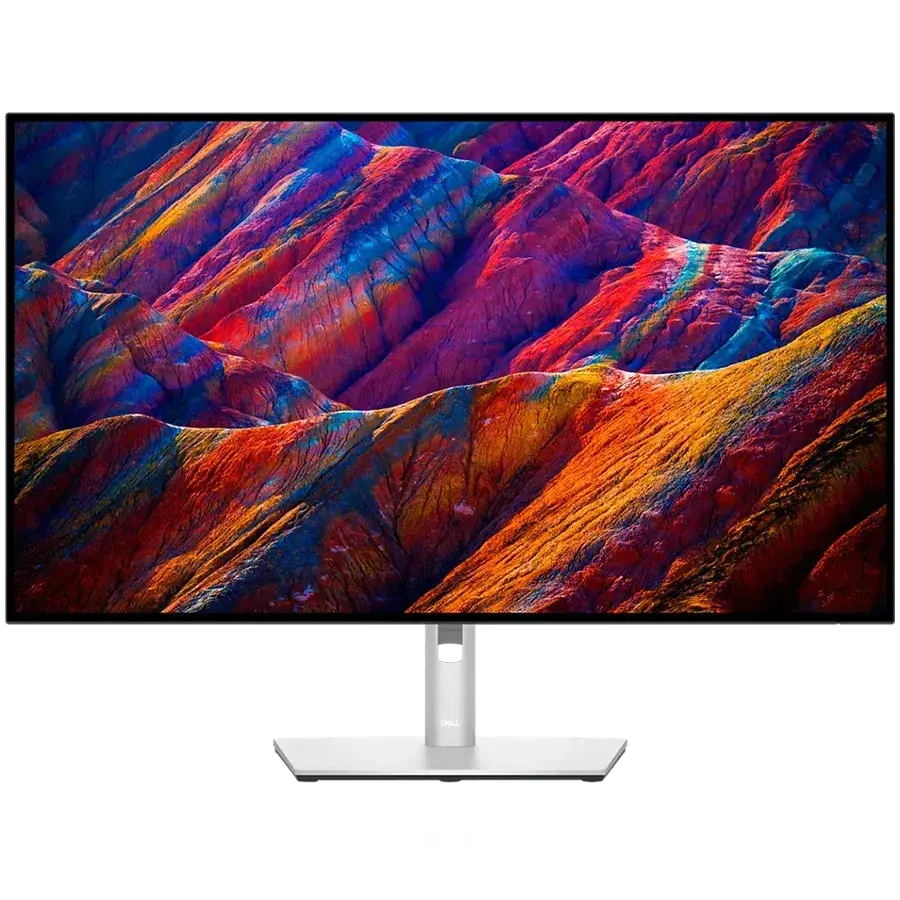
Dell S2725QC

Sharp 4K, 120Hz and single-cable USB-C charging at a genuinely mainstream price.

Why it fits: 4K at 120 Hz with single-cable 65 W USB-C charging and speakers, at roughly half what the high-refresh 4K option costs.

Resolution
3840 × 2160 (4K UHD)
Refresh Rate
120 Hz
USB-C Power Delivery
65 W
Speakers
2 × 5W

Best suited for: Productivity · General Use · Mac compatibility

Tradeoff: No Ethernet, KVM or DisplayPort input

Skip it if: Anyone needing a Thunderbolt dock, Ethernet, KVM or high refresh rates.

Typical price
$280–$350
Check Price Full review
5Best for Creators
SetupArc8.6

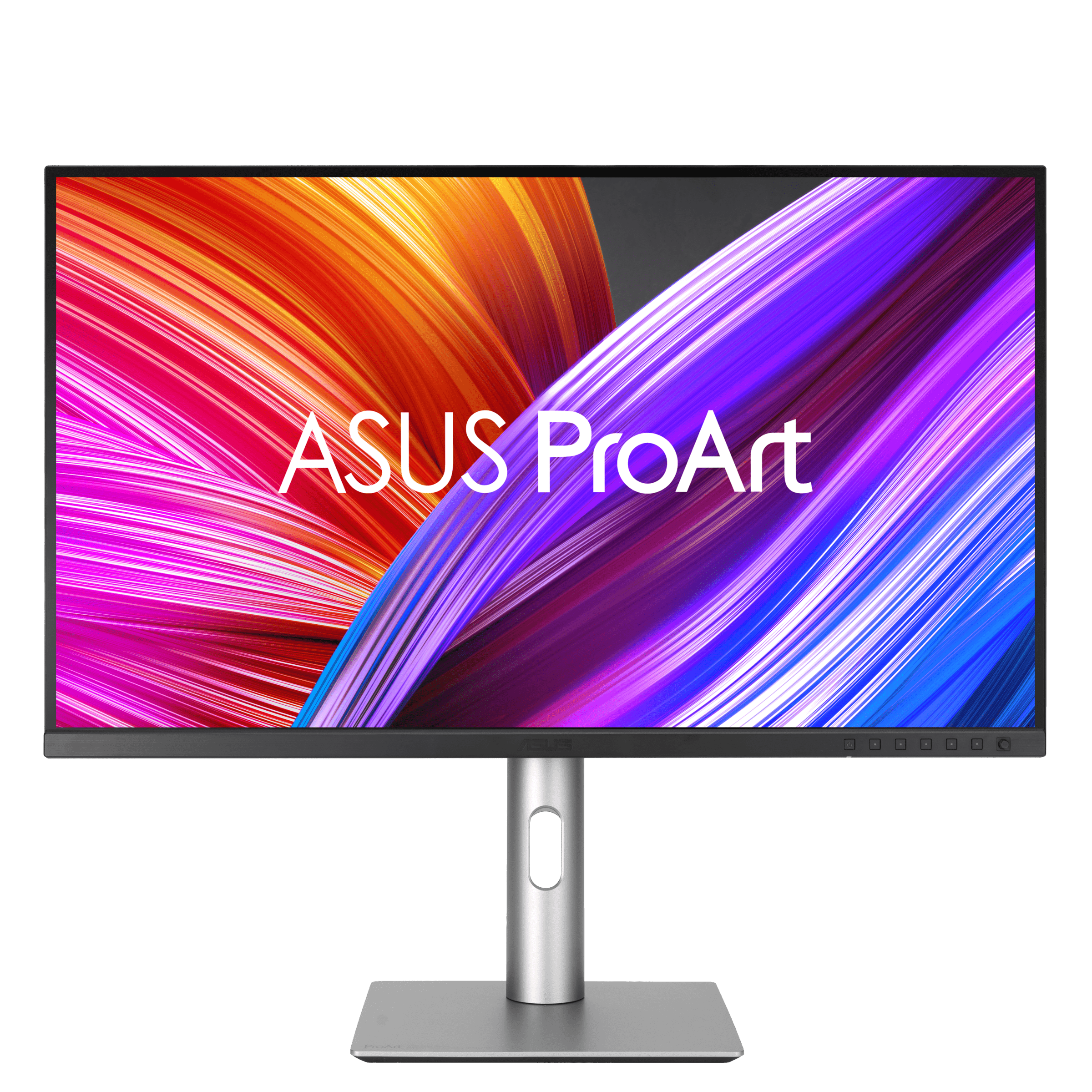
ASUS ProArt Display PA279CRV

99% Adobe RGB/DCI-P3, factory calibration and USB-C 96W at a value price — a lot of creator monitor for the money.

Why it fits: 99% Adobe RGB and DCI-P3 with factory calibration and 96 W USB-C — colour-accurate 4K work sits comfortably inside this budget.

Color Coverage
99% Adobe RGB / 99% DCI-P3
Resolution
3840 × 2160 (4K UHD)
USB-C Power Delivery
96 W
Refresh Rate
60 Hz

Best suited for: Creative Work · Video Editing · Productivity

Tradeoff: 60Hz (not for gaming)

Skip it if: Gamers (60Hz), and pros who need hardware calibration or higher peak HDR brightness.

Typical price
$399–$470
Check Price Full review
6Best Budget Pick
SetupArc8.5

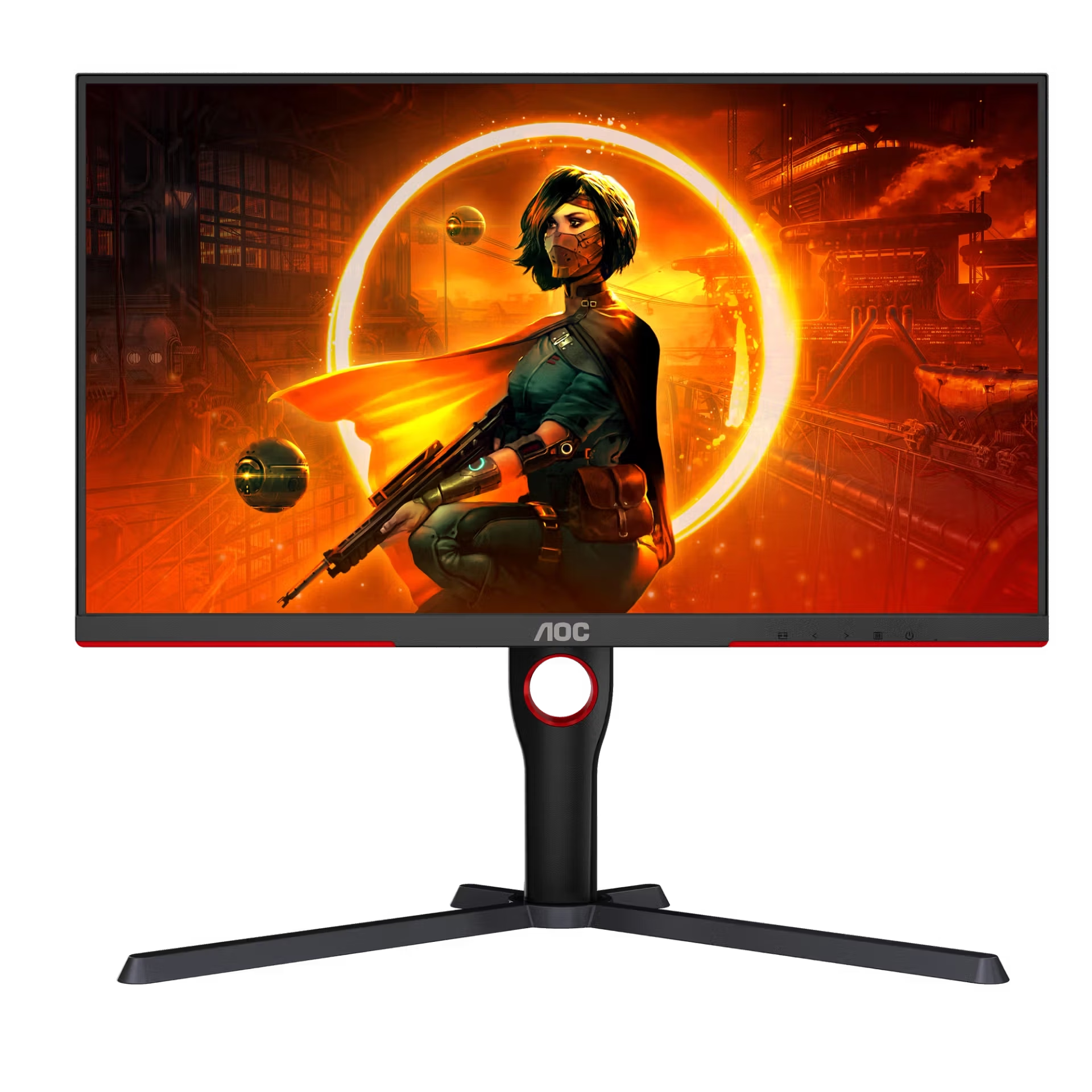
AOC Gaming Q27G3XMN

Mini-LED DisplayHDR 1000 and 180Hz for around $230 — the budget HDR gaming champion.

Why it fits: The cheapest monitor here and still the brightest HDR: a 336-zone Mini-LED backlight rated DisplayHDR 1000, at 1440p and 180 Hz.

HDR
VESA DisplayHDR 1000
Brightness
1000 nits (peak)
Refresh Rate
180 Hz
Panel Type
VA (Mini-LED)

Best suited for: Gaming · General Use · HDR

Tradeoff: VA viewing angles

Skip it if: Buyers who need wide viewing angles, OLED motion, or USB-C connectivity.

Typical price
$200–$260
Check Price Full review
7Best Budget KVM
SetupArc8.3

Gigabyte M27Q (Rev. 2.0)

1440p, 170Hz, KVM and USB-C at a value price — a dependable do-a-bit-of-everything monitor.

Why it fits: A built-in KVM near the bottom of this budget, so one screen, keyboard and mouse can serve two machines without extra hardware.

KVM Switch
Yes
Refresh Rate
170 Hz
Color Coverage
95% DCI-P3
Panel Type
SS-IPS

Best suited for: Gaming · Productivity · General Use

Tradeoff: Basic HDR (no real local dimming)

Skip it if: Buyers who want OLED contrast, HDR impact, or full USB-C laptop charging.

Typical price
$230–$280
Check Price Full review

The seven monitors under $750 compared

MonitorScoreResolutionPanel TypeRefresh RatePrimary use caseTypical price range
Alienware AW3423DWF9.13440 × 1440 (UWQHD)QD-OLED165 HzGaming$500–$700
Samsung Odyssey OLED G5 (G50SF)8.62560 × 1440 (QHD)QD-OLED180 HzGaming$380–$430
Gigabyte M28U8.53840 × 2160 (4K UHD)SS-IPS144 HzGaming$400–$500
Dell S2725QC8.43840 × 2160 (4K UHD)IPS120 HzProductivity$280–$350
ASUS ProArt Display PA279CRV8.63840 × 2160 (4K UHD)IPS60 HzCreative Work$399–$470
AOC Gaming Q27G3XMN8.52560 × 1440 (QHD)VA (Mini-LED)180 HzGaming$200–$260
Gigabyte M27Q (Rev. 2.0)8.32560 × 1440 (QHD)SS-IPS170 HzGaming$230–$280

Prices shown are SetupArc editorial reference ranges, not live retailer quotes. Retail prices can change, so confirm the price at the retailer before buying. Specifications and primary use case come from each product's own record in our catalogue.

What $750 gets you

This budget covers most of our monitor catalogue, and the capability changes in three fairly clear steps. The bands below describe the products we actually track, not the market as a whole.

Around $200–$300
1440p at 170–180 Hz, with either real HDR brightness from a Mini-LED backlight or a built-in KVM. You give up USB-C laptop charging, and HDR and colour coverage are narrower.
Around $300–$500
The widest choice: 4K at 120 Hz with USB-C charging, 4K at 144 Hz with HDMI 2.1, wide-gamut colour with factory calibration, or a first QD-OLED panel. Most people's sweet spot sits in this band.
Around $500–$750
Panel quality rather than features: this is where the QD-OLED ultrawide lands, trading the dock hardware and 4K sharpness of the cheaper picks for contrast, size and motion.

Do you need to spend $750?

Usually not. Within this catalogue the score spread across the seven picks is narrow — 8.3 to 9.1 — and the cheapest pick still delivers 180 Hz and DisplayHDR 1000. What the extra money buys is specific rather than general: OLED contrast and ultrawide size at the top, 4K sharpness and USB-C docking in the middle. If your work is documents and browsing, the middle of this range is the sensible stop; if you want OLED motion or a colour-accurate 4K panel, the top of it earns the difference.

What changes below $500?

Five of these seven typically sell under $500, and the compromises are consistent: no Thunderbolt dock, no Ethernet, dimmer HDR outside the Mini-LED pick, and a choice between high refresh and wide-gamut colour rather than both. What you do not give up is resolution or refresh — 4K at 120 Hz and 1440p at 180 Hz both fit comfortably under $500.

How we handle prices on this page

SetupArc stores an editorial typical price and range for every product, maintained by hand and used for ranking and budget pages like this one. We do not poll retailers, so nothing here is a live quote, a discount or an availability claim — a monitor listed at a typical $400–$500 may sell higher or lower on any given day. Always confirm the price at the retailer before buying. Monitors whose typical range regularly climbs past $750 are excluded rather than listed with a caveat.

What matters for this use case

Resolution and refresh

At this budget you generally choose one to prioritise: 4K sharpness at 120 Hz, or 1440p speed at 170–180 Hz. Only one pick here delivers 4K at 144 Hz, and it sits in the middle of the range rather than the top.

Panel type

IPS is the safe all-rounder, VA with Mini-LED gives the brightest HDR here, and QD-OLED brings per-pixel contrast and the fastest motion — with static-content care to consider for long desktop sessions.

USB-C docking

Two picks charge a laptop over USB-C (65 W and 96 W). None of the monitors in this budget includes Thunderbolt or Ethernet, which is the clearest thing the cap costs you.

KVM

Two picks have a stored KVM, both at the cheaper end. If you run a work laptop alongside a personal machine, that feature is available here without spending near the cap.

Colour work

One pick carries 99% Adobe RGB with factory calibration. Hardware calibration — the step beyond that — does not exist in our catalogue under $750.

Price movement

Every figure on this page is a typical range, not a live price. A monitor near the top of this budget can cross $750 during normal price movement, which is exactly why three otherwise-qualifying models are excluded.

How we chose

Recommendations are based on current specifications, product positioning, verified manufacturer data and third-party testing — not hands-on reviews. Products are ordered by how well they fit this specific use case, never by commission, retailer count or popularity. Use the interactive Compare tool and the Setup Finder to weigh them against your own priorities.

Common questions

Can you get a good 4K monitor under $750?

Yes — three of these seven are 4K. One pairs 4K with 144 Hz and HDMI 2.1, one offers 4K at 120 Hz with USB-C charging for noticeably less, and one is a colour-accurate 4K creator panel. What you cannot get at this budget in our catalogue is 4K with a Thunderbolt dock or Ethernet.

Can you get OLED under $750?

Yes, in two forms: a 27-inch QD-OLED at 180 Hz that typically sells around $380–$430, and a 34-inch QD-OLED ultrawide whose typical range tops out right at the cap. Both trade brightness and dock features for contrast and motion.

Is $750 too much to spend on a monitor?

It depends on the job rather than the number. The scores across these seven run from 8.3 to 8.6 for most of them, with one at 9.1 — so more money buys specific strengths, not broadly better screens. Plenty of desks are well served in the $300–$500 band.

Should I spend more on resolution or refresh rate?

For reading, code and detailed images, resolution. For fast-paced games, refresh rate. At this budget only one monitor gives you both at once, so it is a genuine choice rather than a false one.

Are these prices live?

No. Every figure here is SetupArc's editorial typical range, maintained by hand and used for ranking and budget pages. We do not poll retailers or track discounts, so confirm the price at the retailer before buying.

Why are some $700 monitors excluded?

Because their typical range crosses the cap. Three monitors we rate highly — an OLED gaming panel, a Thunderbolt productivity display and a 360 Hz QD-OLED — often sell near $700 but regularly climb above $750, so listing them under a $750 heading would be misleading. They appear on our other monitor guides instead.

Related content