Monitors · Head-to-head
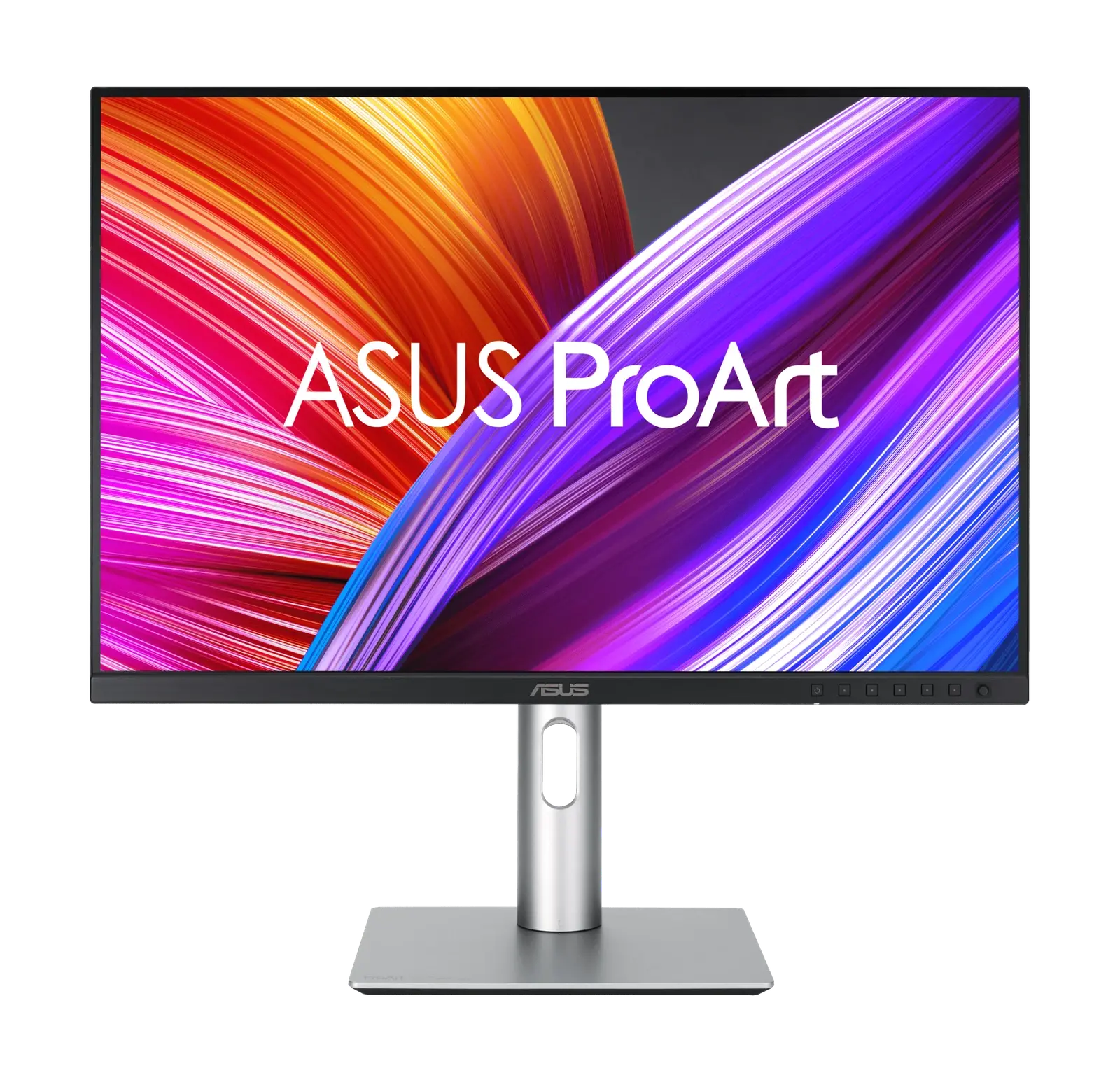
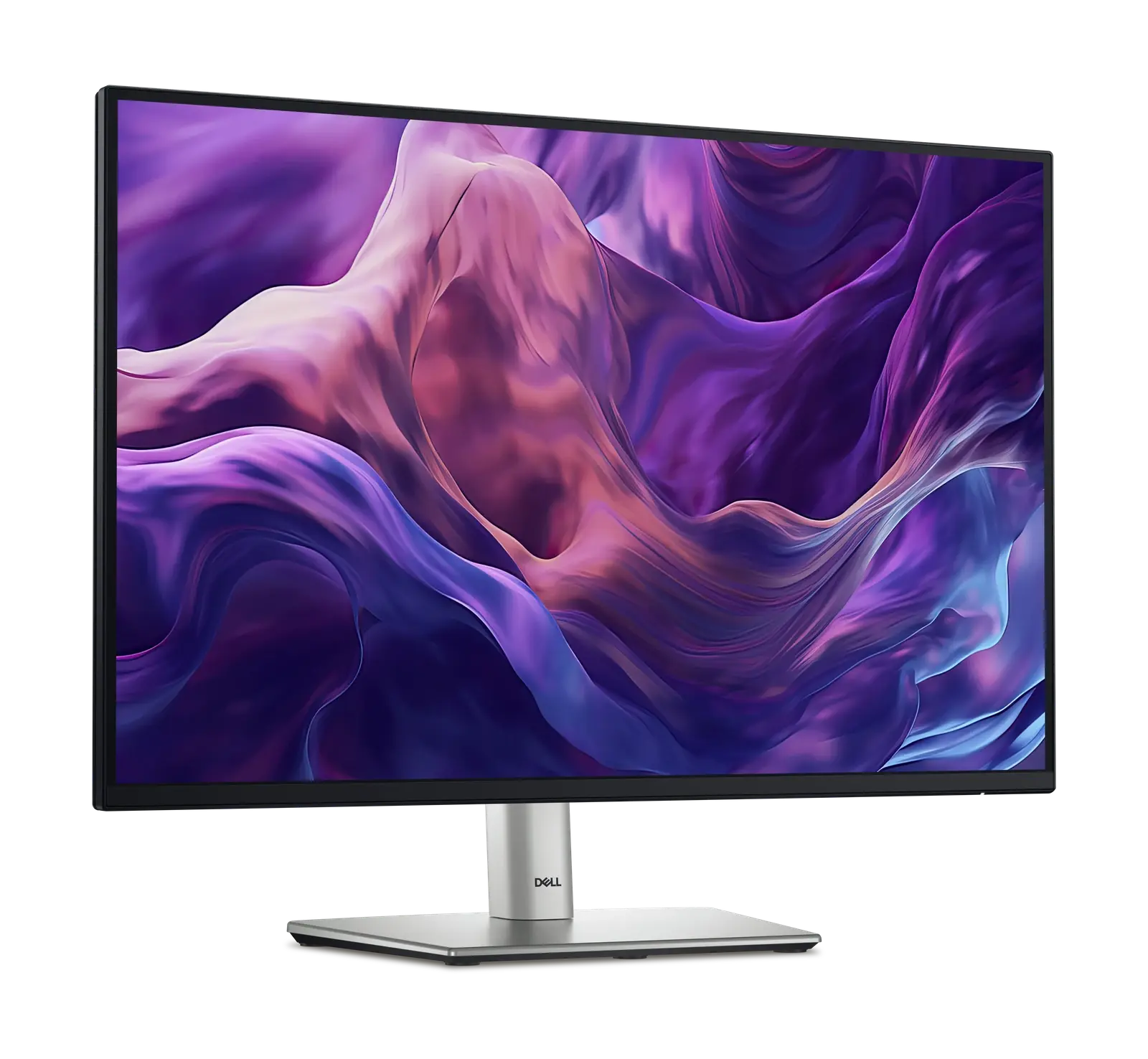
ASUS ProArt Display PA248CRV vs Dell Pro 24 Plus P2425E
Two 24-inch 16:10 USB-C monitors for the same desk job — one built around calibrated colour, the other around replacing the dock underneath it.
Quick verdict
Choose the ASUS ProArt Display PA248CRV if…
Choose the ASUS ProArt PA248CRV if the screen has to show colour accurately. It is factory calibrated to an average Delta E below 2 and covers 100% sRGB and 97% DCI-P3, where the Dell claims 99% sRGB and nothing wider; it is also brighter at 350 nits against 300, adds 2 W speakers, and supplies slightly more power at 96 W. It costs well over $100 less at reference price.
Choose the Dell Pro 24 Plus P2425E if…
Choose the Dell P2425E if the monitor should replace a dock. Gigabit Ethernet is the feature the ASUS has no answer to, and the DisplayPort 1.4 output with MST drives a second screen without a second cable to the laptop. Its 100 Hz panel is also genuinely smoother than the ASUS at 75 Hz. You pay more, you give up the wider gamut, and there are no speakers.
What you'll actually notice
The differences that change which one you should buy, rather than every difference there is.
Refresh rate
Decides itThe Dell Pro 24 Plus P2425E runs at 100 Hz against 75 Hz. That gap shows up in fast-paced games where the frame rate can actually reach it, and is essentially invisible for desktop work, browsing and video.
Ethernet
Only the Dell Pro 24 Plus P2425E brings wired 1 GbE networking to the desk through the monitor itself.
Speakers
Only the ASUS ProArt Display PA248CRV has built-in speakers (2 × 2 W), which saves a cable on a simple desk and will not replace dedicated audio.
What the price difference means
The Dell Pro 24 Plus P2425E sits about $121 more by reference price ($300–$350 against $199–$229 for the ASUS ProArt Display PA248CRV). That premium is buying specific capabilities rather than a generally better product.
Reference prices are our own editorial figures for a typical street price, not live retailer quotes.
Paying more for the Dell Pro 24 Plus P2425E buys
- Refresh rate
- Ethernet
What it does not buy
- Speakers — the ASUS ProArt Display PA248CRV leads here
- a decisive lead in the SetupArc Score (8.3 against 8.2)
Key differences
The specifications that meaningfully differ between the two. A highlighted value is the stronger figure where it can be compared objectively.
| Specification | ASUS ProArt Display PA248CRV | Dell Pro 24 Plus P2425E |
|---|---|---|
| Screen Size | 24.1" | 24" |
| Color Coverage | 100% sRGB / 97% DCI-P3 | 99% sRGB |
| Brightness | 350 nits | 300 nits |
| HDR | HDR10 | — |
| Refresh Rate | 75 Hz | 100 Hz |
| Response Time | 5 ms (GtG) | 5 ms (GtG, fast) |
| USB-C | Yes (DP Alt, 96W) | Yes (DP Alt, 90W) |
| USB-C Power Delivery | 96 W | 90 W |
Full side-by-side specs
Both columns are the manufacturer specifications recorded in our catalogue. Where a figure is not published we leave it blank rather than estimating it — how we verify specifications.
| Specification | ASUS ProArt Display PA248CRV | Dell Pro 24 Plus P2425E |
|---|---|---|
| Screen Size | 24.1" | 24" |
| Resolution | 1920 × 1200 (WUXGA) | 1920 × 1200 (WUXGA) |
| Refresh Rate | 75 Hz | 100 Hz |
| Panel Type | IPS | IPS |
| Aspect Ratio | 16:10 | 16:10 |
| Response Time | 5 ms (GtG) | 5 ms (GtG, fast) |
| Brightness | 350 nits | 300 nits |
| HDR | HDR10 | — |
| Color Coverage | 100% sRGB / 97% DCI-P3 | 99% sRGB |
| USB-C | Yes (DP Alt, 96W) | Yes (DP Alt, 90W) |
| USB-C Power Delivery | 96 W | 90 W |
| Thunderbolt | No | No |
| HDMI | 2 × HDMI 1.4 | 1 × HDMI 1.4 |
| DisplayPort | 2 × DP 1.4 (daisy chain) | 1 × DP 1.4 in + 1 × DP 1.4 out (MST) |
| VESA Mount | 100 × 100 | 100 × 100 |
| Speakers | 2 × 2 W | No |
| Height Adjustable | Yes (130 mm, tilt/swivel/pivot) | Yes (150 mm, tilt/swivel/pivot) |
| USB-C Video (DP Alt Mode) | Yes | Yes |
| HDMI Version | 1.4 | 1.4 |
| DisplayPort Version | 1.4 | 1.4 |
| Ethernet | — | 1 GbE |
Who should buy each one
ASUS ProArt Display PA248CRV
Anyone who wants factory-calibrated colour and one-cable laptop charging on a compact desk, and who values vertical space over pixel density.
- 1920 × 1200 is low density next to 4K panels
- HDMI inputs are version 1.4
Dell Pro 24 Plus P2425E
Anyone docking a work laptop who wants video, 90 W of power, wired Ethernet and peripherals over a single USB-C cable, and who may add a second screen later.
- 1920 × 1200 at 300 nits is a modest panel
- HDMI input is version 1.4
Final verdict
Both are 1920 × 1200 at 24 inches with USB-C charging, so the panel is not what separates them. The ASUS spends its budget on colour and the Dell spends it on ports — and only one of them has an Ethernet jack.
The better screen, and the cheaper one — if sRGB and DCI-P3 accuracy is what you need.
Read the full ASUS ProArt Display PA248CRV reviewThe better desk: a wired network, a daisy-chain output and a faster panel.
Read the full Dell Pro 24 Plus P2425E reviewAt 8.2 and 8.3, these scores are too close to decide anything on their own. Use the trade-offs above instead — how we score.
Keep exploring
Want to line these up against other options, or get a tailored recommendation?