Keyboards · Head-to-head
Keychron Q6 Max vs Logitech MX Keys S
A full-size mechanical enthusiast board versus a low-profile office keyboard — two very different tools for a full-width desk.
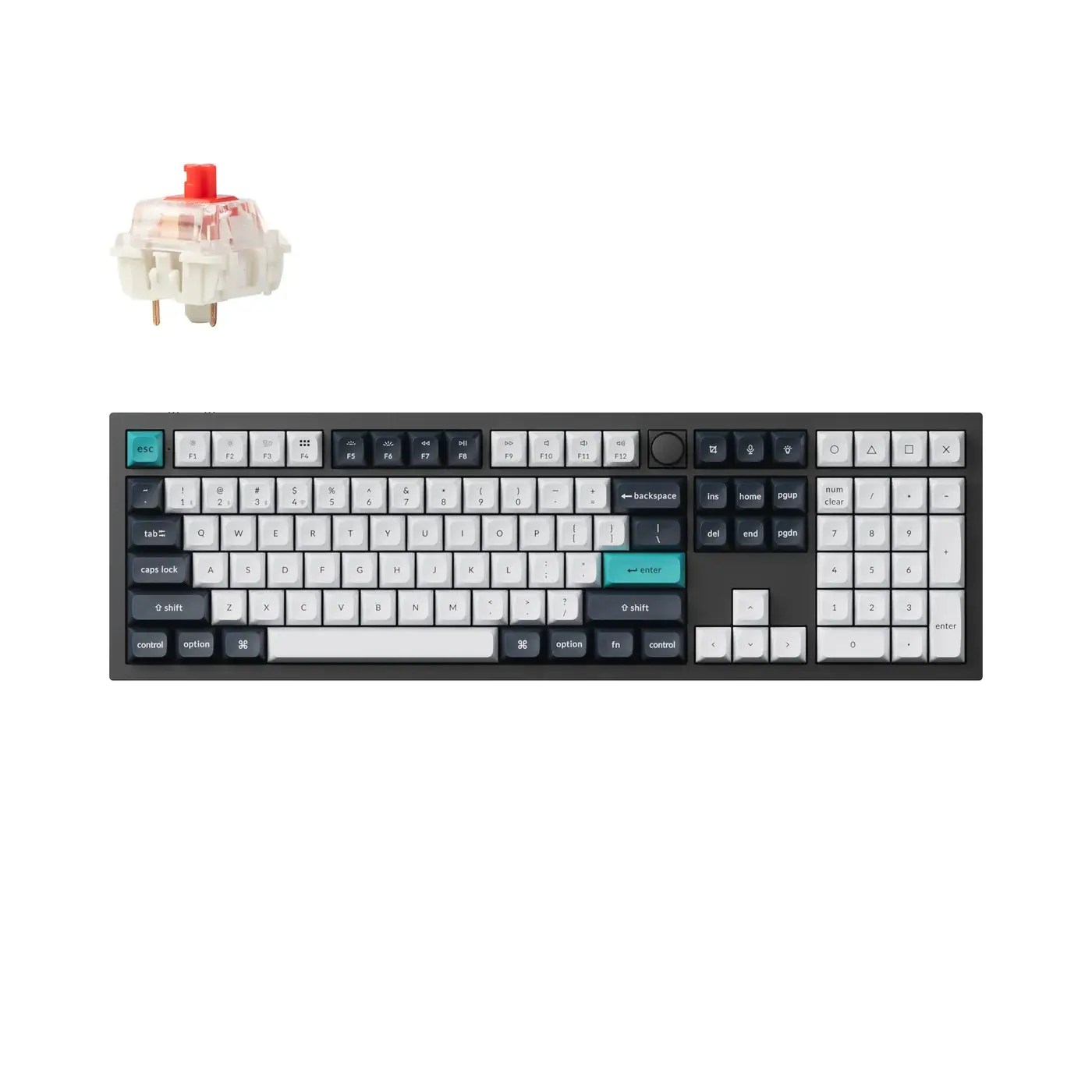
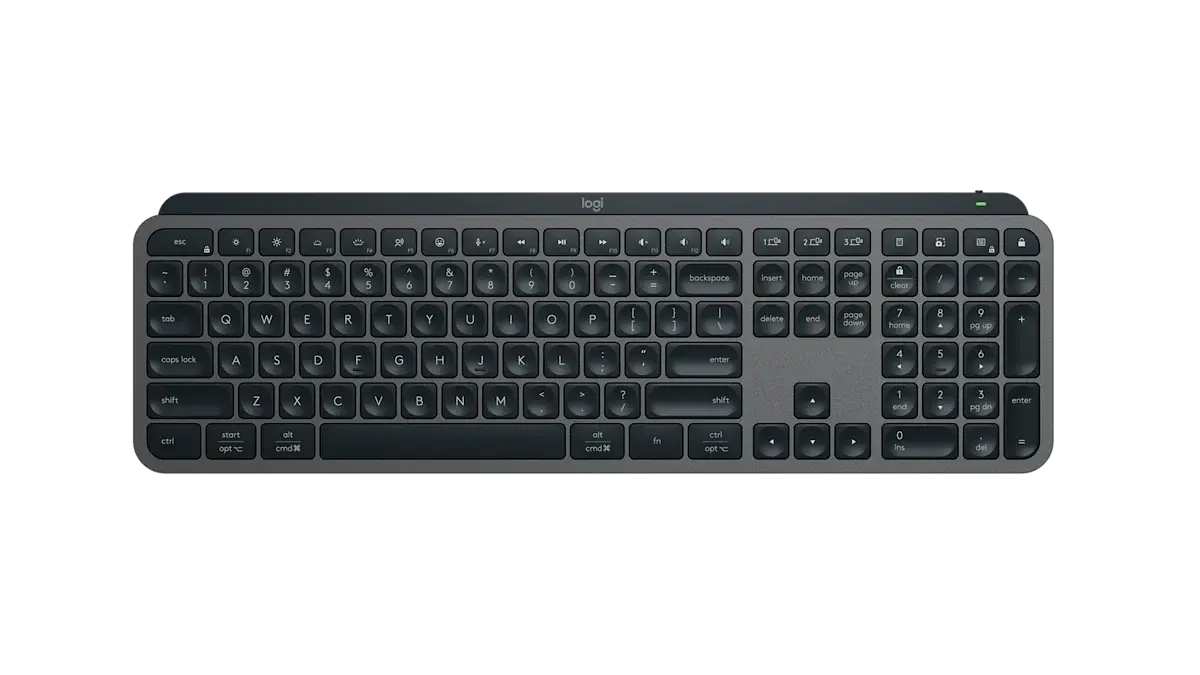
Quick verdict
Choose the Keychron Q6 Max if…
Choose the Keychron Q6 Max if you want a premium, fully-programmable mechanical full-size board — CNC aluminum, double-gasket mount, hot-swap switches and QMK/VIA.
Choose the Logitech MX Keys S if…
Choose the Logitech MX Keys S if you want quiet, comfortable low-profile typing across multiple devices, with smart backlighting and effortless Mac/Windows switching.
What you'll actually notice
The differences that change which one you should buy, rather than every difference there is.
Switches
Decides itDifferent switch types — Hot-swappable (Gateron Jupiter/Pro) on the Keychron Q6 Max, Scissor (low-profile) on the Logitech MX Keys S. This is the thing you feel on every keystroke, and it is the hardest part of a keyboard to change your mind about later.
Layout
Decides it100% full-size against Full-size (low-profile). Layout decides how much desk the keyboard takes and whether you keep a number pad and a dedicated function row.
What the price difference means
The Keychron Q6 Max sits about $109 more by reference price ($199–$229 against $100–$110 for the Logitech MX Keys S). That premium is buying specific capabilities rather than a generally better product.
Reference prices are our own editorial figures for a typical street price, not live retailer quotes.
Key differences
The specifications that meaningfully differ between the two. A highlighted value is the stronger figure where it can be compared objectively.
| Specification | Keychron Q6 Max | Logitech MX Keys S |
|---|---|---|
| Layout | 100% full-size | Full-size (low-profile) |
| Case | CNC aluminum | — |
| Mounting | Double-gasket | — |
| Keycaps | Double-shot PBT | — |
| Switches | Hot-swappable (Gateron Jupiter/Pro) | Scissor (low-profile) |
| Polling Rate | 1000 Hz (2.4GHz/wired) | — |
| Connectivity | 2.4GHz + Bluetooth 5.1 + USB-C wired | Bluetooth + Logi Bolt receiver |
| Battery | — | Up to 5 months (10 days with backlight) |
Full side-by-side specs
| Specification | Keychron Q6 Max | Logitech MX Keys S |
|---|---|---|
| Layout | 100% full-size | Full-size (low-profile) |
| Switches | Hot-swappable (Gateron Jupiter/Pro) | Scissor (low-profile) |
| Connectivity | 2.4GHz + Bluetooth 5.1 + USB-C wired | Bluetooth + Logi Bolt receiver |
| Programming | QMK / VIA | — |
| Keycaps | Double-shot PBT | — |
| Mounting | Double-gasket | — |
| Case | CNC aluminum | — |
| Polling Rate | 1000 Hz (2.4GHz/wired) | — |
| Backlight | South-facing RGB | Smart backlighting (proximity) |
| Device Pairing | Up to 3 devices | Up to 3 devices |
| Compatibility | Mac / Windows / Linux | Windows / macOS / Linux / iPadOS / Android |
| Battery | — | Up to 5 months (10 days with backlight) |
| Charging | — | USB-C rechargeable |
| Software | — | Logi Options+ (Smart Actions) |
Who should buy each one
Keychron Q6 Max
Enthusiasts and power users who want a premium, fully-programmable full-size board with wireless flexibility.
- Heavy and expensive
- Full-size footprint takes desk space
Logitech MX Keys S
Professionals who want a quiet, reliable, multi-device keyboard for work across operating systems.
- Scissor switches, not mechanical
- No 2.4GHz gaming-grade dongle
Final verdict
There is no single winner here — the right choice depends on what you need.
Better for mechanical feel and customization.
Read the full Keychron Q6 Max reviewBetter for quiet multi-device office work.
Read the full Logitech MX Keys S reviewAt 9.0 and 8.8, these scores are too close to decide anything on their own. Use the trade-offs above instead — how we score.
Keep exploring
Want to line these up against other options, or get a tailored recommendation?