Mice · Head-to-head
Logitech MX Master 4 vs Logitech Signature M650
Two Logitech productivity mice at very different tiers — a flagship ergonomic workhorse versus an affordable everyday mouse.
Quick verdict
Choose the Logitech MX Master 4 if…
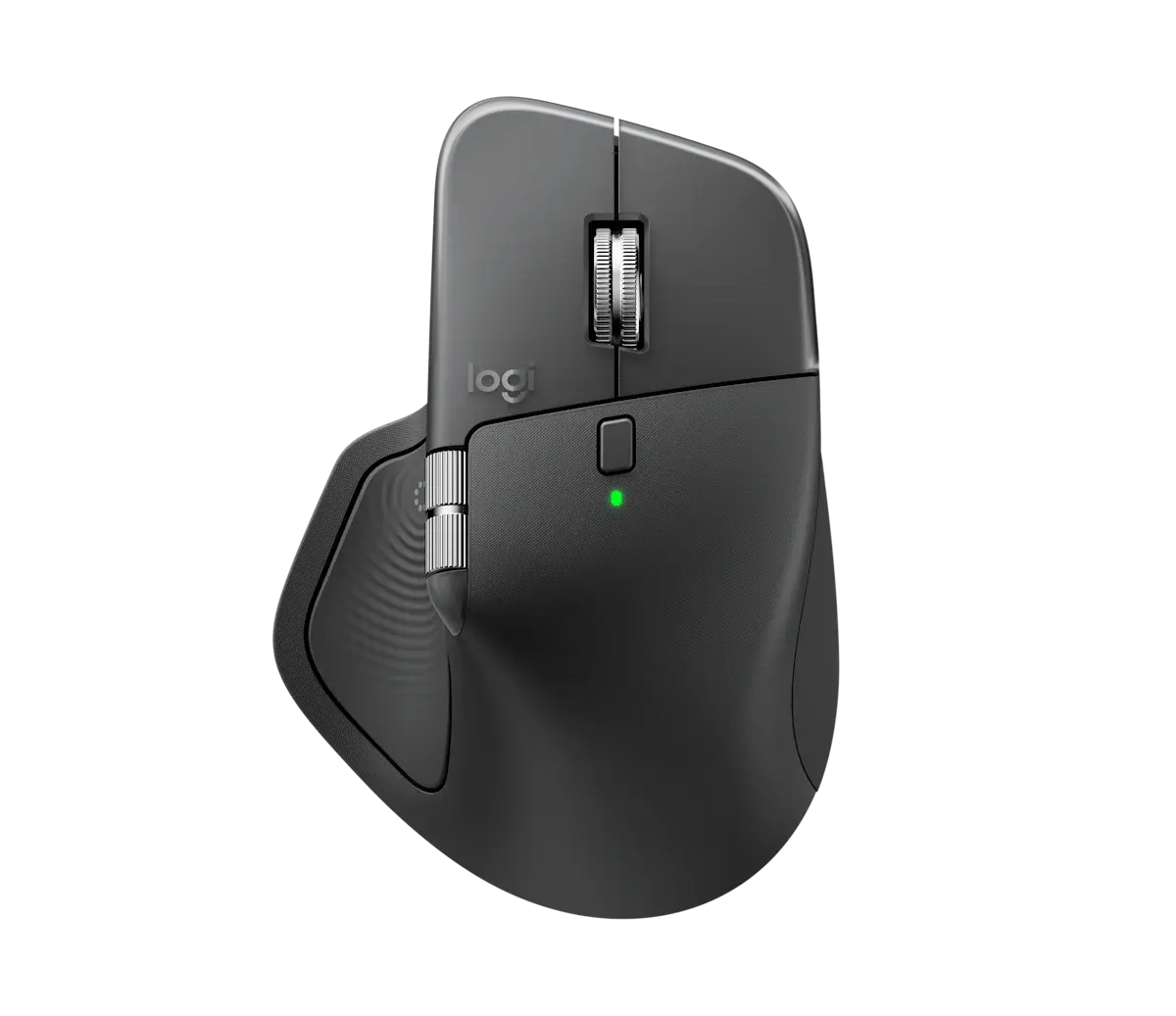
Choose the MX Master 4 if you want the most capable everyday mouse — sculpted ergonomics, MagSpeed and thumb-wheel scrolling, Darkfield tracking and multi-device Flow.
Choose the Logitech Signature M650 if…
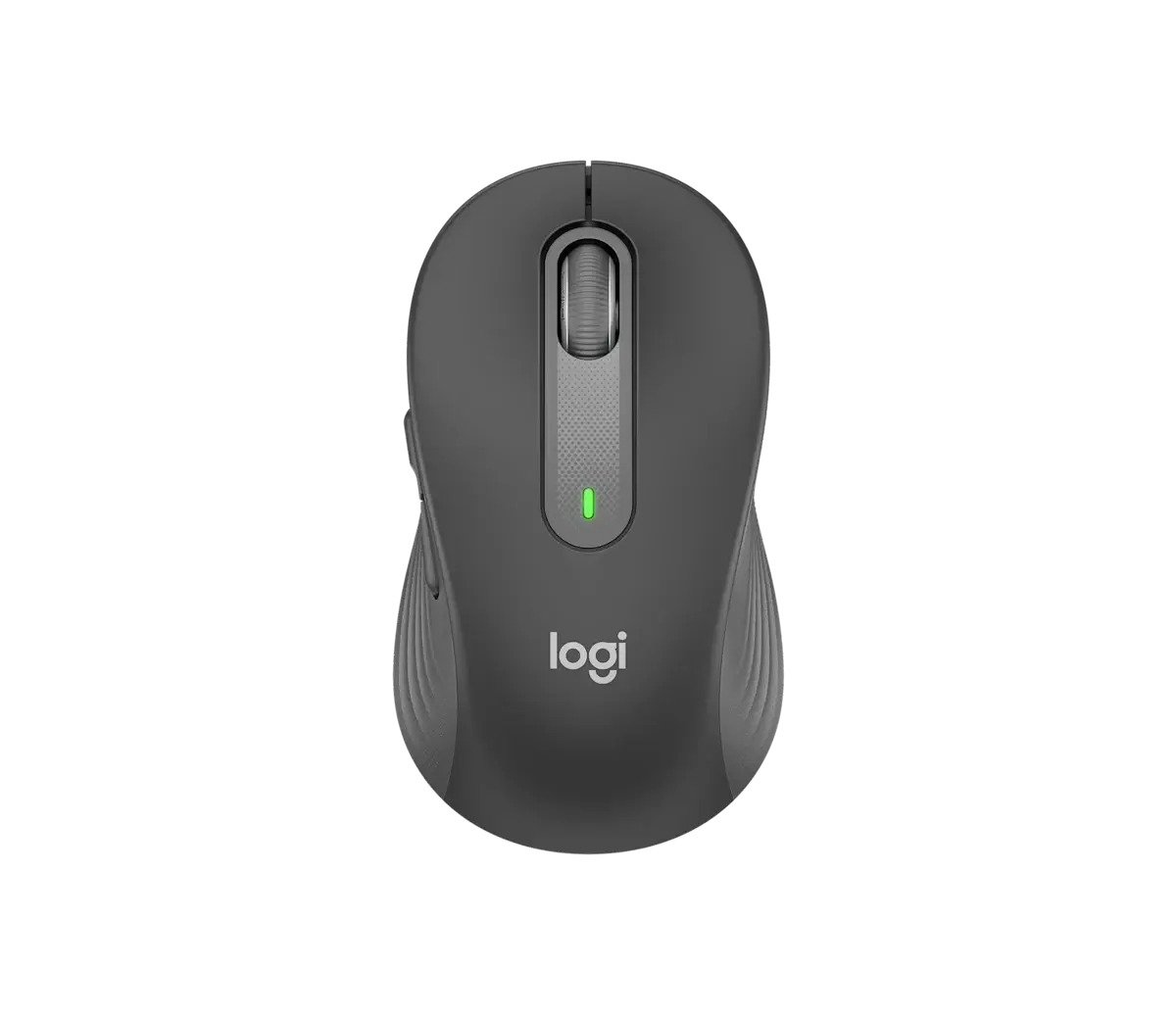
Choose the Signature M650 if you want a quiet, comfortable wireless mouse for daily work at a budget price, with up to two-year battery life.
What you'll actually notice
The differences that change which one you should buy, rather than every difference there is.
Buttons
The Logitech MX Master 4 has more programmable buttons (8 programmable against 5 (customizable)), which is worth having if you actually map shortcuts and dead weight if you do not.
Haptics
Only the Logitech MX Master 4 records haptic feedback, a feel difference rather than a capability one.
What the price difference means
The Logitech MX Master 4 sits several times above it on reference price ($120–$130 against $25–$40 for the Logitech Signature M650). That premium is buying specific capabilities rather than a generally better product.
Reference prices are our own editorial figures for a typical street price, not live retailer quotes.
Paying more for the Logitech MX Master 4 buys
- Buttons
- Haptics
Key differences
The specifications that meaningfully differ between the two. A highlighted value is the stronger figure where it can be compared objectively.
| Specification | Logitech MX Master 4 | Logitech Signature M650 |
|---|---|---|
| Shape | Ergonomic, right-handed | Contoured (sizes M/L) |
| Sensor | Darkfield high precision | Optical |
| Max DPI | 8000 DPI | 4000 DPI |
| Buttons | 8 programmable | 5 (customizable) |
| Scroll Wheel | MagSpeed + thumb wheel | — |
| Haptics | Haptic Sense panel | — |
| Clicks | — | SilentTouch (quiet) |
| Battery | Up to ~70 days, USB-C fast charge | Up to 24 months (1× AA) |
Full side-by-side specs
| Specification | Logitech MX Master 4 | Logitech Signature M650 |
|---|---|---|
| Sensor | Darkfield high precision | Optical |
| Max DPI | 8000 DPI | 4000 DPI |
| Buttons | 8 programmable | 5 (customizable) |
| Scroll Wheel | MagSpeed + thumb wheel | — |
| Haptics | Haptic Sense panel | — |
| Connectivity | Bluetooth + Logi Bolt | Bluetooth + Logi Bolt |
| Device Pairing | Up to 3 devices (Flow) | — |
| Battery | Up to ~70 days, USB-C fast charge | Up to 24 months (1× AA) |
| Shape | Ergonomic, right-handed | Contoured (sizes M/L) |
| Compatibility | Windows / macOS / Linux / iPadOS | Windows / macOS / Linux / ChromeOS |
| Clicks | — | SilentTouch (quiet) |
Who should buy each one
Logitech MX Master 4
Professionals and creatives who want the most capable everyday productivity mouse.
- Heavy and right-hand only
- Premium price
Logitech Signature M650
Anyone who wants an affordable, quiet, comfortable mouse for daily work.
- 4000 DPI ceiling and 1 AA (not rechargeable)
- No high-end scrolling or haptics
Final verdict
There is no single winner here — the right choice depends on what you need.
Better for power users and creatives.
Read the full Logitech MX Master 4 reviewBetter value for everyday use.
Read the full Logitech Signature M650 reviewThe Logitech MX Master 4 scores higher overall (9.3 against 8.5), but that is an editorial judgement across five criteria rather than a formula, and it does not override the trade-offs above — how we score.
Keep exploring
Want to line these up against other options, or get a tailored recommendation?