Editor's Pick
Logitech
SetupArc9.1
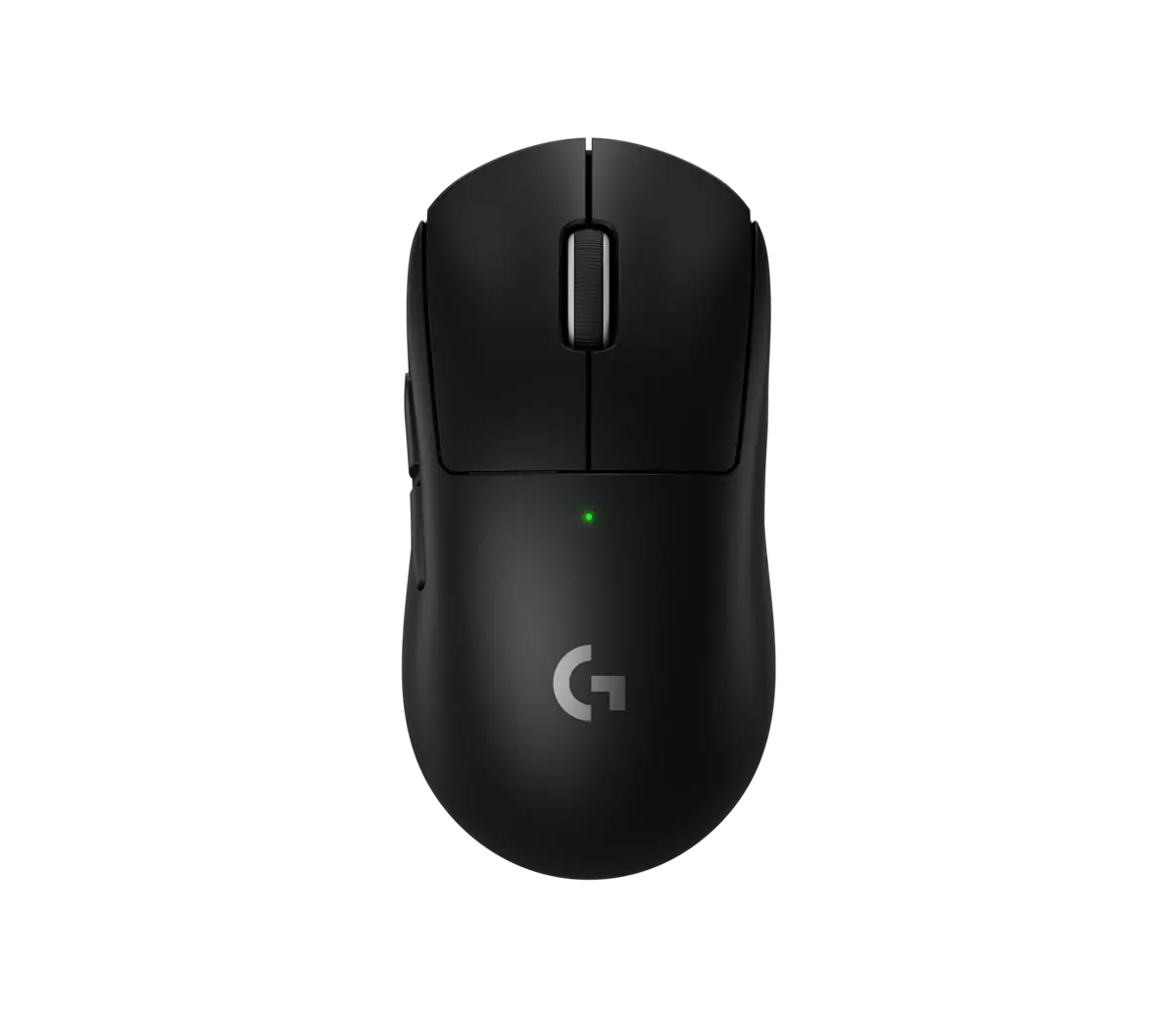
Logitech G PRO X SUPERLIGHT 2
A tournament-grade ~60g wireless mouse with an elite sensor.
- SensorHERO 2
- Max DPIUp to 44,000 DPI
- Weight~60 g
Price
$159
The productivity mouse to beat: unmatched ergonomics, scrolling and multi-device workflow.
The productivity mouse to beat: unmatched ergonomics, scrolling and multi-device workflow.
The MX Master 4 iterates on the most-recommended productivity mouse there is. It keeps the sculpted ergonomic shape, MagSpeed electromagnetic scroll wheel, thumb wheel and Darkfield 8000 DPI tracking (even on glass), and adds haptic feedback plus a clickable Actions Ring for context menus. It pairs with three devices over Bluetooth or Logi Bolt, charges over USB-C and runs for weeks per charge with Logi Options+ customization.
Every product is assessed against the same five criteria, from specifications and use-case fit. How we score
Professionals and creatives who want the most capable everyday productivity mouse.
Gamers (too heavy), left-handers, and budget buyers.
On price: This sits in the lower middle of the 6 mice we track on price.

You gain: Typically about $60 less by reference price.
You give up: You give up Haptics by going this way.
Price positions use our editorial reference prices, not live retailer quotes. Scores within a few tenths rarely decide a purchase — how we score.
| Specification | Logitech MX Master 4This product | Logitech G PRO X SUPERLIGHT 2 | Razer DeathAdder V4 Pro |
|---|---|---|---|
| SetupArc Score | 9.3 | 9.1 | 9.0 |
| Price | $130 | $159 | $170 |
| Sensor | Darkfield high precision | HERO 2 | Focus Pro 45K |
| Max DPI | 8000 DPI | Up to 44,000 DPI | — |
| Buttons | 8 programmable | 5 programmable | 6 programmable |
| Scroll Wheel | MagSpeed + thumb wheel | — | — |
| Haptics | Haptic Sense panel | — | — |
| Connectivity | Bluetooth + Logi Bolt | LIGHTSPEED wireless + USB-C | — |
| Device Pairing | Up to 3 devices (Flow) | — | — |
Live prices vary — we surface the lowest we've recorded. Tap through to check the current price.
For desk work, coding and creative apps, the MX Master 4 is the reference mouse. It is heavy and right-handed, but no rival matches its all-round polish.
A tournament-grade ~60g wireless mouse with an elite sensor.
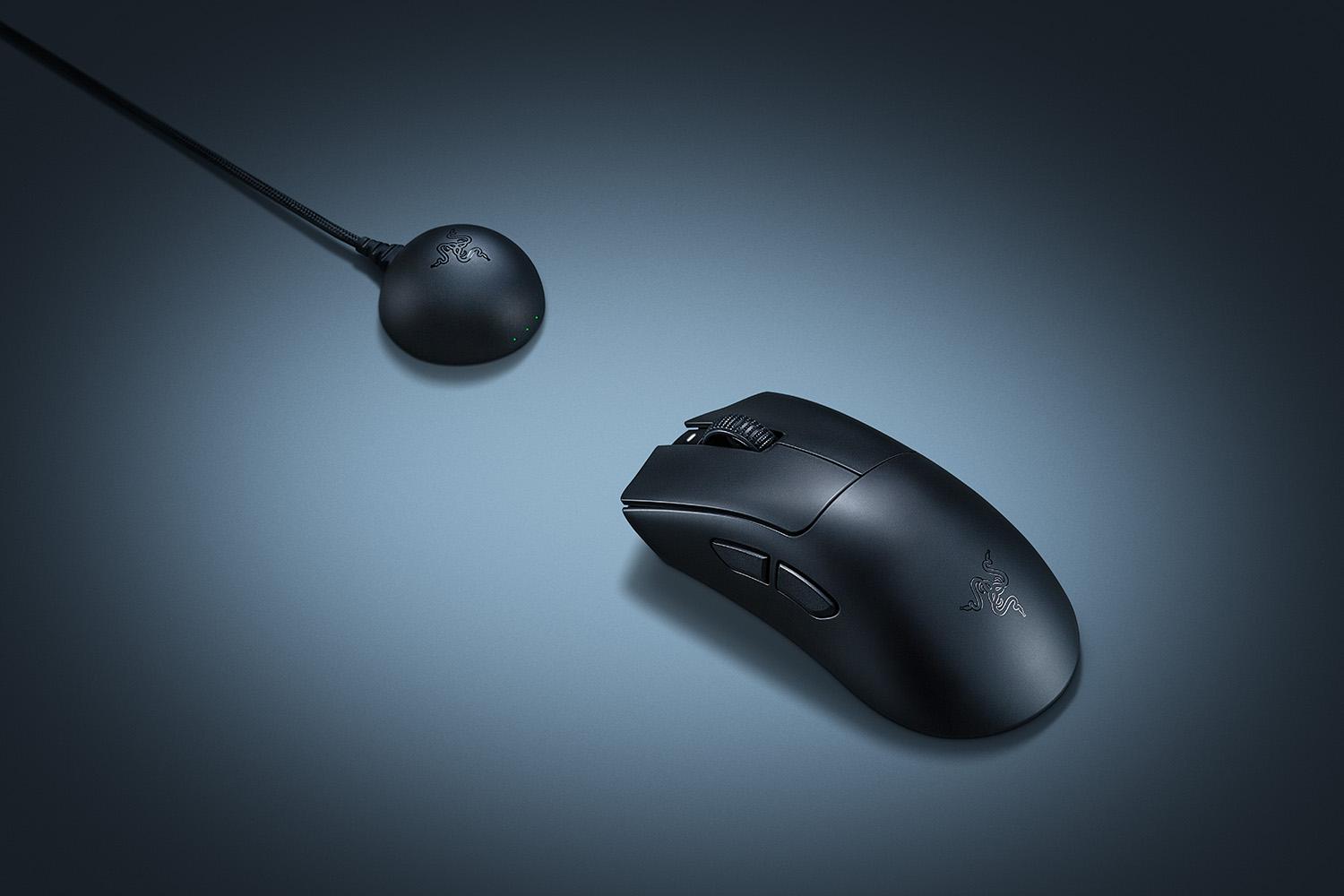
The best ergonomic gaming mouse: the classic DeathAdder grip, lighter and faster than ever.
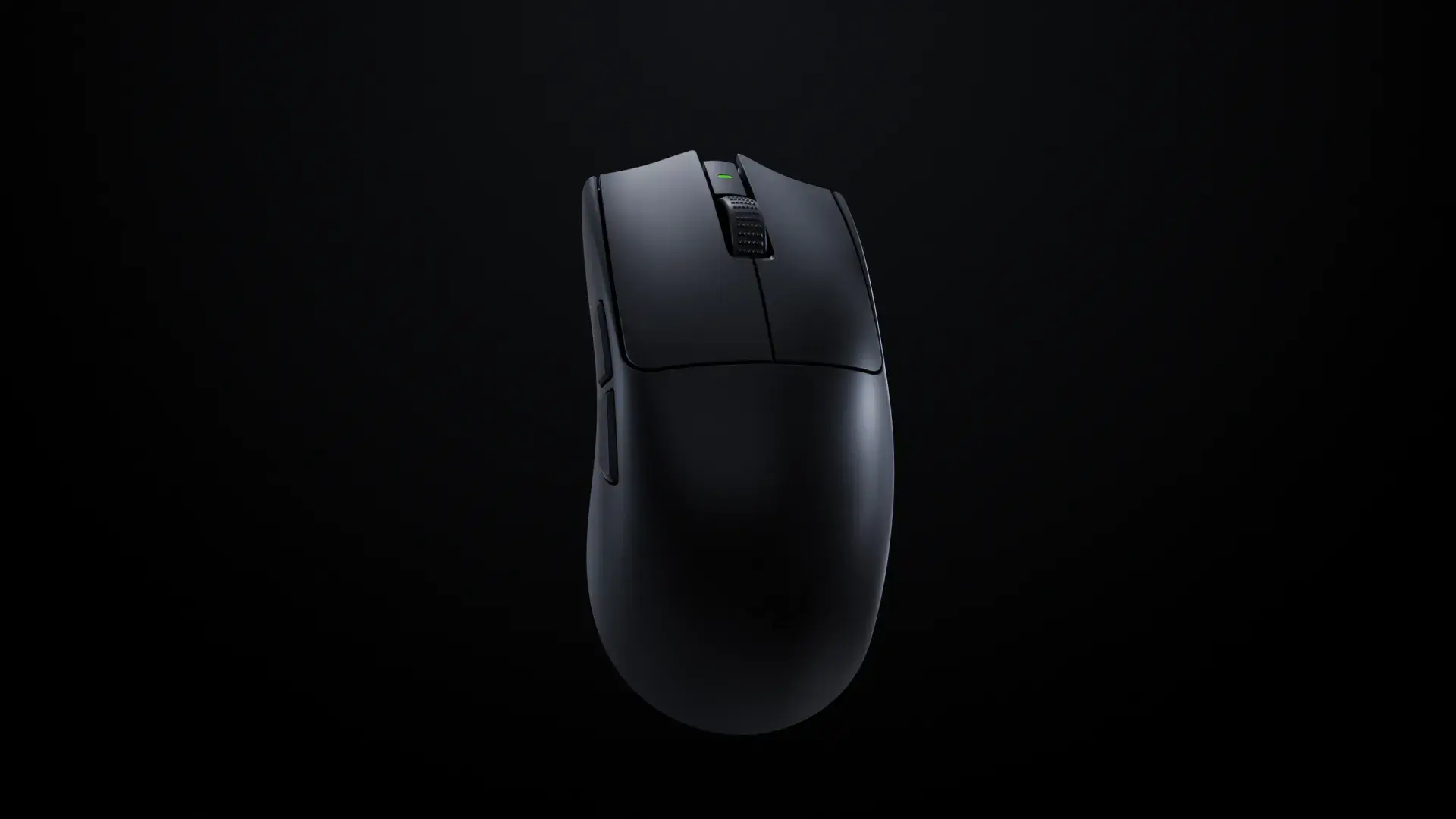
One of the lightest elite FPS mice, with a class-leading sensor and 8kHz polling.