Skip to content
SetupArc

Best Mouse for Productivity

A productivity mouse should reduce strain and speed up everyday tasks with precise scrolling, handy buttons and easy switching between machines. This guide is for professionals, creatives and anyone spending hours in documents, browsers and creative apps. Gaming mice are excluded — these are chosen for comfort and workflow.

SetupArc may earn commissions from qualifying purchases.

Quick picks

1Best Overall
SetupArc9.3

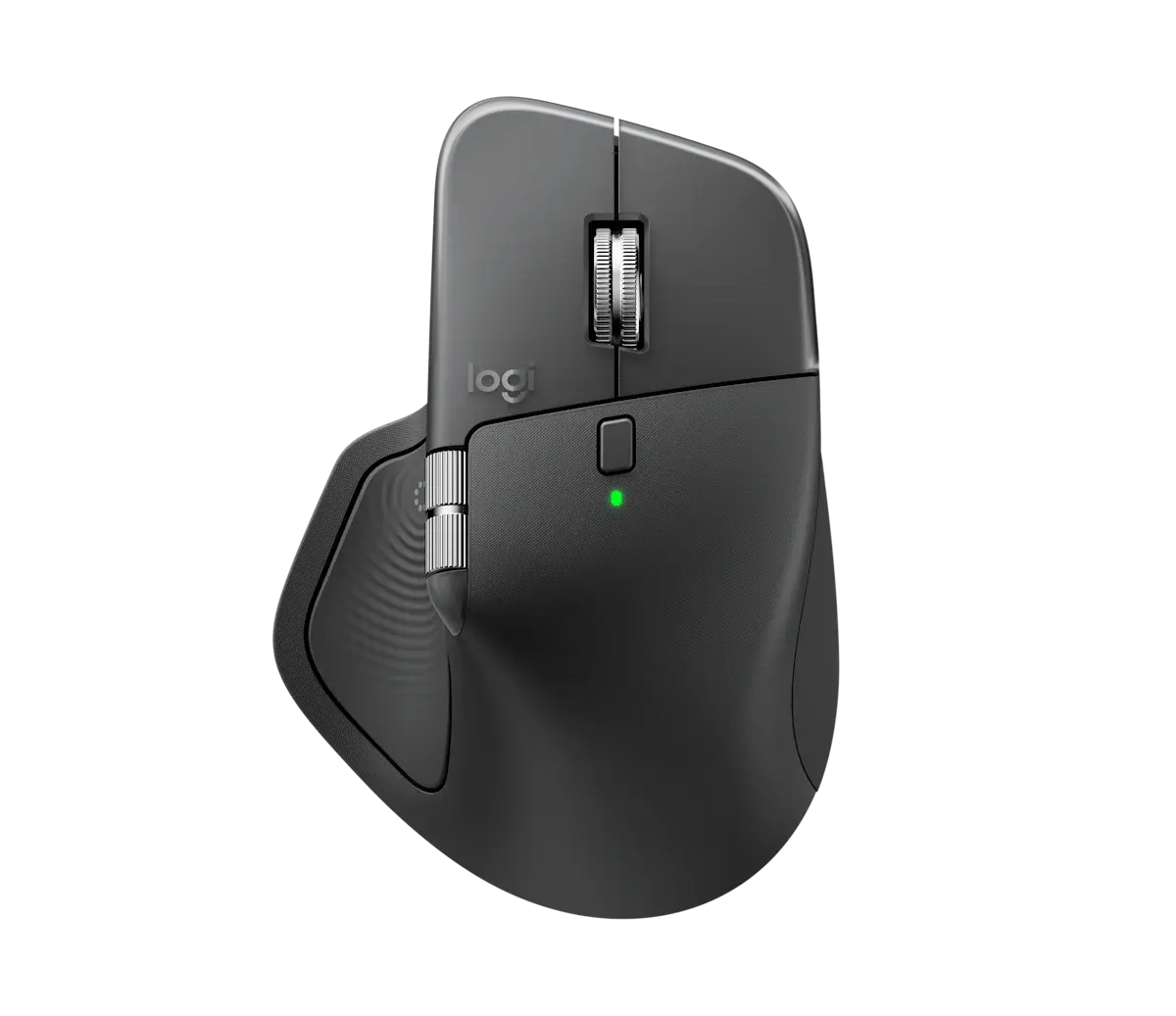
Logitech MX Master 4

The productivity mouse to beat: unmatched ergonomics, scrolling and multi-device workflow.

Why it fits: Sculpted ergonomics, MagSpeed and thumb-wheel scrolling, Darkfield tracking on any surface and multi-device Flow make it the definitive work mouse.

Shape
Ergonomic, right-handed
Scroll Wheel
MagSpeed + thumb wheel
Buttons
8 programmable
Device Pairing
Up to 3 devices (Flow)

Best suited for: Productivity · Coding · Creative Work

Tradeoff: Heavy and right-hand only
Price
$130
Check Price Full review
2Best for Ergonomics
SetupArc8.6

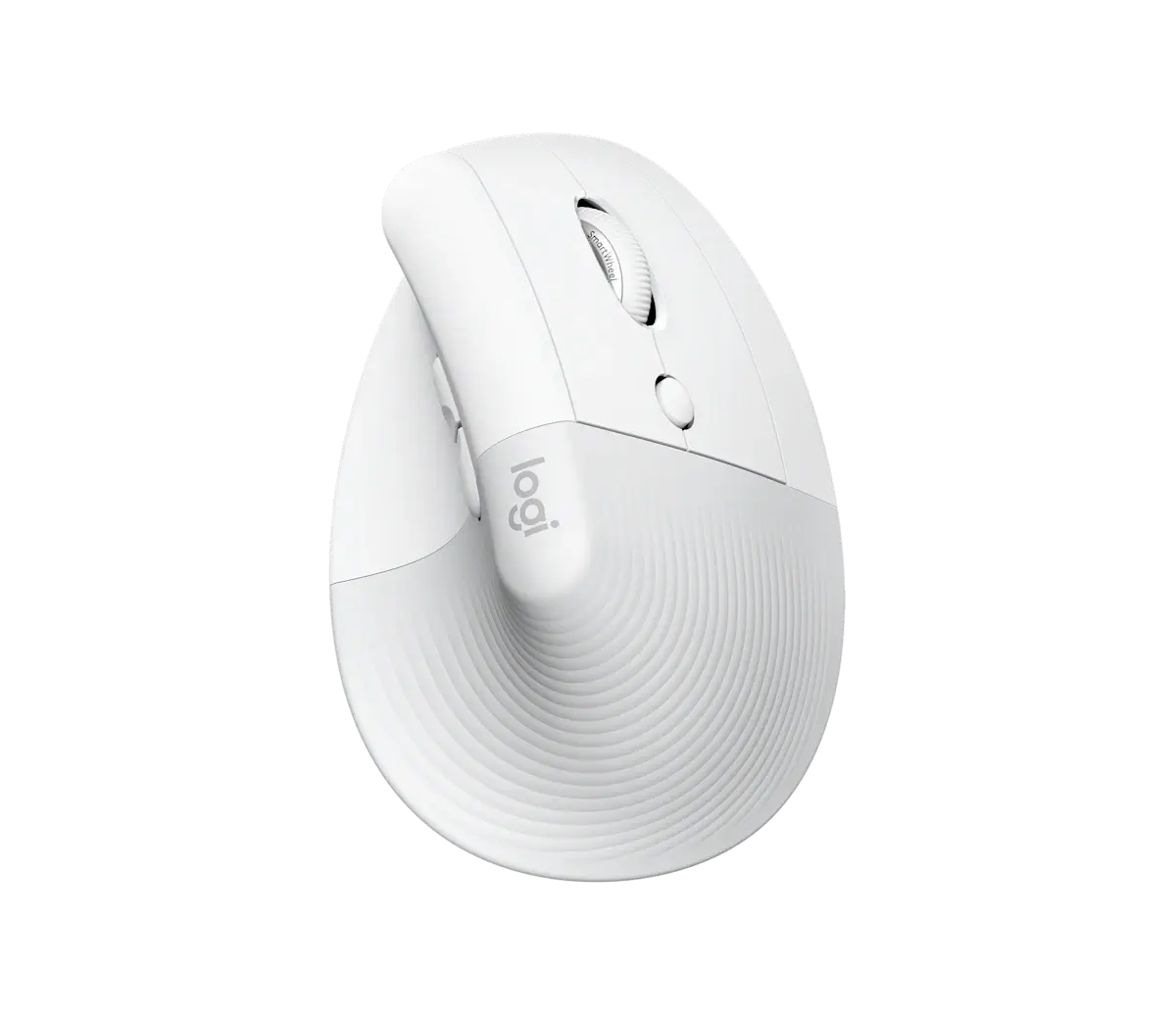
Logitech Lift

The best-value way into vertical ergonomics for small-to-medium hands.

Why it fits: A 57° vertical shape puts your hand in a natural handshake position to relieve wrist strain — ideal for small-to-medium hands over long days.

Shape
Vertical ergonomic (57°)
Buttons
6 (4 customizable)
Connectivity
Bluetooth + Logi Bolt
Battery
Up to 24 months (1× AA)

Best suited for: Productivity · General Use · Mac compatibility

Tradeoff: Sized for small-to-medium hands only

3Best Value
SetupArc8.5

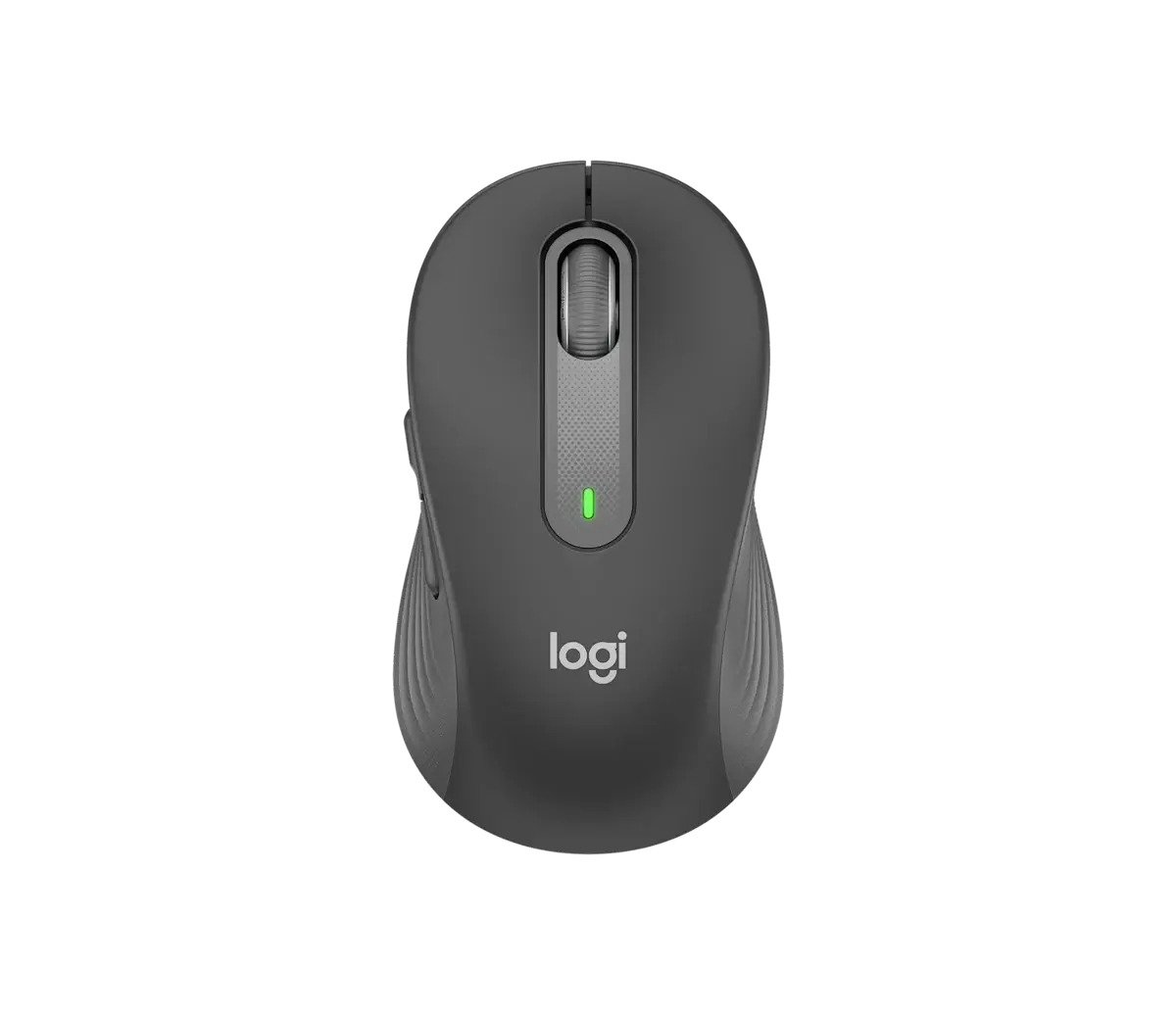
Logitech Signature M650

The best value everyday wireless mouse: quiet, comfortable and cheap.

Why it fits: Quiet SilentTouch clicks, a comfortable contour and up to two-year battery on a single AA — a dependable everyday mouse for very little.

Clicks
SilentTouch (quiet)
Buttons
5 (customizable)
Connectivity
Bluetooth + Logi Bolt
Battery
Up to 24 months (1× AA)

Best suited for: Productivity · General Use · Mac compatibility

Tradeoff: 4000 DPI ceiling and 1 AA (not rechargeable)

What matters for this use case

Ergonomics

Shape is the single biggest factor in all-day comfort. Sculpted right-handed and vertical designs reduce wrist strain; match the size to your hand.

Scroll wheel

Fast, free-spinning or electromagnetic wheels fly through long documents and code, and a tilt or horizontal wheel helps with wide spreadsheets and timelines.

Multi-device & flow

Pairing to several machines — and moving the cursor and clipboard between them — turns two computers into one workspace.

Buttons & customization

Extra programmable buttons and gestures map to shortcuts, app switching and back/forward: small savings that compound over a workday.

Battery

Rechargeable packs lasting weeks, or AA cells lasting up to two years, keep a work mouse out of your way.

How we chose

Recommendations are based on current specifications, product positioning, verified manufacturer data and third-party testing — not hands-on reviews. Products are ordered by how well they fit this specific use case, never by commission, retailer count or popularity. Use the interactive Compare tool and the Setup Finder to weigh them against your own priorities.

Related content