Editor's Pick
Logitech
SetupArc9.3
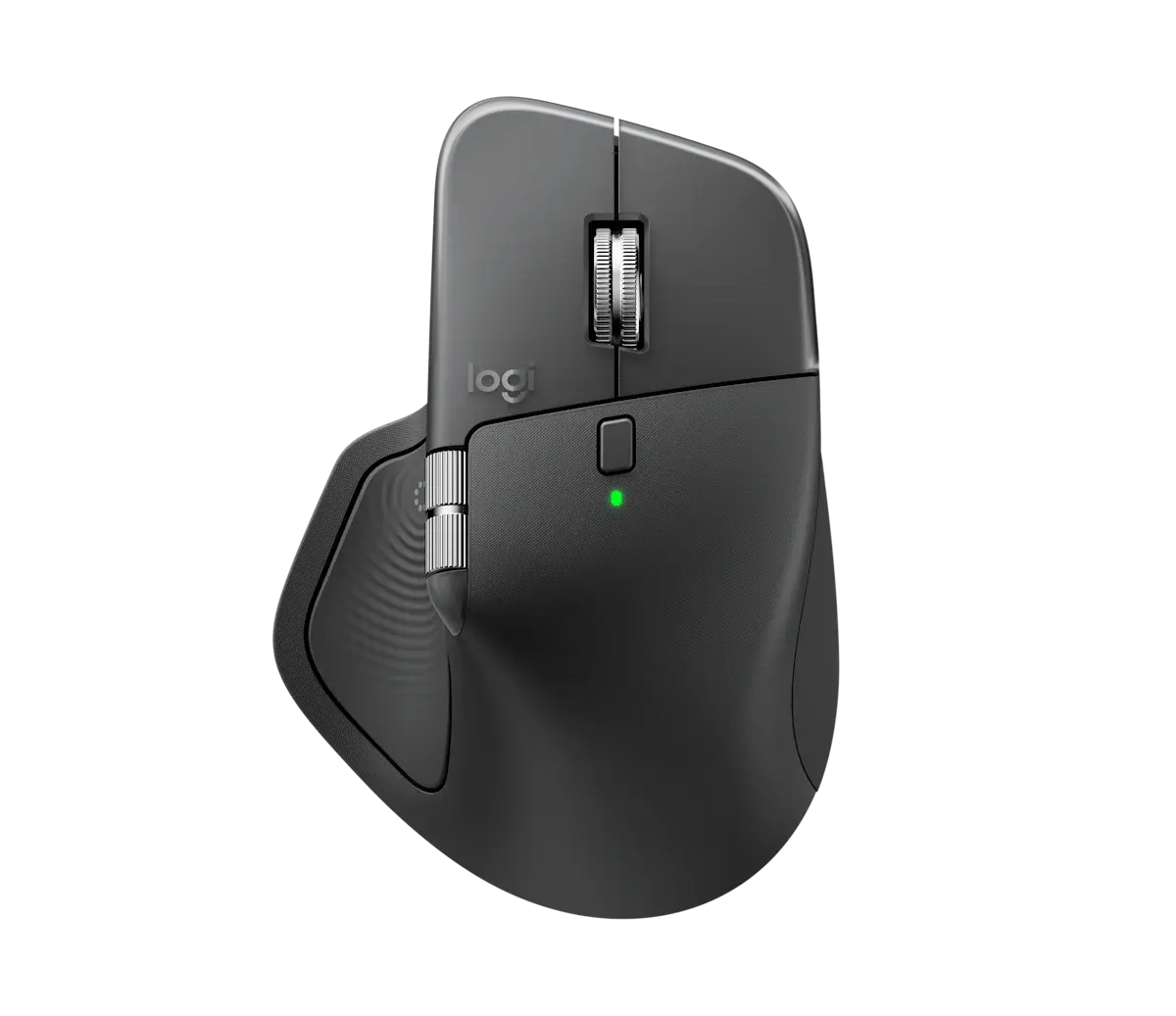
Logitech MX Master 4
The productivity mouse to beat: unmatched ergonomics, scrolling and multi-device workflow.
- SensorDarkfield high precision
- Max DPI8000 DPI
- Buttons8 programmable
Price
$130
The best-value way into vertical ergonomics for small-to-medium hands.
The best-value way into vertical ergonomics for small-to-medium hands.
The Lift brings vertical ergonomics to a mainstream price and hand size. Its 57° handshake angle keeps the wrist in a more natural position to reduce strain, while quiet clicks, a 4000 DPI sensor and four customizable buttons cover everyday work. It pairs over Bluetooth or the Logi Bolt receiver and runs up to 24 months on a single AA. For most people curious about vertical mice, it is the right starting point.
Every product is assessed against the same five criteria, from specifications and use-case fit. How we score
Anyone with wrist strain and small-to-medium hands who wants a comfortable everyday mouse.
Large-handed users (get the MX Vertical) and gamers.
On price: This sits among the more affordable of the 6 mice we track.

You gain: Typically about $30 less by reference price.
You give up: You give up a stronger Design score by going this way.
The stronger option for productivity if the budget stretches.
You gain: Adds Haptics.
You give up: Typically about $60 more by reference price.
Price positions use our editorial reference prices, not live retailer quotes. Scores within a few tenths rarely decide a purchase — how we score.
| Specification | Logitech LiftThis product | Logitech MX Master 4 | Logitech G PRO X SUPERLIGHT 2 |
|---|---|---|---|
| SetupArc Score | 8.6 | 9.3 | 9.1 |
| Price | $70 | $130 | $159 |
| Shape | Vertical ergonomic (57°) | Ergonomic, right-handed | Symmetrical (standard, not DEX) |
| Sensor | Optical | Darkfield high precision | HERO 2 |
| Max DPI | 4000 DPI | 8000 DPI | Up to 44,000 DPI |
| Buttons | 6 (4 customizable) | 8 programmable | 5 programmable |
| Clicks | Quiet | — | — |
| Connectivity | Bluetooth + Logi Bolt | Bluetooth + Logi Bolt | LIGHTSPEED wireless + USB-C |
| Hand Size | Small to medium | — | — |
Live prices vary — we surface the lowest we've recorded. Tap through to check the current price.
If wrist comfort matters and you have small-to-medium hands, the Lift is the pick. Larger hands should step up to the MX Vertical.
The productivity mouse to beat: unmatched ergonomics, scrolling and multi-device workflow.
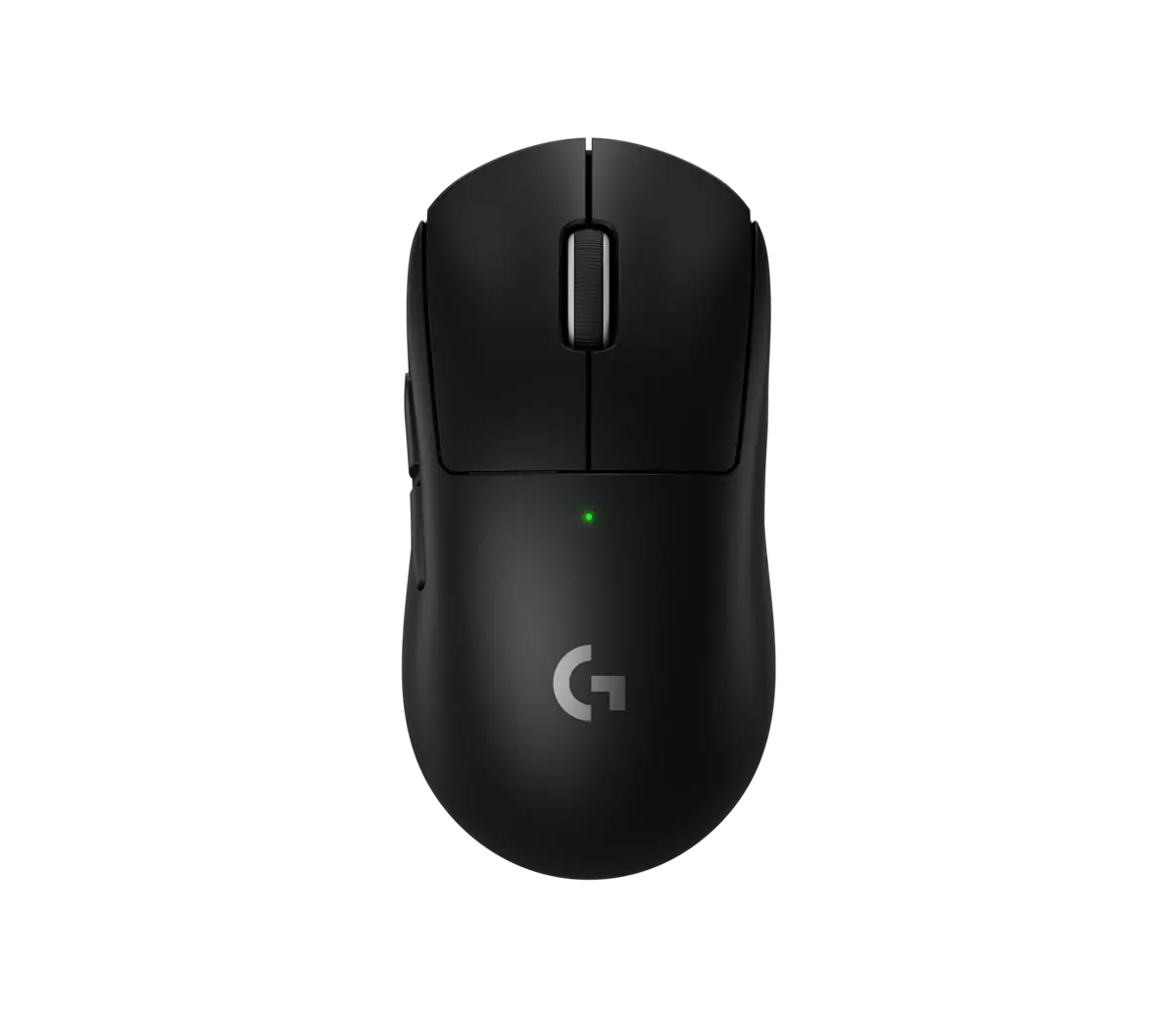
A tournament-grade ~60g wireless mouse with an elite sensor.
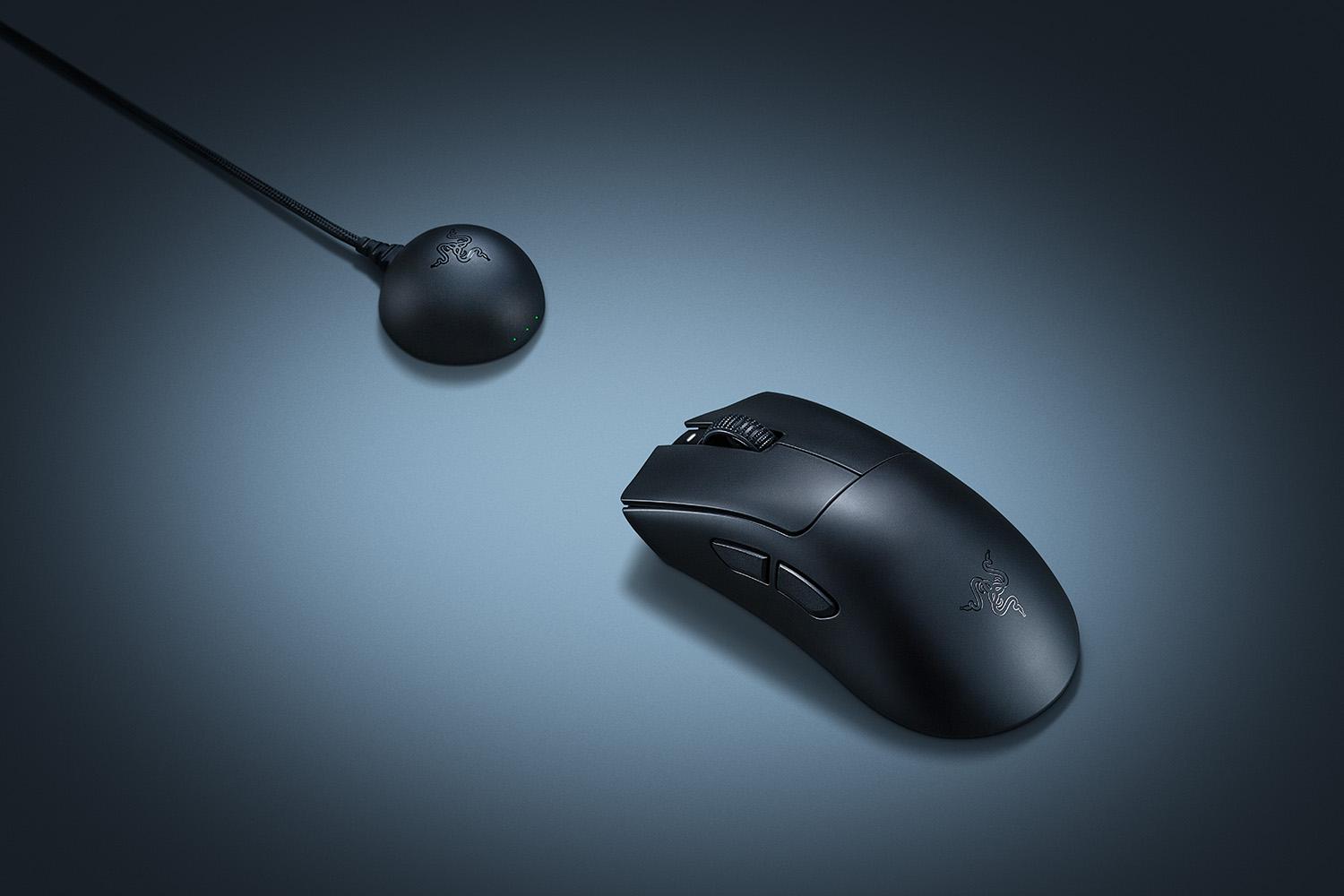
The best ergonomic gaming mouse: the classic DeathAdder grip, lighter and faster than ever.