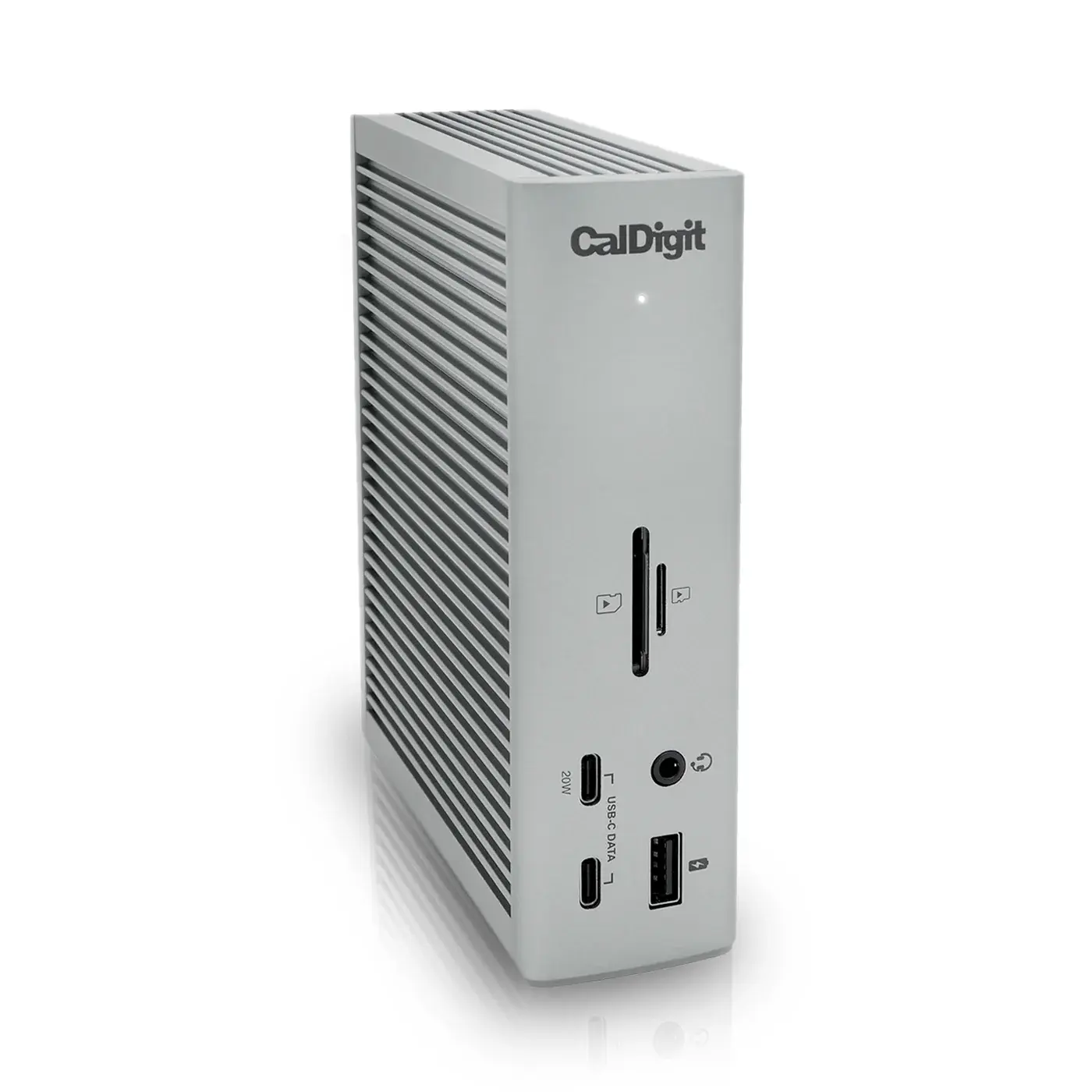
CalDigit TS4
The best Thunderbolt 4 dock: everything you need to run a full desk over one cable.
- ConnectionThunderbolt 4 (40 Gb/s)
- Total Ports18
- Thunderbolt 4 Ports3 (1 host + 2 downstream)
Thunderbolt 5 bandwidth and 140W charging, backward compatible with the Thunderbolt 4 machine you own today.
This is the first Thunderbolt 5 dock in the catalogue, and the generation change is the reason to consider it. Three downstream Thunderbolt 5 ports sit alongside two USB-A 10Gb/s ports, one USB-A 5Gb/s, 2.5Gb Ethernet, both SD and microSD UHS-II card slots, and a 3.5mm combo audio jack. Host charging is 140W, enough for a 16-inch laptop under sustained load rather than just at idle. Display support is up to three 8K screens on Windows or dual 6K on Mac. OWC bundles its Dock Ejector utility, and the dock remains backward compatible with Thunderbolt 4, Thunderbolt 3 and USB4 hosts, which means the extra bandwidth is headroom rather than a requirement.
Every product is assessed against the same five criteria, from specifications and use-case fit. How we score
Specifications are recorded from manufacturer documentation, and values we cannot confirm are left unknown rather than estimated. How we verify specs
Anyone buying a dock to last several machines, and users with power-hungry laptops where 96W is not quite enough.
Buyers who need the maximum number of legacy USB-A ports, or who want native HDMI without an adapter.
On price: This sits in the upper middle of the 5 docking stations we track on price.
You gain: Typically about $29 less by reference price.
You give up: You give up Ethernet and Card Reader by going this way.
Price positions use our editorial reference prices, not live retailer quotes. Scores within a few tenths rarely decide a purchase — how we score.
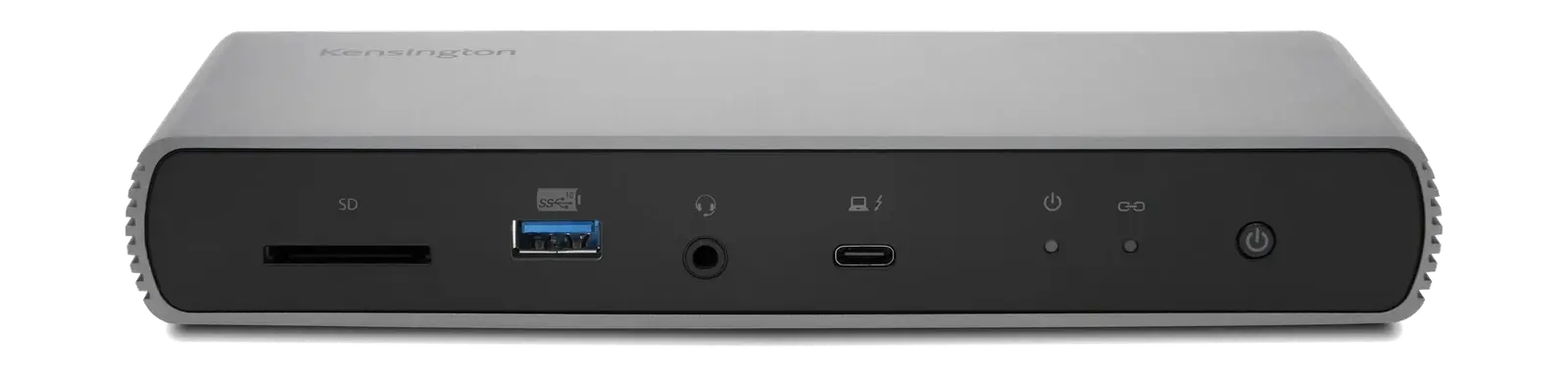
| Specification | OWC Thunderbolt 5 DockThis product | CalDigit TS4 | Kensington SD5780T |
|---|---|---|---|
| SetupArc Score | 9.2 | 9.4 | 8.9 |
| Price | $319–$350 | $380–$400 | $279–$320 |
| Connection | Thunderbolt 5 | Thunderbolt 4 (40 Gb/s) | Thunderbolt 4 |
| Total Ports | 11 | 18 | 11 |
| Thunderbolt 5 Ports | 3 × Thunderbolt 5 | 3 (1 host + 2 downstream) | 3 × Thunderbolt 4 |
| USB-A Data | 2 × 10Gb/s + 1 × 5Gb/s | 5× USB-A 10 Gb/s | 4 × USB-A 3.2 Gen 2 |
| Host Charging | 140 W | 98W | 96 W |
| Ethernet | 2.5 Gb (Cat 5e minimum) | 2.5 Gigabit | 2.5 Gb |
| Display Support | Up to 3 × 8K (Windows) or dual 6K (Mac) | Single 8K or dual 6K@60 | Single 8K 60Hz, single 4K 120Hz, or dual 4K/6K 60Hz (host dependent) |
Any figure below is the price we recorded on the date shown beside it, not a current price. Retailers set their own prices and availability — check the retailer for what you will actually pay today.
Buying a dock is a multi-year decision, and this is the one that will not need replacing when the laptop does. The 140W ceiling is the practical headline — most Thunderbolt 4 docks stop at 96W, which is enough to hold a large laptop's charge but not always to grow it under load. Note the port count is 11 rather than the 18 on the flagship CalDigit TS4, so this is about bandwidth and charging rather than sheer connector quantity. If you want native HDMI, OWC sells a separate Dual HDMI variant at a higher price; this model routes displays through its Thunderbolt ports.

The best Thunderbolt 4 dock: everything you need to run a full desk over one cable.

The Thunderbolt 4 dock to buy when the flagship is more ports than you need.

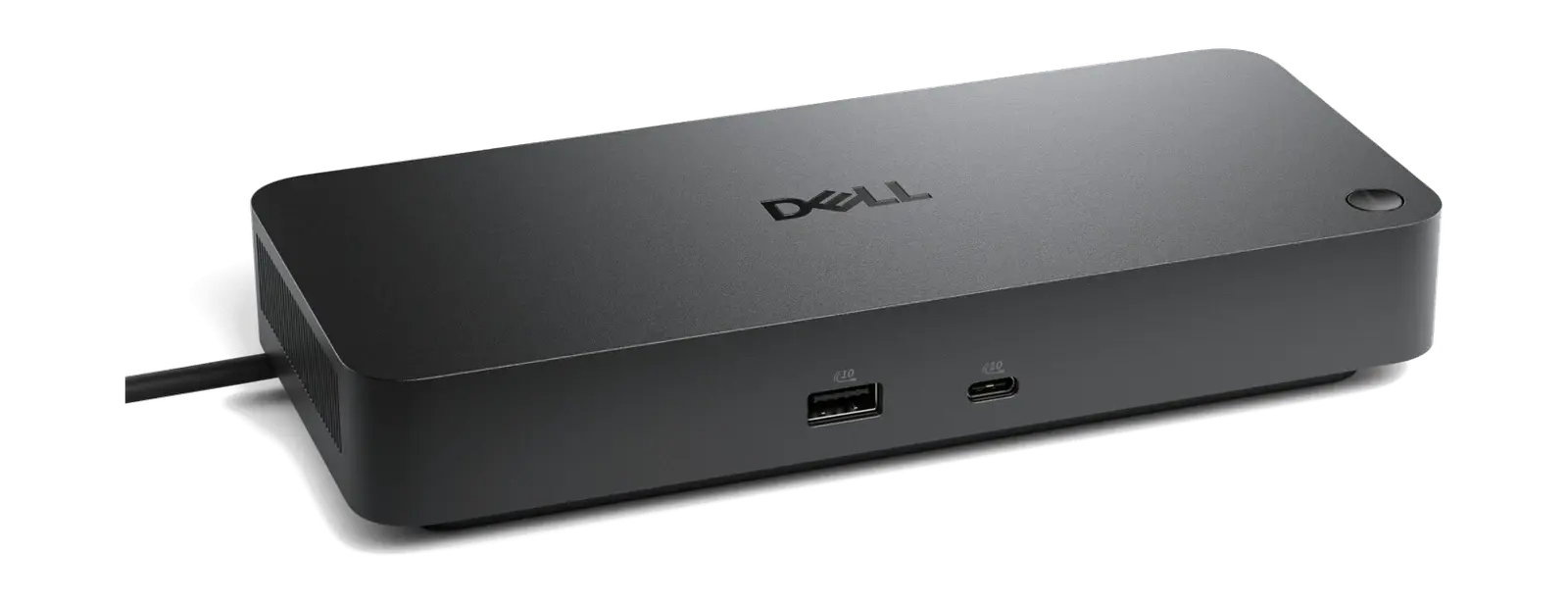
The Windows business Thunderbolt 4 dock: quad-display, high charging and enterprise-ready.