Skip to content
SetupArc
Desk Setup · Docking Stations

Kensington SD5780T

8.9Score
$279–$320
Reference price · see retailers below

The Thunderbolt 4 dock to buy when the flagship is more ports than you need.

SetupArc may earn a commission from qualifying purchases made through links on this page, at no extra cost to you. It never affects our scores, rankings or recommendations.
ProductivityMac compatibilityGeneral Use

Quick verdict

The Thunderbolt 4 dock to buy when the flagship is more ports than you need.

Best for

ProductivityMac compatibilityGeneral Use

Why we like it

The SD5780T is Kensington's mainstream Thunderbolt 4 dock, and its port selection is unusually well judged for office work. Alongside three Thunderbolt 4 ports it adds a native HDMI 2.1 output, four USB-A 3.2 Gen 2 ports, 2.5Gb Ethernet, a front audio combo jack and a UHS-II SD 4.0 card reader. Host charging is 96W over USB-C PD 3.0 and data runs at up to 40Gbps. Display support depends on the host: a single 8K at 60Hz over Thunderbolt 4, a single 4K at 120Hz, or dual 4K/6K at 60Hz, with the HDMI output itself capped at 4K 60Hz. Kensington covers it with a three-year warranty and includes a 1m Thunderbolt 4 cable.

  • 3 × Thunderbolt 4, up to 40Gbps
  • HDMI 2.1 output
  • 96W USB-C PD 3.0 host charging
  • 2.5Gb Ethernet
  • UHS-II SD 4.0 card reader

Pros & cons

What we like

  • Native HDMI 2.1 output alongside three Thunderbolt 4 ports
  • 2.5Gb Ethernet rather than the usual Gigabit
  • UHS-II SD 4.0 card reader
  • 96W host charging and a three-year warranty

Worth noting

  • Base M1/M2/M3 Macs drive only one external display
  • HDMI output is capped at 4K 60Hz
  • Fewer total ports than flagship docks at this tier

Performance breakdown

Every product is assessed against the same five criteria, from specifications and use-case fit. How we score

Performance9.0
Design8.0
Features9.0
Compatibility9.0
Value9.0

Key specifications

Connection
Thunderbolt 4
Total Ports
11
Thunderbolt 4 Ports
3 × Thunderbolt 4
HDMI
1 × HDMI 2.1 (up to 4K 60Hz out)
USB-A Data
4 × USB-A 3.2 Gen 2
Host Charging
96 W
Ethernet
2.5 Gb
Display Support
Single 8K 60Hz, single 4K 120Hz, or dual 4K/6K 60Hz (host dependent)
Card Reader
SD (UHS-II, SD 4.0)
Compatibility
Windows 10+, macOS 11+ (base M1/M2/M3: one external display)

Specifications are recorded from manufacturer documentation, and values we cannot confirm are left unknown rather than estimated. How we verify specs

Is the Kensington SD5780T worth it?

Who should buy it

Windows or Mac laptop users who want one Thunderbolt cable for dual displays, wired networking and card transfers without paying flagship prices.

Who should skip it

Anyone on a base-chip M1/M2/M3 Mac who specifically wants two external displays, and anyone needing more than four USB-A ports.

Why choose this over the alternatives?

On price: This sits among the more affordable of the 5 docking stations we track.

  • It ties for the strongest Value score in this group.
  • It costs less than everything here that scores above it, by reference price.
Cheaper alternative
SetupArc7.6
$179–$210

Plugable UD-6950PDH

Also suits productivity, for less money.

You gain: Typically about $100 less by reference price.

You give up: You give up a stronger Performance score by going this way.

Worth stepping up to
SetupArc9.2
$319–$350

OWC Thunderbolt 5 Dock

A different balance for productivity if the budget stretches.

You gain: Adds a stronger Performance score.

You give up: Typically about $30 more by reference price.

Price positions use our editorial reference prices, not live retailer quotes. Scores within a few tenths rarely decide a purchase — how we score.

Compare with similar products

SpecificationKensington SD5780TThis productCalDigit TS4OWC Thunderbolt 5 Dock
SetupArc Score8.99.49.2
Price$279–$320$380–$400$319–$350
ConnectionThunderbolt 4Thunderbolt 4 (40 Gb/s)Thunderbolt 5
Total Ports111811
Thunderbolt 4 Ports3 × Thunderbolt 43 (1 host + 2 downstream)3 × Thunderbolt 5
HDMI1 × HDMI 2.1 (up to 4K 60Hz out)——
USB-A Data4 × USB-A 3.2 Gen 25× USB-A 10 Gb/s2 × 10Gb/s + 1 × 5Gb/s
Host Charging96 W98W140 W
Ethernet2.5 Gb2.5 Gigabit2.5 Gb (Cat 5e minimum)

Where this ranks

Where to buy

Any figure below is the price we recorded on the date shown beside it, not a current price. Retailers set their own prices and availability — check the retailer for what you will actually pay today.

SetupArc may earn a commission from qualifying purchases made through links on this page, at no extra cost to you. It never affects our scores, rankings or recommendations.

Final verdict

8.9Score

Against the CalDigit TS4 this trades raw port count for a lower price and a native HDMI output, which matters if your second display is a TV or a monitor without DisplayPort. The 2.5Gb Ethernet and UHS-II card reader are both a step above the usual business-dock fittings. One limitation is worth being clear about and is Kensington's own: machines with M1, M2 or M3 base chips support only a single external display regardless of what the dock can output — that is an Apple Silicon constraint, not a fault in the dock, but it decides whether this is the right purchase.

Alternatives to consider

Editor's Pick
CalDigit
SetupArc9.4

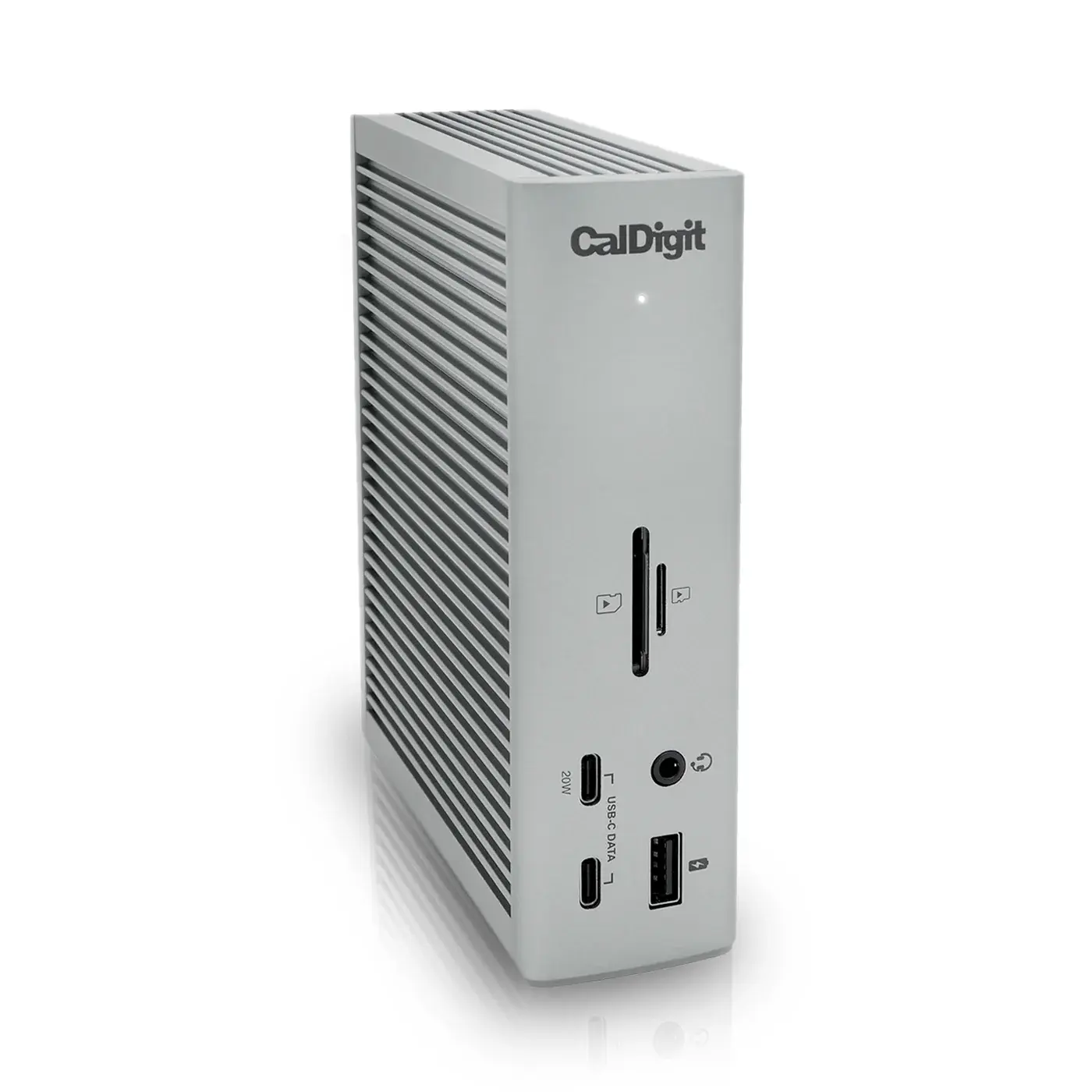
CalDigit TS4

The best Thunderbolt 4 dock: everything you need to run a full desk over one cable.

  • ConnectionThunderbolt 4 (40 Gb/s)
  • Total Ports18
  • Thunderbolt 4 Ports3 (1 host + 2 downstream)
Reference price
$380–$400
OWC
SetupArc9.2

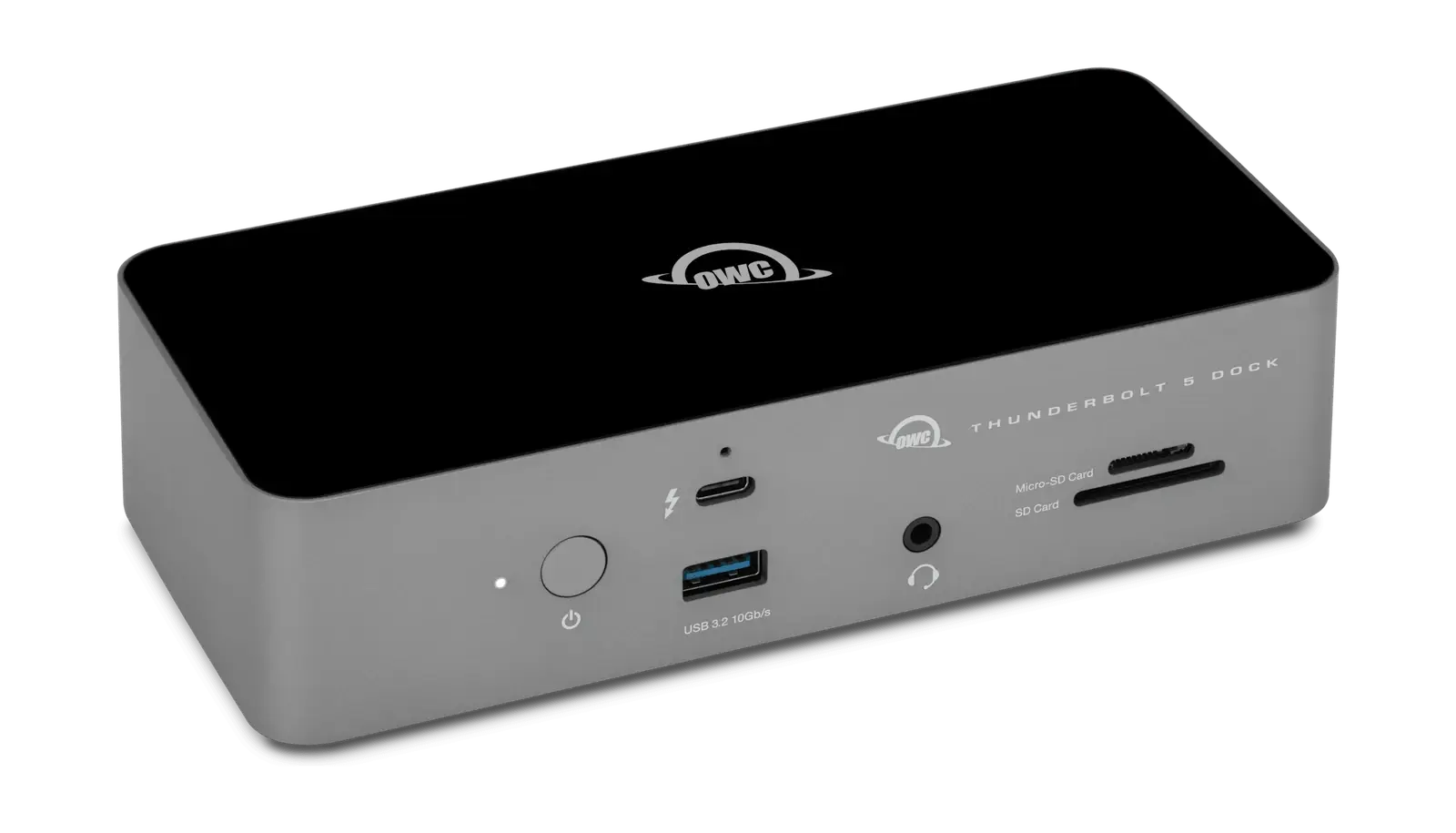
OWC Thunderbolt 5 Dock

Thunderbolt 5 bandwidth and 140W charging, backward compatible with the Thunderbolt 4 machine you own today.

  • ConnectionThunderbolt 5
  • Total Ports11
  • Thunderbolt 5 Ports3 × Thunderbolt 5
Reference price
$319–$350

Related reading