CalDigit TS4
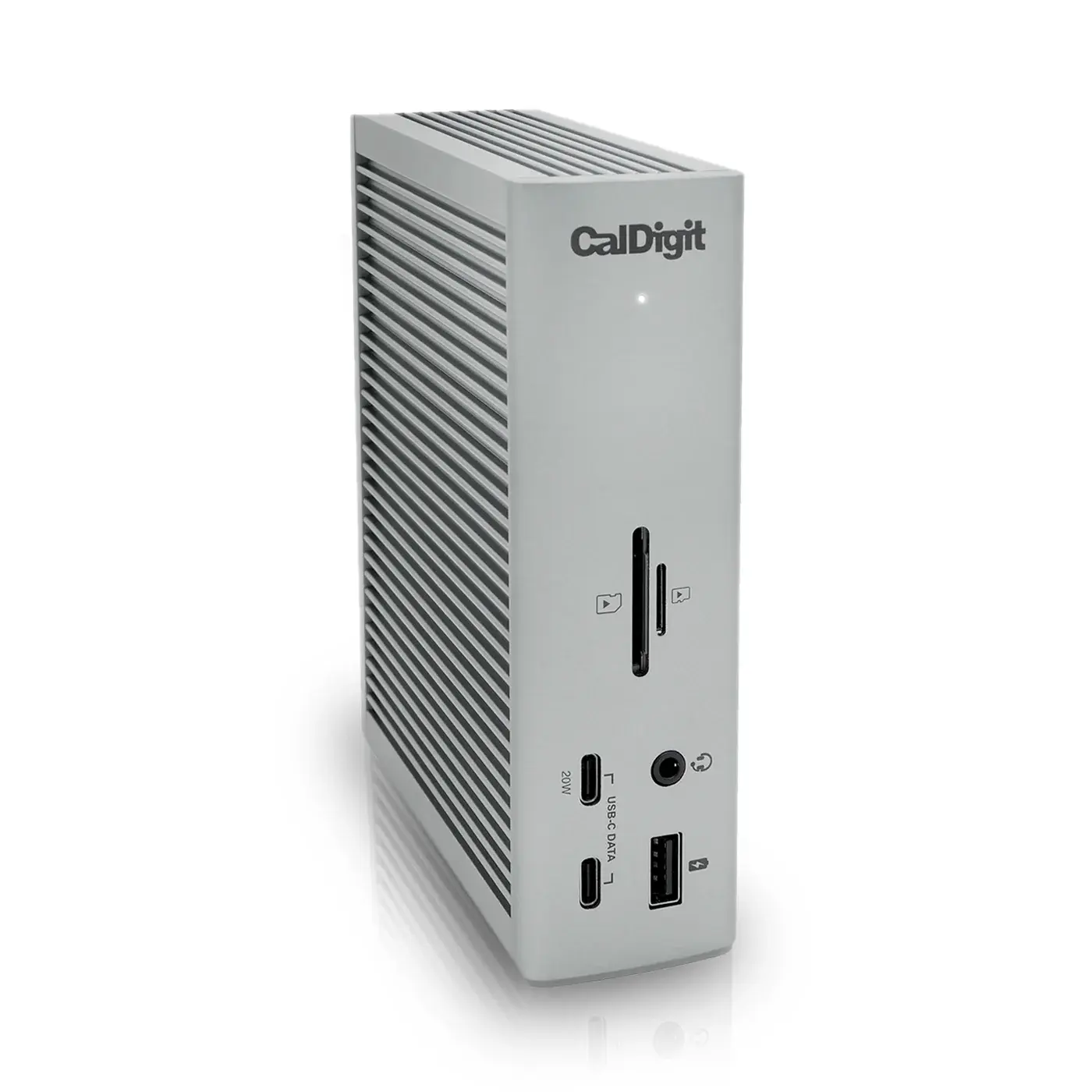
The best Thunderbolt 4 dock: everything you need to run a full desk over one cable.
- ConnectionThunderbolt 4 (40 Gb/s)
- Total Ports18
- Thunderbolt 4 Ports3 (1 host + 2 downstream)
Dual 4K 60Hz from a non-Thunderbolt laptop — with DisplayLink's limitations attached.
The UD-6950PDH solves a specific problem: driving two 4K displays from a host that cannot do it natively. It uses a DisplayLink DL-6950 chipset rather than Thunderbolt, so the two video outputs — each selectable as HDMI 2.0 or DisplayPort 1.2, and mixable — work at 3840 × 2160 and 60Hz on hosts whose USB-C port would otherwise manage only one screen. Around them sit four USB-A 3.0 ports, a front USB-C, Gigabit Ethernet, UHS-II SD and microSD readers, a headset jack and 100W of host charging. The host connection itself is USB 3.0 at 5Gbps, which is the architectural trade: bandwidth is well below Thunderbolt, and video is compressed and sent over USB rather than carried natively.
Every product is assessed against the same five criteria, from specifications and use-case fit. How we score
Specifications are recorded from manufacturer documentation, and values we cannot confirm are left unknown rather than estimated. How we verify specs
People with a non-Thunderbolt USB-C laptop who need two 4K screens for document and office work.
Anyone who watches streaming video, games, edits video, needs Retina scaling, runs Linux, or has a Thunderbolt port available — a Thunderbolt dock is better in every respect.
On price: This has the lowest reference price of the 5 docking stations we track.
Price positions use our editorial reference prices, not live retailer quotes. Scores within a few tenths rarely decide a purchase — how we score.
| Specification | Plugable UD-6950PDHThis product | CalDigit TS4 | OWC Thunderbolt 5 Dock |
|---|---|---|---|
| SetupArc Score | 7.6 | 9.4 | 9.2 |
| Price | $179–$210 | $380–$400 | $319–$350 |
| Connection | USB-C (USB 3.0, 5Gbps) — DisplayLink DL-6950 | Thunderbolt 4 (40 Gb/s) | Thunderbolt 5 |
| Total Ports | 14 | 18 | 11 |
| Thunderbolt | No | 3 (1 host + 2 downstream) | 3 × Thunderbolt 5 |
| HDMI | 2 × HDMI 2.0 (shared with DisplayPort outputs) | — | — |
| DisplayPort | 2 × DP 1.2 (shared with HDMI outputs) | — | — |
| USB-C Data | 1 × USB-C 5Gbps (front, 1500mA) | 3× USB-C 10 Gb/s | — |
| USB-A Data | 4 × USB 3.0 5Gbps | 5× USB-A 10 Gb/s | 2 × 10Gb/s + 1 × 5Gb/s |
Any figure below is the price we recorded on the date shown beside it, not a current price. Retailers set their own prices and availability — check the retailer for what you will actually pay today.
This dock is worth recommending only with its constraints stated plainly, because they are not marginal. DisplayLink requires a driver — automatic on Windows, a manual DisplayLink Manager install on macOS. HDCP is not supported, so protected content from services such as Netflix or Hulu will not play on any display while the dock is connected. Plugable itself states the dock is not recommended for gaming, 2D/3D graphics acceleration, full-screen video playback or video editing, and does not recommend Linux. HiDPI (Retina) scaling is not supported either, so 4K displays run at native 4K or 1080p. For spreadsheets, documents, mail and code on a laptop without Thunderbolt, it does the job well and cheaply. For anything involving video playback, it is the wrong tool.

The best Thunderbolt 4 dock: everything you need to run a full desk over one cable.

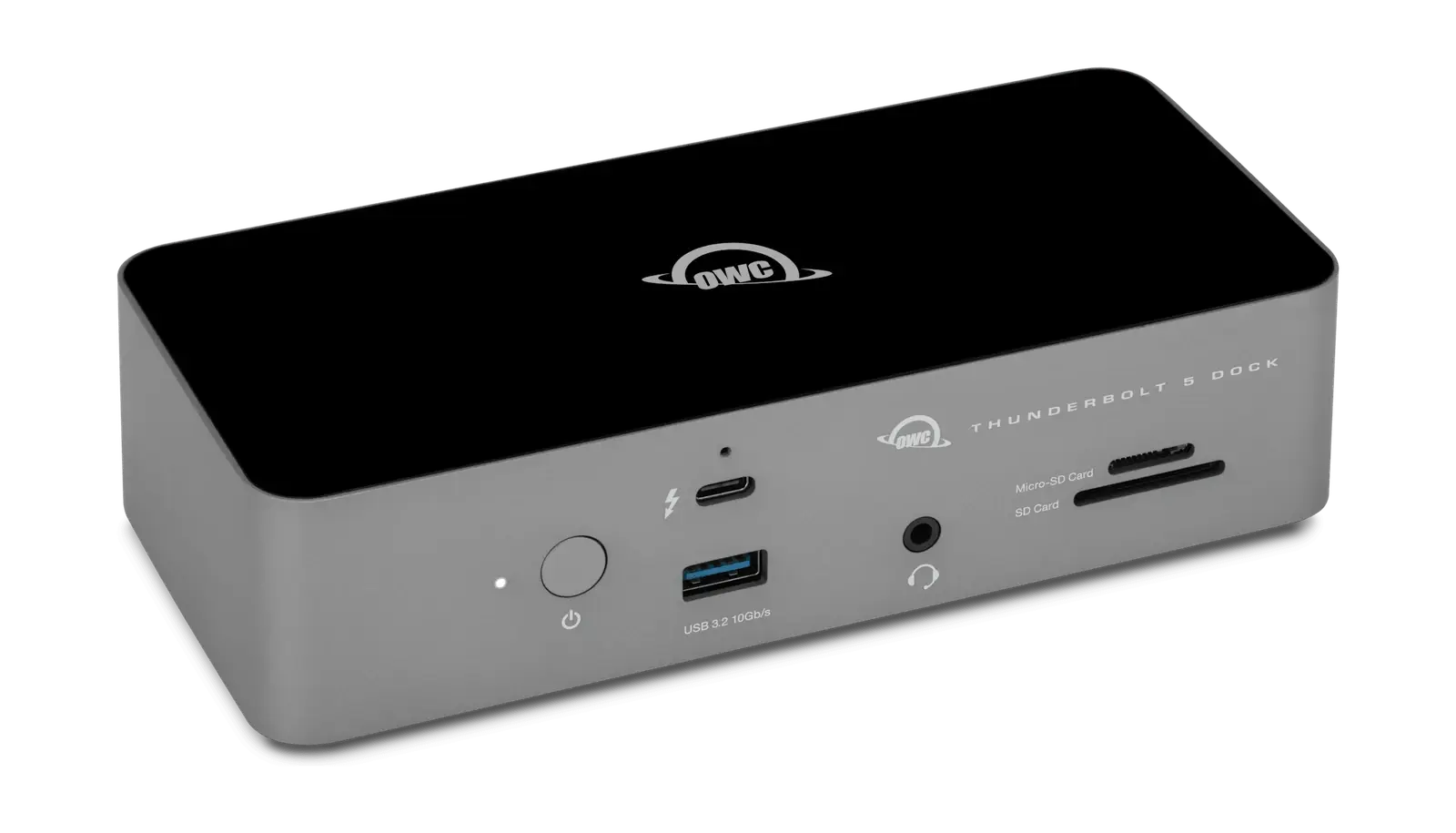
Thunderbolt 5 bandwidth and 140W charging, backward compatible with the Thunderbolt 4 machine you own today.

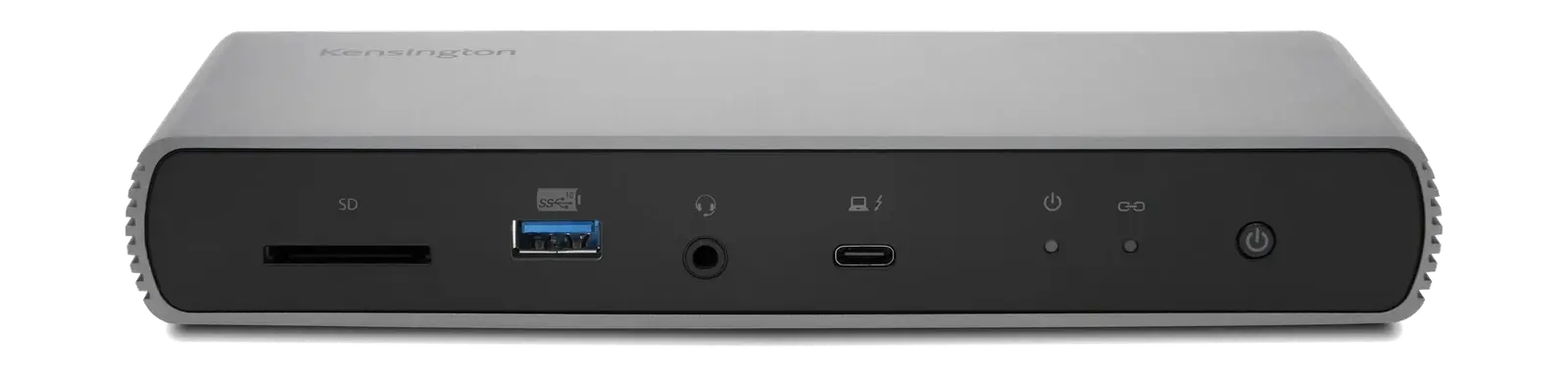
The Thunderbolt 4 dock to buy when the flagship is more ports than you need.