Monitors · Head-to-head
Dell UltraSharp U2725QE vs Dell UltraSharp U3225QE
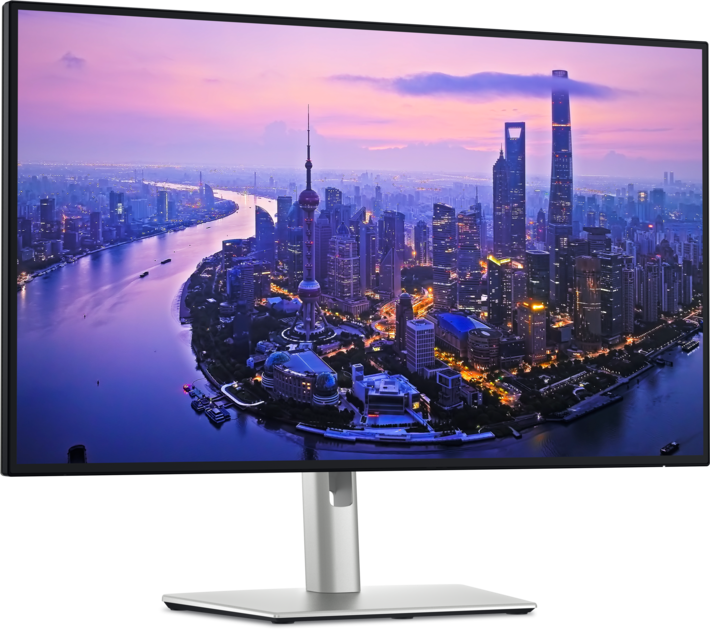
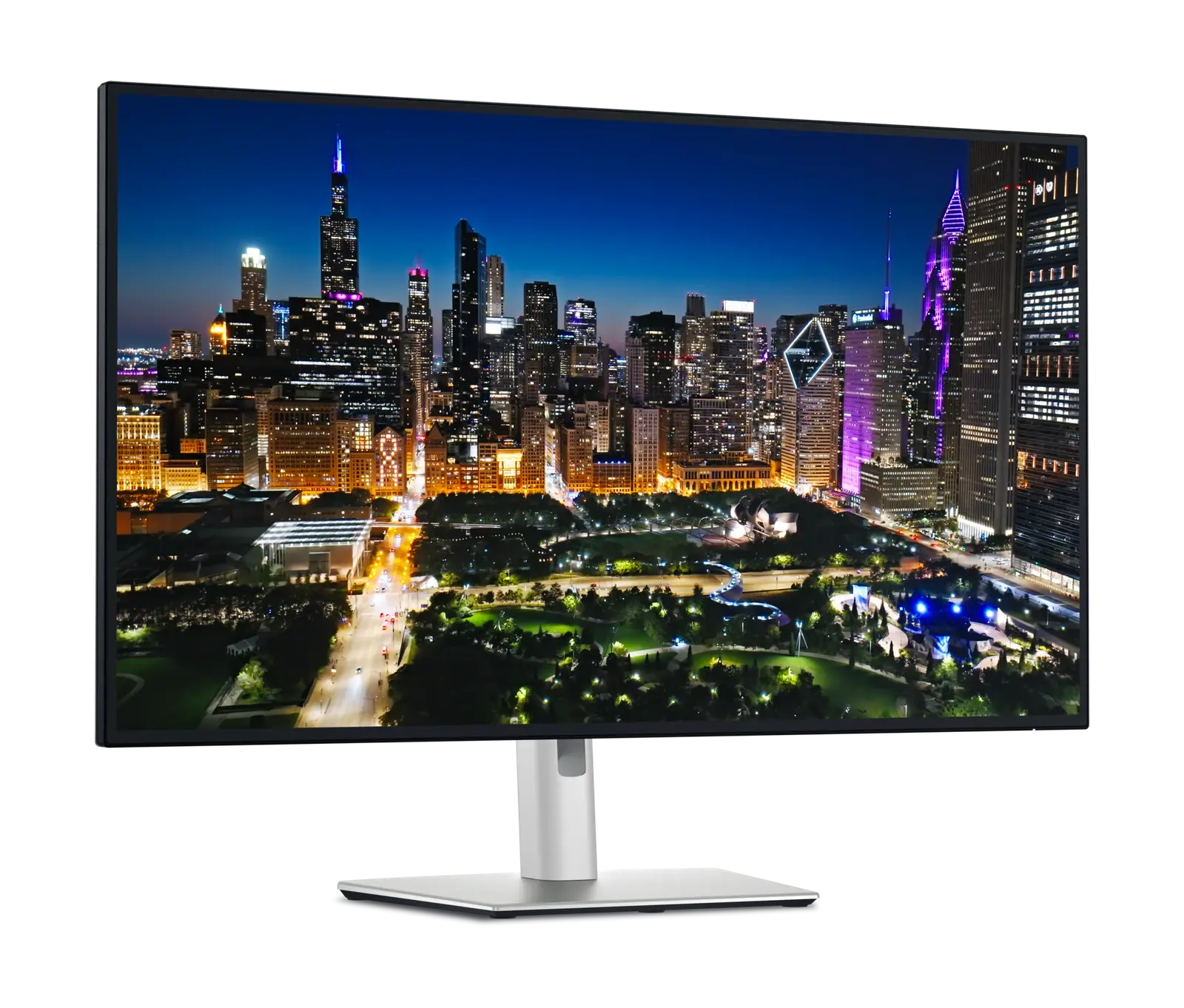
The same Thunderbolt 4 dock monitor in two sizes — 27 inches against 31.5 — where the only real question is whether you want more desk area or sharper text for less money.
Quick verdict
Choose the Dell UltraSharp U2725QE if…
Choose the 27-inch U2725QE if sharpness matters more than area. Both panels are 3840 × 2160, so the smaller one packs those pixels tighter — about 163 against 140 pixels per inch — which is the difference between text that looks crisp at native size and text most people will scale. It is also the cheaper of the two by roughly $200 at reference price, with the same Thunderbolt 4, 140 W charging, KVM and 2.5 GbE behind it.
Choose the Dell UltraSharp U3225QE if…
Choose the 31.5-inch U3225QE if you want the area. 4K at 32 inches holds two genuinely readable windows side by side where 27 inches holds one and a half, which is the whole reason to pay more — the feature list is otherwise identical. It is also the brighter panel at 600 nits against 450, and it needs the desk depth to sit at a comfortable viewing distance.
What the price difference means
These sit in overlapping reference-price bands ($640–$870 against $850–$1,000), so price is unlikely to decide this one — choose on the differences above.
Reference prices are our own editorial figures for a typical street price, not live retailer quotes.
Key differences
The specifications that meaningfully differ between the two. A highlighted value is the stronger figure where it can be compared objectively.
| Specification | Dell UltraSharp U2725QE | Dell UltraSharp U3225QE |
|---|---|---|
| Screen Size | 27" | 31.5" (32" class) |
| Color Coverage | 99% DCI-P3 | 99% DCI-P3, 100% sRGB |
| Brightness | 450 nits (DisplayHDR 600) | 600 nits |
| Response Time | 5 ms (GtG) | 5 ms (GtG, fast) |
| Thunderbolt | Thunderbolt 4 | Thunderbolt 4 (upstream + downstream) |
| DisplayPort | 1 × DP 1.4 in + 1 × DP 1.4 out (MST) | 1 × DP 1.4 in + 1 × DP 1.4 out |
| Ethernet | 2.5 GbE | 2.5 Gb |
| VESA Mount | 100 × 100 | 100 × 100 mm |
Full side-by-side specs
Both columns are the manufacturer specifications recorded in our catalogue. Where a figure is not published we leave it blank rather than estimating it — how we verify specifications.
| Specification | Dell UltraSharp U2725QE | Dell UltraSharp U3225QE |
|---|---|---|
| Screen Size | 27" | 31.5" (32" class) |
| Resolution | 3840 × 2160 (4K UHD) | 3840 × 2160 (4K UHD) |
| Refresh Rate | 120 Hz | 120 Hz |
| Panel Type | IPS Black | IPS Black |
| Aspect Ratio | 16:9 | 16:9 |
| Response Time | 5 ms (GtG) | 5 ms (GtG, fast) |
| Brightness | 450 nits (DisplayHDR 600) | 600 nits |
| HDR | VESA DisplayHDR 600 | VESA DisplayHDR 600 |
| Color Coverage | 99% DCI-P3 | 99% DCI-P3, 100% sRGB |
| USB-C | Yes (Thunderbolt 4) | Yes (Thunderbolt 4) |
| USB-C Power Delivery | 140 W | 140 W |
| Thunderbolt | Thunderbolt 4 | Thunderbolt 4 (upstream + downstream) |
| HDMI | 1 × HDMI 2.1 | 1 × HDMI 2.1 |
| DisplayPort | 1 × DP 1.4 in + 1 × DP 1.4 out (MST) | 1 × DP 1.4 in + 1 × DP 1.4 out |
| Ethernet | 2.5 GbE | 2.5 Gb |
| KVM Switch | Yes | Yes |
| VESA Mount | 100 × 100 | 100 × 100 mm |
| Speakers | No | No |
| Height Adjustable | Yes | Yes (150 mm, tilt/swivel/pivot) |
| USB-C Video (DP Alt Mode) | Yes | Yes |
| HDMI Version | 2.1 | 2.1 |
| DisplayPort Version | 1.4 | 1.4 |
Who should buy each one
Dell UltraSharp U2725QE
Laptop-first professionals who want a tidy single-cable desk with Ethernet, KVM and high-wattage charging.
- Premium price for a 60/120Hz productivity panel
- No built-in speakers
Dell UltraSharp U3225QE
Anyone running a laptop as their main machine who wants one cable for video, power, network and peripherals on a large 4K screen.
- No built-in speakers at a premium price
- Expensive against 32-inch 4K panels without the hub
Final verdict
This is a size decision, not a quality one. The two share a panel technology, a refresh rate, a charging ceiling, a KVM and a network port, so nothing here is a compromised version of the other — what changes is how those same 8.3 million pixels are spread.
The sharper, cheaper half of the pair — and the one that fits a normal desk.
Read the full Dell UltraSharp U2725QE reviewThe one to buy when the job is fitting more windows on screen at once.
Read the full Dell UltraSharp U3225QE reviewAt 9.2 and 9.3, these scores are too close to decide anything on their own. Use the trade-offs above instead — how we score.
Keep exploring
Want to line these up against other options, or get a tailored recommendation?