Monitors · Head-to-head
ViewSonic VG2758-2K vs Dell S2725QC
Two affordable single-cable USB-C monitors at almost the same reference price, built on opposite priorities — one spends the money on dock features and a wired network port, the other on twice the pixels.
Quick verdict
Choose the ViewSonic VG2758-2K if…
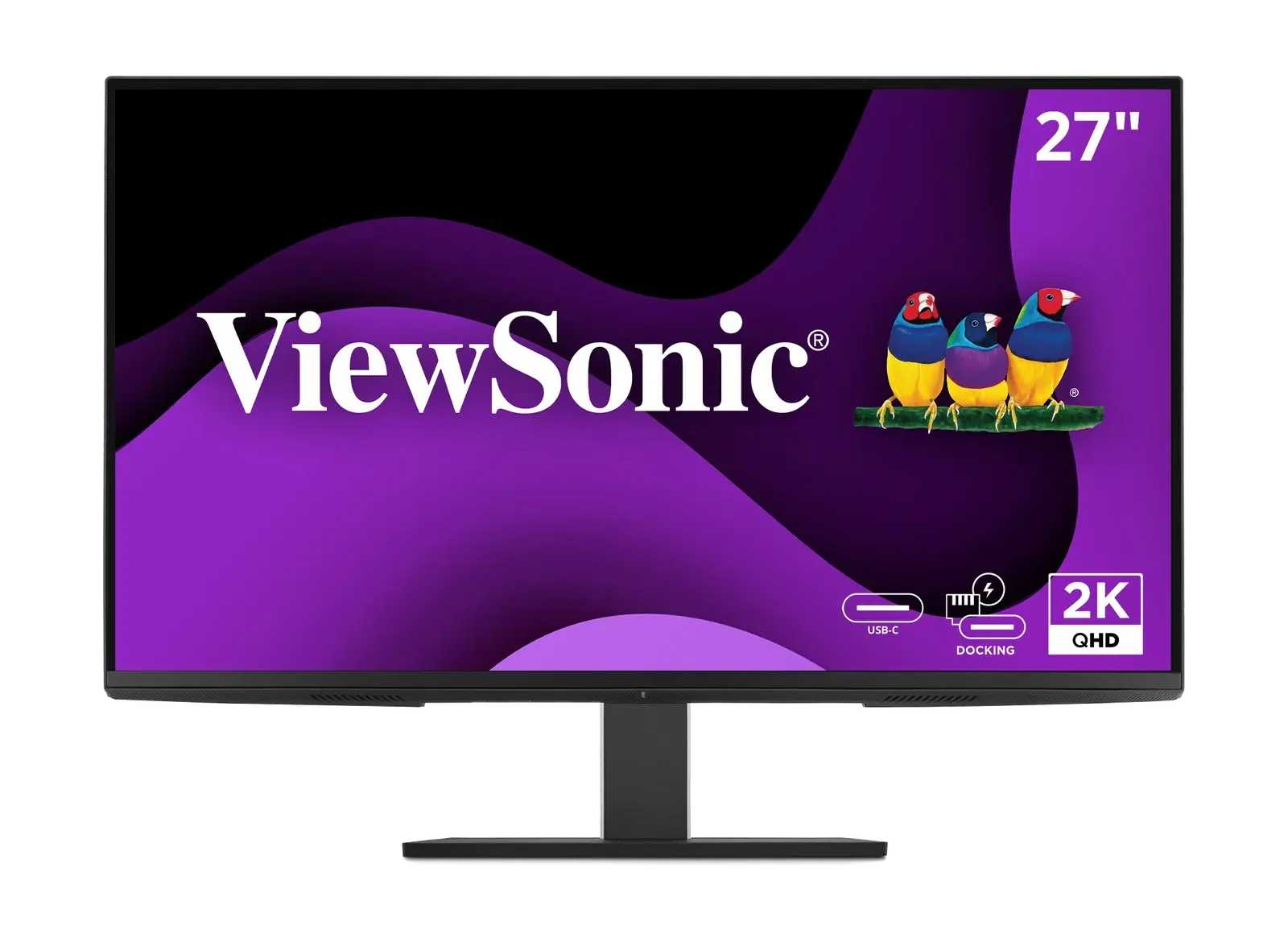
Choose the ViewSonic VG2758-2K if the monitor should do a dock's job. It supplies 100 W over USB-C — enough headroom for most laptops — and adds RJ45 Ethernet and a five-port USB hub, so one cable carries video, power, the network and your peripherals. The panel is the cost of that: 2560 × 1440 at 100 Hz is about 109 pixels per inch against the Dell's 163, and its HDMI input is only version 1.4, so connect over USB-C or DisplayPort.
Choose the Dell S2725QC if…
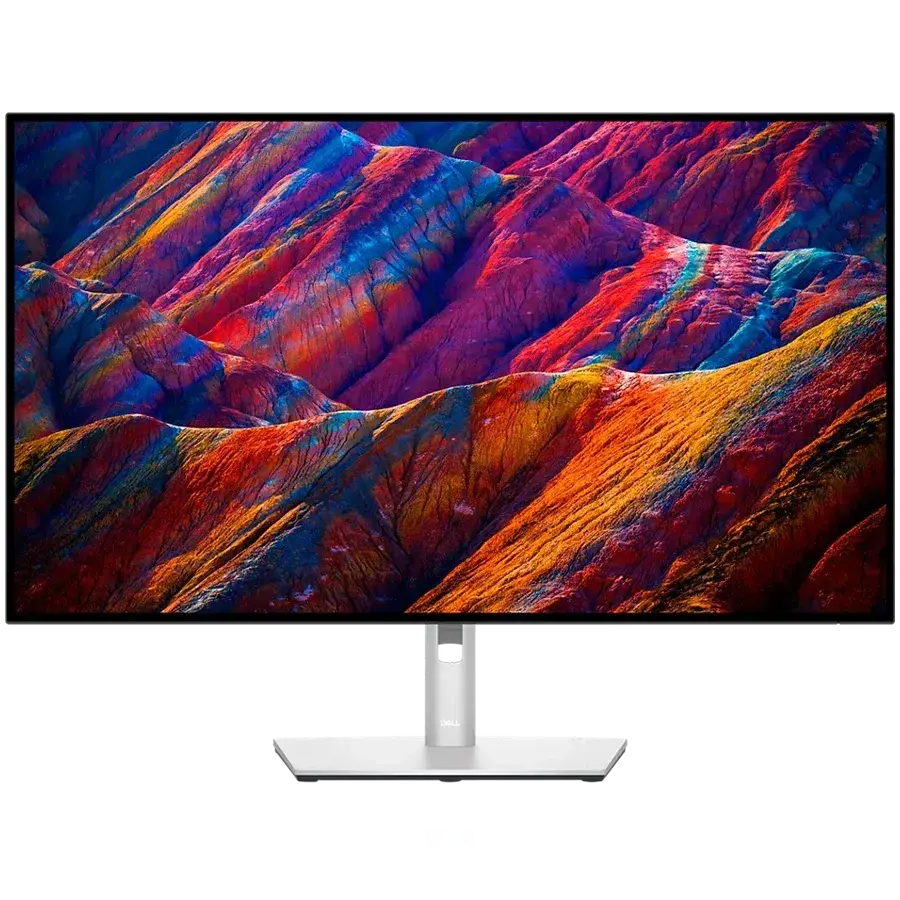
Choose the Dell S2725QC if you want the sharper screen. 3840 × 2160 at 120 Hz on the same 27-inch diagonal is a visibly finer image for text and photos, and it adds 5 W speakers the ViewSonic's 2 W pair cannot match. The trade is connectivity: 65 W of charging rather than 100 W, no Ethernet, no KVM, and no DisplayPort input at all — it is a single-cable screen, not a dock replacement.
What you'll actually notice
The differences that change which one you should buy, rather than every difference there is.
Resolution
Decides itThe Dell S2725QC is the higher-resolution panel (3840 × 2160 (4K UHD) against 2560 × 1440 (QHD)), so text and fine detail are finer and there is more room for windows. The lower-resolution panel asks less of a graphics card at high frame rates.
Refresh rate
The Dell S2725QC runs at 120 Hz against 100 Hz. That gap shows up in fast-paced games where the frame rate can actually reach it, and is essentially invisible for desktop work, browsing and video.
USB-C power
The ViewSonic VG2758-2K is rated for 100 W over USB-C against 65 W. More headroom matters for laptops that draw heavily under sustained load; below that, both simply keep a machine topped up.
Ethernet
Only the ViewSonic VG2758-2K brings wired Yes (RJ45) networking to the desk through the monitor itself.
What the price difference means
These sit in overlapping reference-price bands ($299–$360 against $280–$350), so price is unlikely to decide this one — choose on the differences above.
Reference prices are our own editorial figures for a typical street price, not live retailer quotes.
Key differences
The specifications that meaningfully differ between the two. A highlighted value is the stronger figure where it can be compared objectively.
| Specification | ViewSonic VG2758-2K | Dell S2725QC |
|---|---|---|
| Resolution | 2560 × 1440 (QHD) | 3840 × 2160 (4K UHD) |
| Color Coverage | — | 99% sRGB |
| Brightness | 350 nits | — |
| HDR | No | HDR10 |
| Refresh Rate | 100 Hz | 120 Hz |
| Response Time | 5 ms (GtG, typical) | 4 ms (fast) |
| Adaptive Sync | — | AMD FreeSync Premium |
| USB-C | Yes (DP Alt, 100W) | Yes (DP Alt, 65W) |
Full side-by-side specs
Both columns are the manufacturer specifications recorded in our catalogue. Where a figure is not published we leave it blank rather than estimating it — how we verify specifications.
| Specification | ViewSonic VG2758-2K | Dell S2725QC |
|---|---|---|
| Screen Size | 27" | 27" |
| Resolution | 2560 × 1440 (QHD) | 3840 × 2160 (4K UHD) |
| Refresh Rate | 100 Hz | 120 Hz |
| Panel Type | IPS | IPS |
| Aspect Ratio | 16:9 | 16:9 |
| Response Time | 5 ms (GtG, typical) | 4 ms (fast) |
| Brightness | 350 nits | — |
| HDR | No | HDR10 |
| USB-C | Yes (DP Alt, 100W) | Yes (DP Alt, 65W) |
| USB-C Power Delivery | 100 W | 65 W |
| Thunderbolt | No | No |
| HDMI | 1 × HDMI 1.4 | 2 × HDMI 2.1 |
| DisplayPort | 1 × DisplayPort in, 1 × USB-C out (daisy chain) | No |
| VESA Mount | 100 × 100 mm | 100 × 100 |
| Ethernet | Yes (RJ45) | — |
| Speakers | 2 × 2 W | 2 × 5W |
| Height Adjustable | Yes (150 mm, swivel/pivot/tilt) | Yes |
| USB-C Video (DP Alt Mode) | Yes | Yes |
| HDMI Version | 1.4 | 2.1 |
| Color Coverage | — | 99% sRGB |
| Adaptive Sync | — | AMD FreeSync Premium |
Who should buy each one
ViewSonic VG2758-2K
Office and hybrid workers who want a single-cable laptop desk with Ethernet and full stand adjustment, without paying docking-monitor prices.
- HDMI input is only version 1.4 and cannot carry 1440p at 100Hz
- ViewSonic does not publish the DisplayPort version
Dell S2725QC
Value-focused buyers who want a crisp 4K screen with single-cable USB-C charging for a laptop.
- No Ethernet, KVM or DisplayPort input
- 65W may not fully power large laptops
Final verdict
Price is not the deciding factor here — the two sit within about $30 of each other at reference price. What differs is where that money went: into ports on the ViewSonic, into the panel on the Dell.
The better desk anchor: more power, a network port and a real hub.
Read the full ViewSonic VG2758-2K reviewThe better picture: twice the pixels and a faster panel for the same money.
Read the full Dell S2725QC reviewAt 8.3 and 8.4, these scores are too close to decide anything on their own. Use the trade-offs above instead — how we score.
Keep exploring
Want to line these up against other options, or get a tailored recommendation?