Best Overall
ASUS
SetupArc9.3
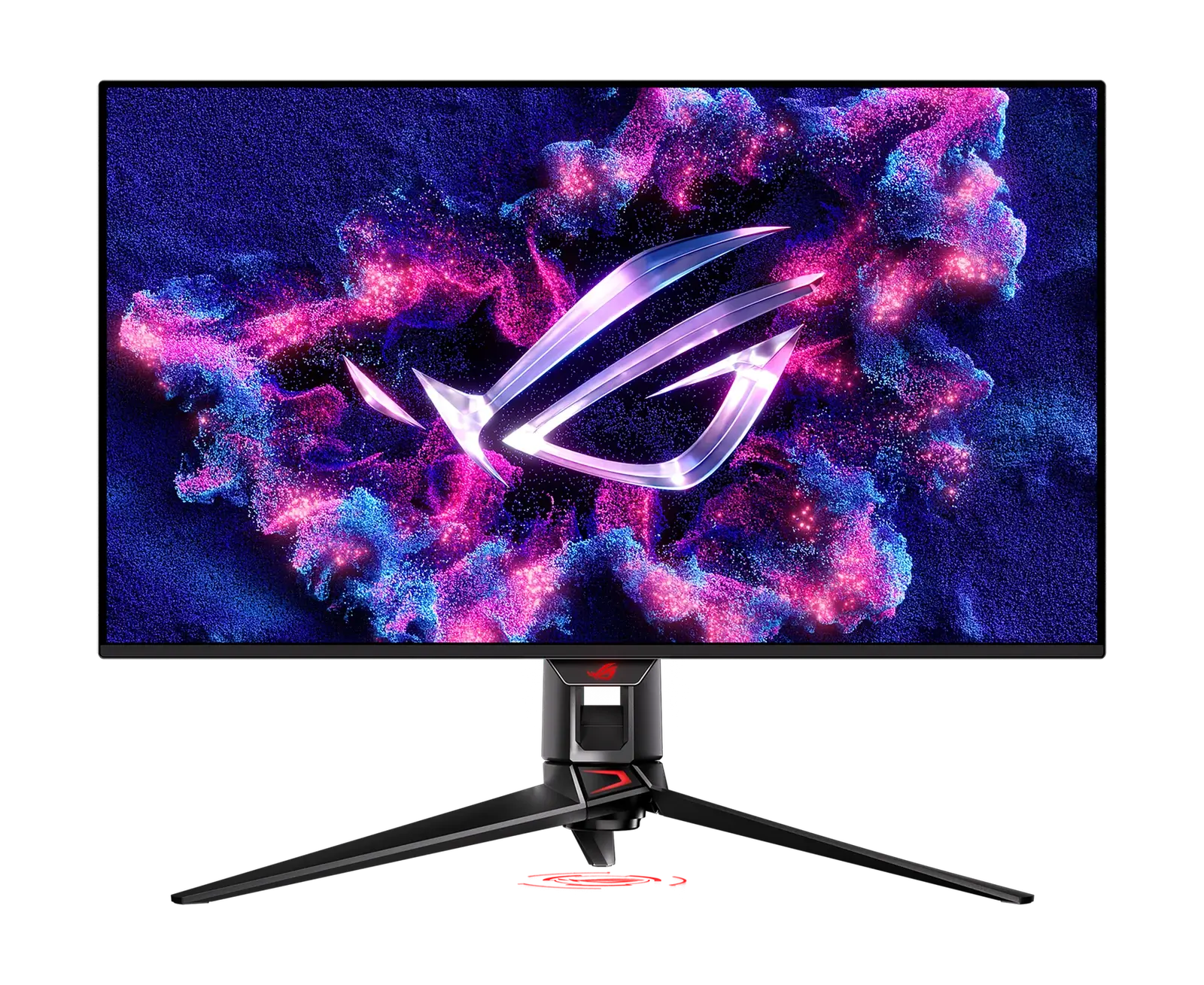
ASUS ROG Swift OLED PG32UCDM
A 4K/240Hz QD-OLED that's exceptional for gaming and doubles as a stunning creative display.
- Screen Size32"
- Resolution3840 × 2160 (4K UHD)
- Refresh Rate240 Hz
Reference price
$950–$1,100
A 1440p office monitor that works as the dock too — 100W charging, Ethernet and a proper ergonomic stand.
A 1440p office monitor that works as the dock too — 100W charging, Ethernet and a proper ergonomic stand.
The VG2758-2K is from ViewSonic's business line rather than its gaming or creator ranges, and it shows in the priorities. The 27-inch IPS panel is 2560 × 1440 at 100Hz with 350 nits and 1500:1 contrast — adequate rather than remarkable. What justifies the price is everything around it: a USB-C upstream port carrying DisplayPort Alt Mode and 100W of charging, an RJ45 Ethernet port, three USB-A 3.2 Gen 2 ports, two 15W downstream USB-C ports, a USB-C output for daisy-chaining a second screen, and a stand with 150mm of height travel plus swivel, pivot and tilt. One important caveat sits in the port list: the HDMI input is version 1.4, which does not have the bandwidth for this panel's full 2560 × 1440 at 100Hz.
Every product is assessed against the same five criteria, from specifications and use-case fit. How we score
Pick the device you already own. Each answer is drawn from this monitor's recorded specifications, and says so — where we have not confirmed something, we say that instead of guessing.
Not enough information
This monitor has a DisplayPort input, but which version is not in our data, so we cannot say what resolution and refresh rate that connection carries. That is a gap in our data, not a sign of a problem. Its HDMI 1.4 input is recorded, so that is the connection we can actually vouch for.
Specifications are recorded from manufacturer documentation, and values we cannot confirm are left unknown rather than estimated. How we verify specs
Office and hybrid workers who want a single-cable laptop desk with Ethernet and full stand adjustment, without paying docking-monitor prices.
Colour-critical creators, gamers wanting high refresh, and anyone who intends to drive it over HDMI at full refresh.
On price: This sits in the lower middle of the 23 monitors we track on price.

You gain: Typically about $10 less by reference price.
You give up: You give up Speakers by going this way.
A different balance for general use if the budget stretches.
You gain: Adds HDR and Adaptive Sync.
You give up: Typically about $70 more by reference price.
Price positions use our editorial reference prices, not live retailer quotes. Scores within a few tenths rarely decide a purchase — how we score.
| Specification | ViewSonic VG2758-2KThis product | ASUS ROG Swift OLED PG32UCDM | Dell UltraSharp U3225QE |
|---|---|---|---|
| SetupArc Score | 8.3 | 9.3 | 9.3 |
| Price | $299–$360 | $950–$1,100 | $850–$1,000 |
| Screen Size | 27" | 32" | 31.5" (32" class) |
| Resolution | 2560 × 1440 (QHD) | 3840 × 2160 (4K UHD) | 3840 × 2160 (4K UHD) |
| Refresh Rate | 100 Hz | 240 Hz | 120 Hz |
| Panel Type | IPS | QD-OLED | IPS Black |
| Aspect Ratio | 16:9 | 16:9 | 16:9 |
| Response Time | 5 ms (GtG, typical) | 0.03 ms (GtG) | 5 ms (GtG, fast) |
| Brightness | 350 nits | — | 600 nits |
Any figure below is the price we recorded on the date shown beside it, not a current price. Retailers set their own prices and availability — check the retailer for what you will actually pay today.
For an ordinary desk where a laptop arrives in the morning and leaves at night, this covers the job in one cable and costs less than a monitor plus a separate dock. The panel is unexceptional and ViewSonic does not publish a colour-gamut figure, so it is not a choice for colour work. The HDMI 1.4 input is the one specification that could genuinely catch someone out — connect over USB-C or DisplayPort to get the full 100Hz, and treat HDMI as a fallback rather than a primary input.
A 4K/240Hz QD-OLED that's exceptional for gaming and doubles as a stunning creative display.
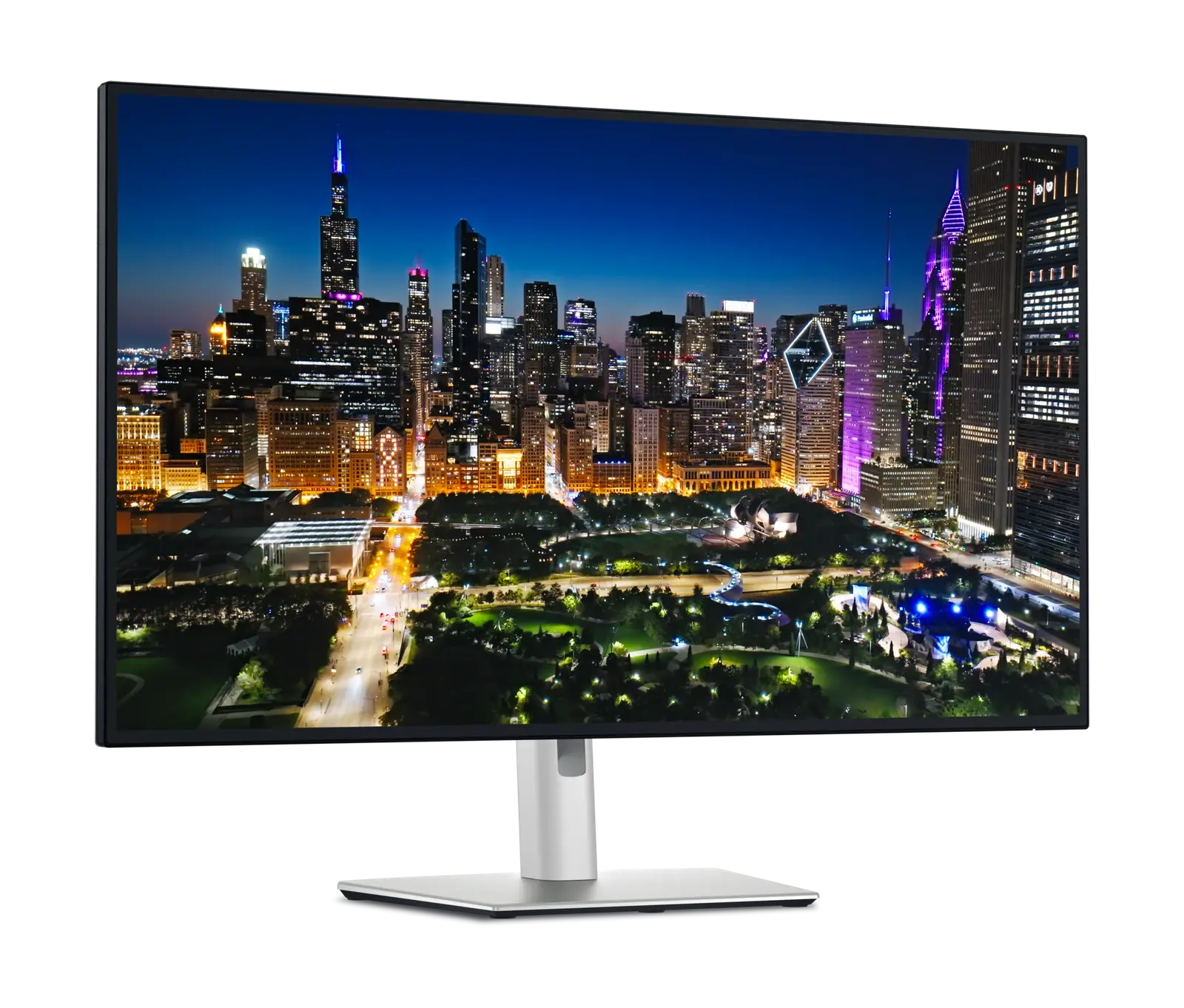
A 32-inch 4K workstation display that replaces a dock, charges a laptop at 140W and switches between two machines.
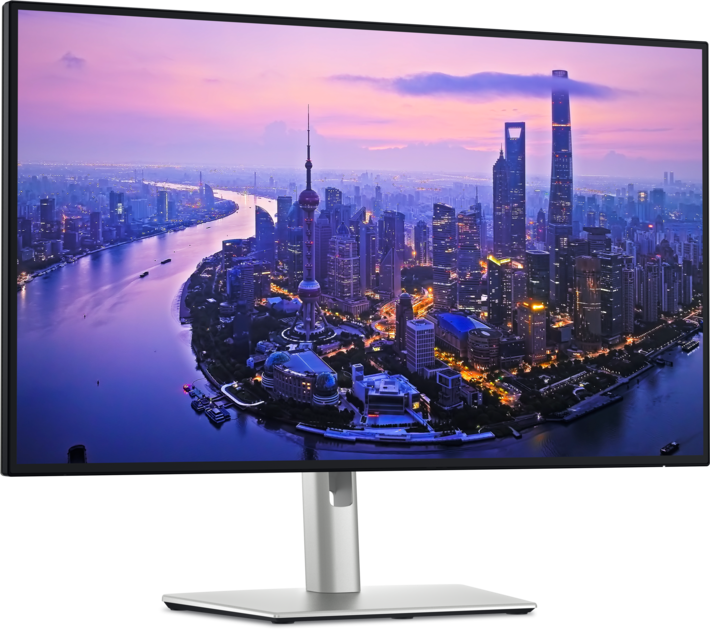
The single-cable productivity monitor to beat: 4K, Thunderbolt 4, 140W charging, KVM and Ethernet in one.
Size, resolution, panel type, refresh rate and ports — the five decisions that actually matter, explained in plain English.
More pixels mean sharper text and more room — but also higher cost and scaling quirks. Here's how to decide for work.
The PS5 asks for three things from a display, and only one of them is the port. Here is which monitors in our catalogue take its full 4K 120Hz output, which fall short and why.