Which Monitors Work with PS5 in 2026?
The PS5 asks for three things from a display, and only one of them is the port. Here is which monitors in our catalogue take its full 4K 120Hz output, which fall short and why.
SetupArc verifies technical specifications against manufacturer documentation and preserves unknown values when a specification cannot be confirmed. How we score · About the editor · Affiliate disclosure
What you'll learn
- A PS5 outputs over HDMI only — DisplayPort and USB-C cannot carry its video
- 4K at 120Hz needs HDMI 2.1; HDMI 2.0 caps you below it
- A 1440p panel still works, it just will not show 4K pixel-for-pixel
- Six monitors in our catalogue take the PS5's full output today
Most "PS5 monitor" advice starts with a shopping list. It is more useful to start with what the console actually sends down the cable, because that single fact rules out a surprising number of otherwise excellent displays — including several of the best screens we list.
The quick answer
If you want the PS5's maximum output — 4K at 120Hz — you need a monitor with a 4K panel, a refresh rate of at least 120Hz, and an HDMI 2.1 input. Miss any one of those and the console still works; you simply do not get that top mode. Of the 18 monitors we currently list, six meet all three conditions.
Every result below is produced by the same compatibility engine that runs on our product pages, reading the stored HDMI version, panel resolution and refresh rate. We have not re-judged anything by hand for this guide, and where a specification is not recorded we say so rather than assume.
What a PS5 actually needs
Three requirements, in order of how often they catch people out.
- An HDMI input. The PS5 has one video output and it is HDMI. This is the requirement people skip past, and it is the one that disqualifies displays outright.
- HDMI 2.1, if you want 4K 120Hz. HDMI 2.0 does not have the bandwidth for 4K at 120Hz. A 2.0 port will still drive a 4K panel — at 60Hz — or a lower resolution at a higher rate.
- A panel that can show it. An HDMI 2.1 port on a 1440p 60Hz panel does not create 4K 120Hz out of nothing. The port and the panel both have to be capable.
Why DisplayPort and USB-C do not help
This is the most common and most expensive misunderstanding, so it is worth being blunt: a PS5 cannot output video over DisplayPort, and it cannot output video over USB-C. A monitor with a superb DisplayPort 2.1 input and 140W USB-C charging offers the console none of that. Those ports matter enormously for a laptop or a desktop GPU — see our MacBook monitor guide for where they do earn their keep — but for a console they are inert.
The practical consequence is that a monitor can be near the top of our rankings and still be the wrong buy for a PS5. The ASUS ZenScreen MB16ACV is the clearest case: a genuinely good portable display whose only video input is USB-C. For a console it is not compatible for this connection, and no adapter changes what the panel accepts.
Monitors that take the full 4K 120Hz output
These six are recorded with a 4K panel, at least 120Hz, and an HDMI 2.1 input — the combination the console's most demanding mode needs. They are otherwise very different monitors, and the gap between them is price and purpose rather than console capability.
| Monitor | Panel | Refresh | Why it suits a PS5 |
|---|---|---|---|
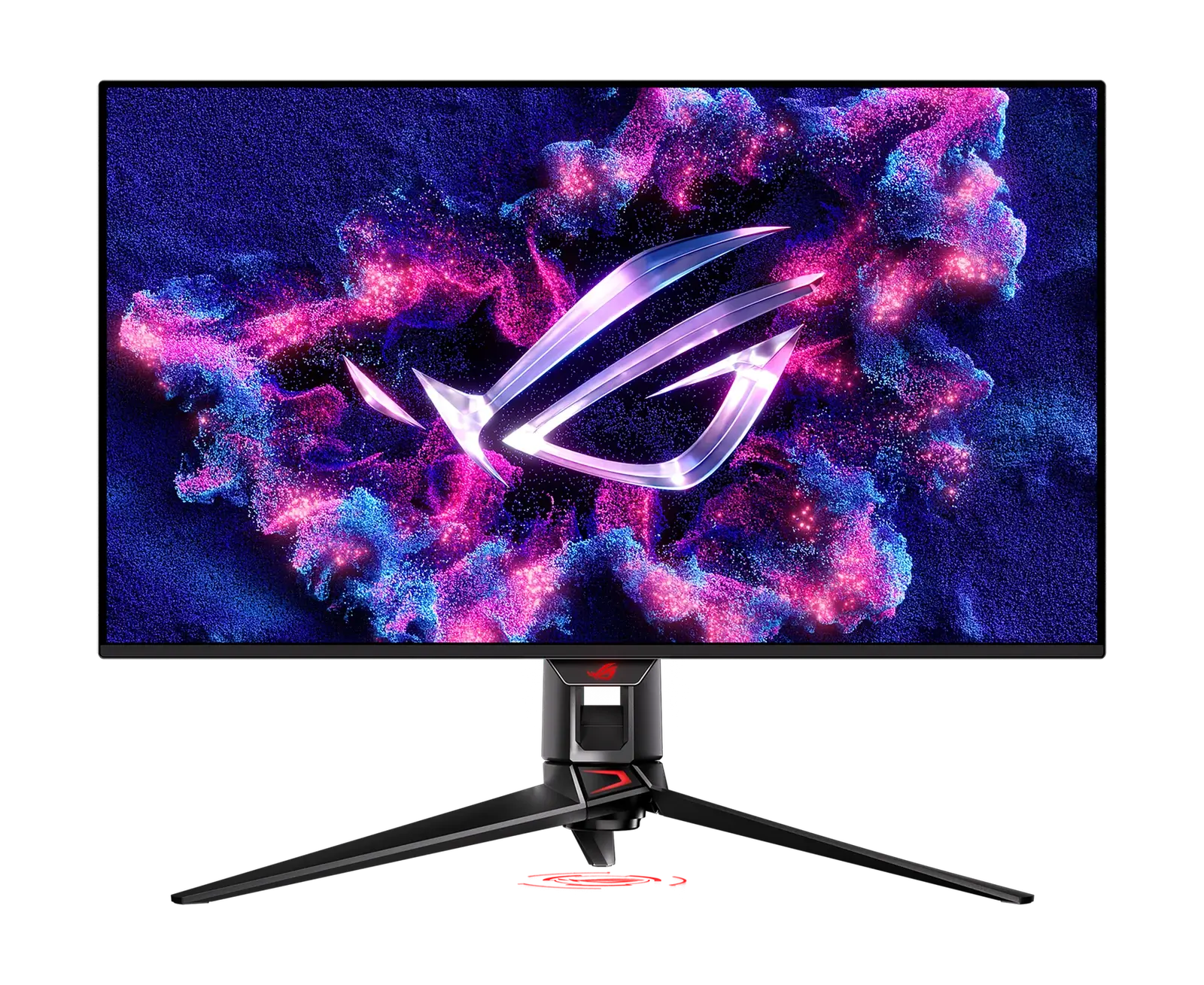
| ASUS ROG Swift OLED PG32UCDM | 32" 4K QD-OLED | 240 Hz | The most capable of the six for games — OLED motion and headroom far beyond what the console asks |
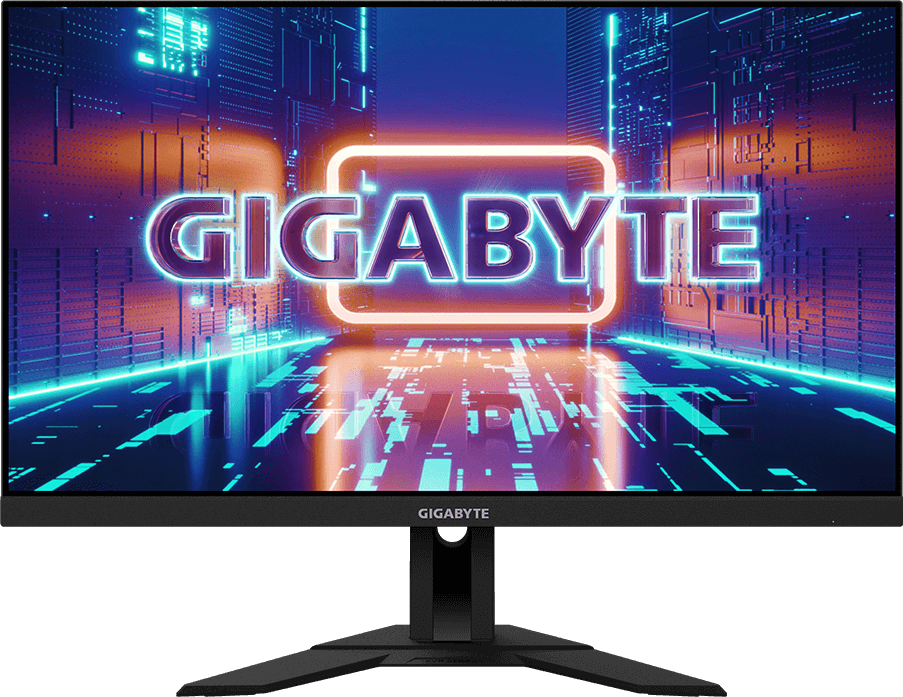
| Gigabyte M28U | 28" 4K IPS | 144 Hz | The value pick: 4K 120Hz from the console without paying for a dock or OLED |
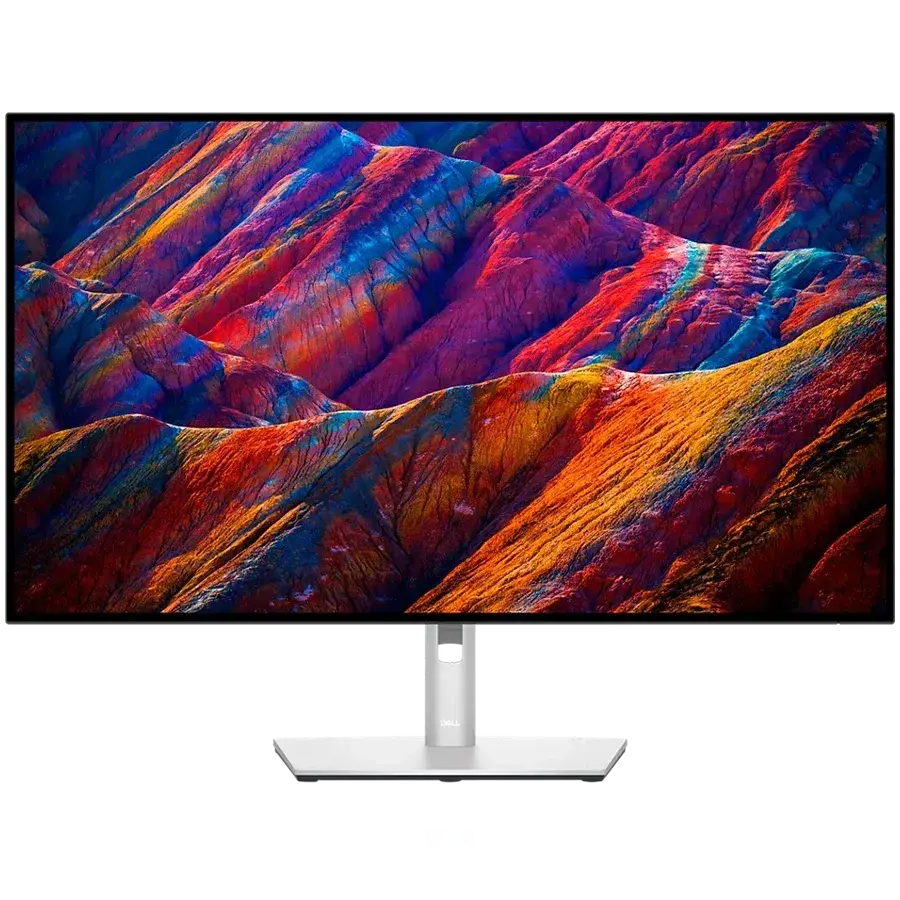
| Dell S2725QC | 27" 4K IPS | 120 Hz | Cheapest route to the full mode, and doubles as a tidy single-cable desk for a laptop |
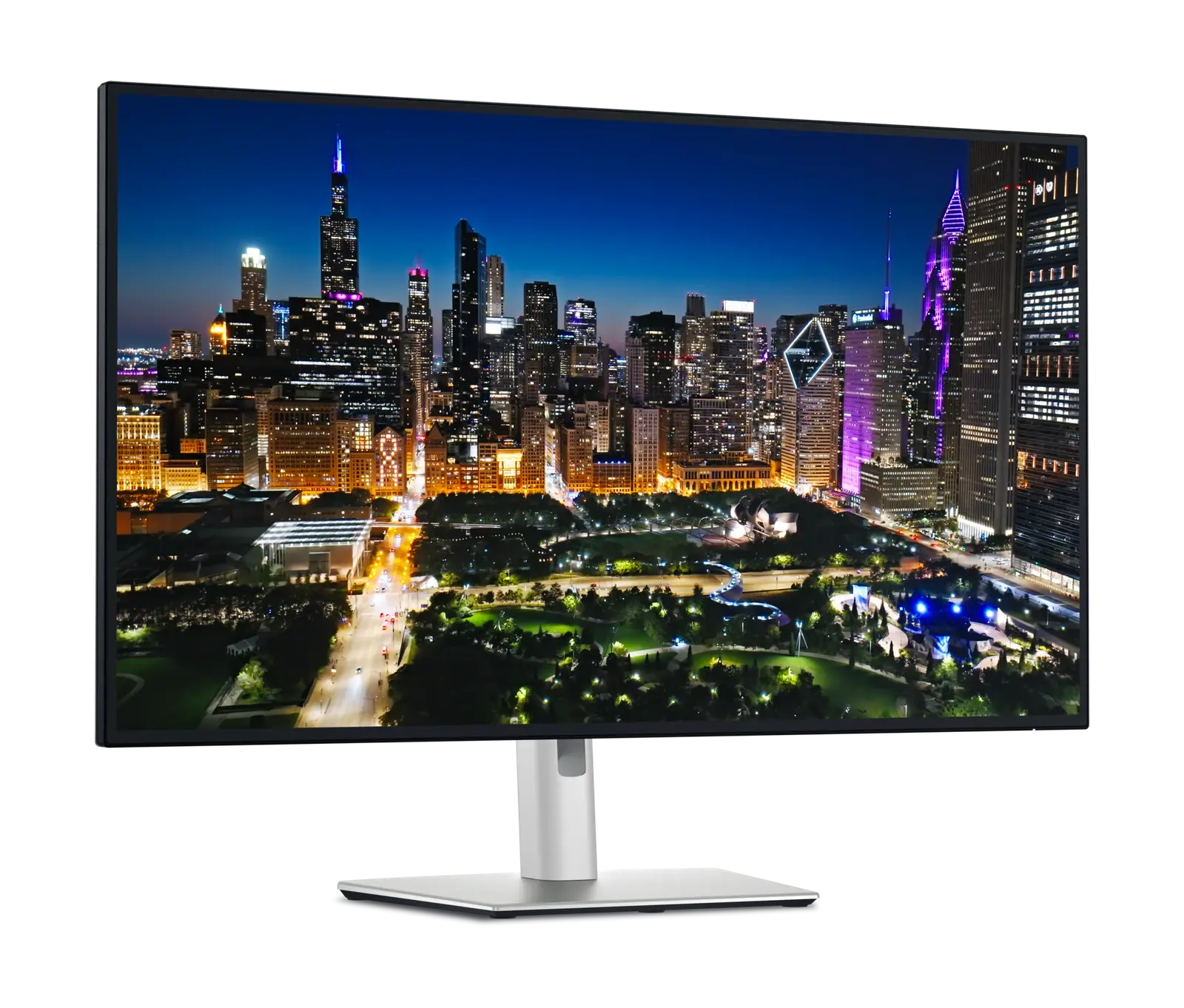
| Dell UltraSharp U3225QE | 32" 4K IPS Black | 120 Hz | A workstation display first; the console mode comes along with it |
| Dell UltraSharp U2725QE | 27" 4K IPS Black | 120 Hz | Same idea at 27 inches |
| LG UltraFine evo 40U990A-W | 40" 5K2K Nano IPS Black | 120 Hz | Meets the spec, but see the ultrawide note below before buying one for a console |
The M28U and the S2725QC are the two that make sense on cost. The UltraSharps and the LG are excellent monitors whose price is mostly in docking and workstation features a console cannot use.
Good monitors, with limitations
Eleven more will run a PS5 perfectly happily without reaching 4K 120Hz. The engine reports these as compatible with limitations, and the limitation is nearly always one of two things: the panel is below 4K, or the HDMI port is 2.0.
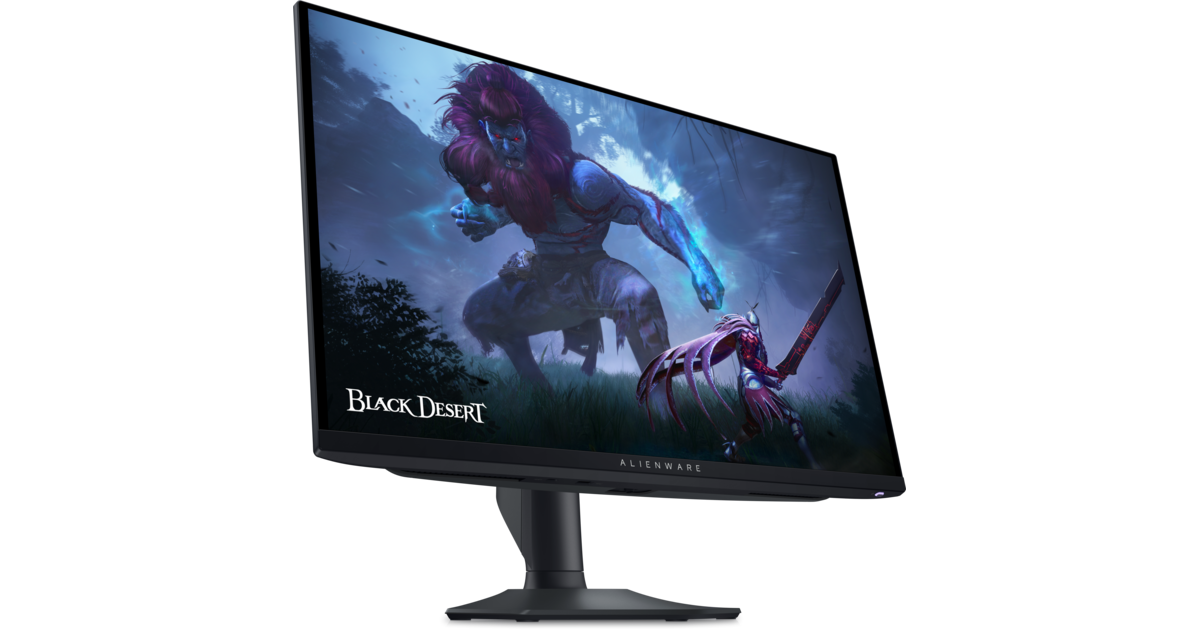
A 1440p screen is the most common case. The console still outputs, the picture is still sharp, but a 4K signal is shown at the monitor's own resolution rather than pixel-for-pixel. For fast games on a high-refresh 1440p panel many people prefer that trade — the Alienware AW2725DF at 360Hz and the LG UltraGear 27GS95QE at 240Hz both fall here, and both are faster than any 4K panel we list except the PG32UCDM.
| Monitor | What holds it back |
|---|---|
| Alienware AW2725DF | 1440p panel — no 4K pixel-for-pixel; 360Hz is far beyond what the console sends |
| LG UltraGear 27GS95QE | 1440p panel |
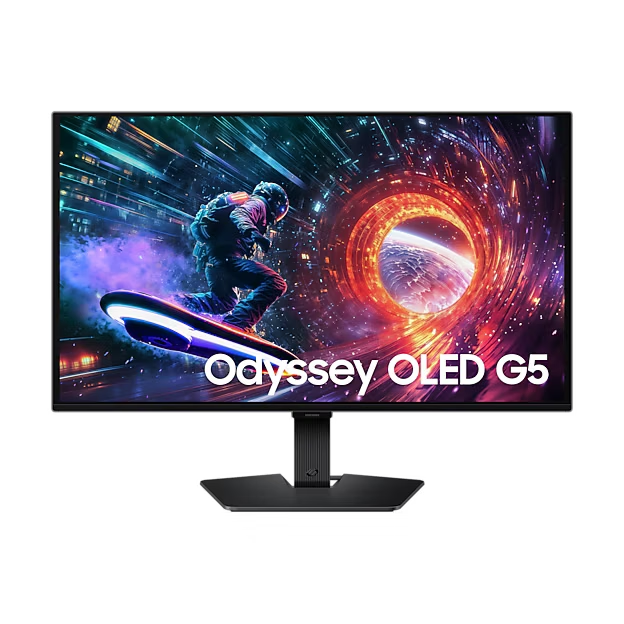
| Samsung Odyssey OLED G5 G50SF | 1440p panel and an HDMI 2.0 input |
| AOC Q27G3XMN | 1440p panel and an HDMI 2.0 input |
| Gigabyte M27Q | 1440p panel and an HDMI 2.0 input |
| LG UltraGear 27GS60F-B | 1080p panel and an HDMI 2.0 input |
| Alienware AW3423DWF | Ultrawide 1440p panel and an HDMI 2.0 input |
| BenQ PhotoVue SW272U | 60Hz panel and an HDMI 2.0 input — a colour-work display, not a games display |
| ASUS ProArt PA279CRV | 60Hz panel and an HDMI 2.0 input |
| BenQ RD280U | 60Hz panel and an HDMI 2.0 input; its 3:2 shape also suits code rather than games |
| ViewSonic VG2758-2K | 1440p, 100Hz, and an HDMI 1.4 input — the lowest HDMI version we list |
The one to avoid for console use
HDMI 2.1 versus HDMI 2.0, in practice
The version number is a bandwidth ceiling, not a feature badge. HDMI 2.0 carries 4K at 60Hz comfortably. HDMI 2.1 roughly quadruples the available bandwidth, which is what makes 4K at 120Hz possible along with variable refresh rate at that resolution.
Two things follow. First, if a monitor is 1440p, HDMI 2.0 is rarely the thing limiting it — the panel resolution already is. Second, a monitor advertised as "120Hz" that only has HDMI 2.0 will give a PC that refresh rate over DisplayPort while giving a console something lower. That is not a defect; it is the port doing what its version allows, and it is why we store the HDMI version as a separate specification rather than folding it into a marketing line.
1440p and 4K: which is actually better here?
The PS5 renders a great many games at a dynamic resolution and upscales. That means a 4K panel is not always being fed 4K, and a good 1440p panel at a high refresh rate can feel better in motion than a 4K panel at 60Hz. If you play mostly fast, competitive games, 1440p at 180Hz or more is a defensible choice. If you play cinematic single-player games, or the monitor is also a work screen, 4K earns its keep.
The ultrawide caveat
Console behaviour on ultrawide displays can vary. SetupArc does not currently evaluate aspect-ratio handling for PS5, so although the LG 40U990A-W and the Alienware AW3423DWF meet their respective port and panel requirements, we are not in a position to tell you how a given game will fill a 21:9 screen. If a console is your primary use, a 16:9 panel removes the question entirely.
Questions people actually ask
Will a DisplayPort-to-HDMI adapter let my PS5 use a DisplayPort monitor? No, not in that direction. DisplayPort-to-HDMI adapters are built to take a DisplayPort source to an HDMI display, which is the opposite of what you need.
Does USB-C charging on the monitor do anything for a PS5? No. Power delivery is for charging a laptop over the same cable that carries its video. A PS5 has its own power supply and sends video over HDMI.
Is 60Hz unplayable? Not at all — it is how consoles ran for years. You simply lose the 120Hz performance modes some games offer.
Can I check this myself for a monitor you do not list? Yes, and it is three questions: is there an HDMI input, what version is it, and what are the panel's native resolution and maximum refresh rate. Manufacturer specification pages state all three. Beware product titles that give a refresh rate without saying which port reaches it.
How we reached these answers
The verdicts in this guide are not editorial opinions about each monitor. They are generated from the stored specifications — HDMI version, resolution, refresh rate — by the same rules that produce the "Works with" card on every monitor page, so the guide and the product pages cannot disagree with one another. Specifications come from manufacturer documentation, and where a manufacturer does not publish a figure we record it as unknown rather than estimating it. You can read the full process in how we verify specifications and our scoring methodology.
Put any two of these monitors next to each other and see the HDMI versions, panel specs and compatibility verdicts in one view.
Compare monitors side by side