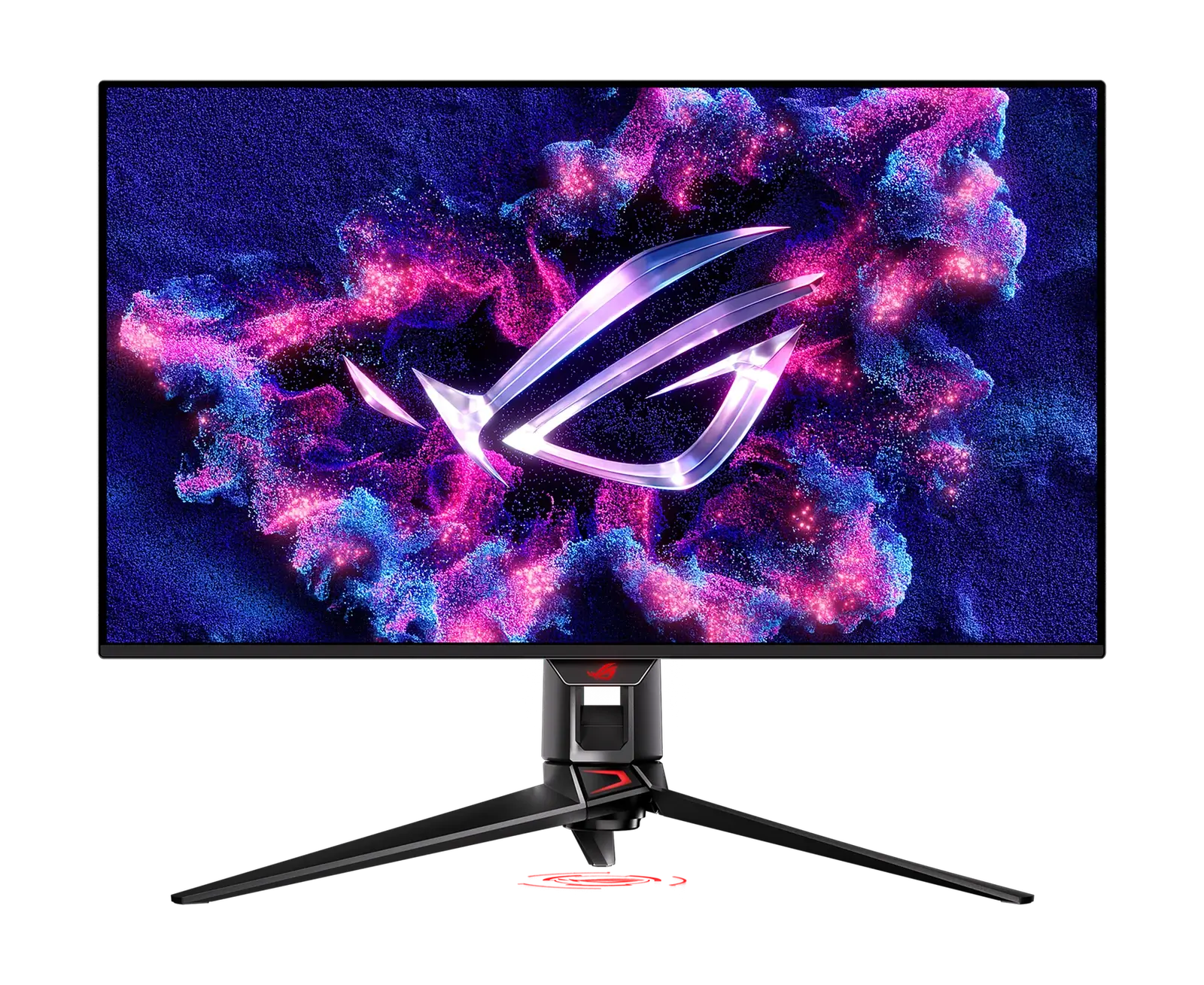
Best Overall
ASUS
SetupArc9.3
ASUS ROG Swift OLED PG32UCDM
A 4K/240Hz QD-OLED that's exceptional for gaming and doubles as a stunning creative display.
- Screen Size32"
- Resolution3840 × 2160 (4K UHD)
- Refresh Rate240 Hz
Reference price
$950–$1,100
The extra vertical space of 3:2 at 4K+ resolution, aimed squarely at people who read text for a living.
The extra vertical space of 3:2 at 4K+ resolution, aimed squarely at people who read text for a living.
The RD280U is unusual on purpose. Its 28.2-inch panel is 3:2 rather than 16:9, giving 3840 × 2560 — roughly 500 more vertical pixels than a 4K 16:9 screen, which translates directly into more lines of code before scrolling. BenQ pairs that with a fine-coated nano-matte surface to cut reflections, dedicated Coding colour modes for dark and light themes, and a MoonHalo rear backlight for low-light work. It is a 60Hz panel rated 5ms, with 95% P3 coverage, DisplayHDR 400 and 350 nits typical. A single USB-C port carries video, data and 90W of charging, and there is a built-in KVM plus a three-port USB-A hub.
Every product is assessed against the same five criteria, from specifications and use-case fit. How we score
Pick the device you already own. Each answer is drawn from this monitor's recorded specifications, and says so — where we have not confirmed something, we say that instead of guessing.
Works well
A desktop GPU connects over this monitor's DisplayPort 1.4 input, the standard pairing for a modern card and the one with the most bandwidth headroom here.
Specifications are recorded from manufacturer documentation, and values we cannot confirm are left unknown rather than estimated. How we verify specs
Developers and writers who want maximum vertical lines, and anyone sensitive to glare who works long hours in a text editor.
Gamers, video editors working in 16:9 timelines, and anyone who would rather have refresh rate than vertical pixels.
On price: This sits mid-range among the 23 monitors we track on price.

You gain: Typically about $149 less by reference price.
You give up: You give up Speakers by going this way.
The stronger option for productivity if the budget stretches.
You gain: Adds HDR and Adaptive Sync.
You give up: Typically about $100 more by reference price.
Price positions use our editorial reference prices, not live retailer quotes. Scores within a few tenths rarely decide a purchase — how we score.
| Specification | BenQ RD280UThis product | ASUS ROG Swift OLED PG32UCDM | Dell UltraSharp U3225QE |
|---|---|---|---|
| SetupArc Score | 8.7 | 9.3 | 9.3 |
| Price | $549–$650 | $950–$1,100 | $850–$1,000 |
| Screen Size | 28.2" | 32" | 31.5" (32" class) |
| Resolution | 3840 × 2560 (4K+) | 3840 × 2160 (4K UHD) | 3840 × 2160 (4K UHD) |
| Refresh Rate | 60 Hz | 240 Hz | 120 Hz |
| Panel Type | IPS (nano-matte) | QD-OLED | IPS Black |
| Aspect Ratio | 3:2 | 16:9 | 16:9 |
| Response Time | 5 ms (GtG) | 0.03 ms (GtG) | 5 ms (GtG, fast) |
| Brightness | 350 nits (typical), 400 nits peak HDR | — | 600 nits |
Any figure below is the price we recorded on the date shown beside it, not a current price. Retailers set their own prices and availability — check the retailer for what you will actually pay today.
Very few monitors are designed around a specific profession, and this one earns the framing. The 3:2 ratio is the real feature — the coding colour modes and backlight are pleasant but secondary — and the vertical gain is immediately obvious next to a 16:9 4K panel. The constraints are honest ones: 60Hz makes it a poor second job as a gaming screen, and the 3:2 shape means letterboxing on video. At this price you are paying for the aspect ratio and the panel coating, and whether that is worth it depends entirely on how much of your day is spent in a text editor.
A 4K/240Hz QD-OLED that's exceptional for gaming and doubles as a stunning creative display.
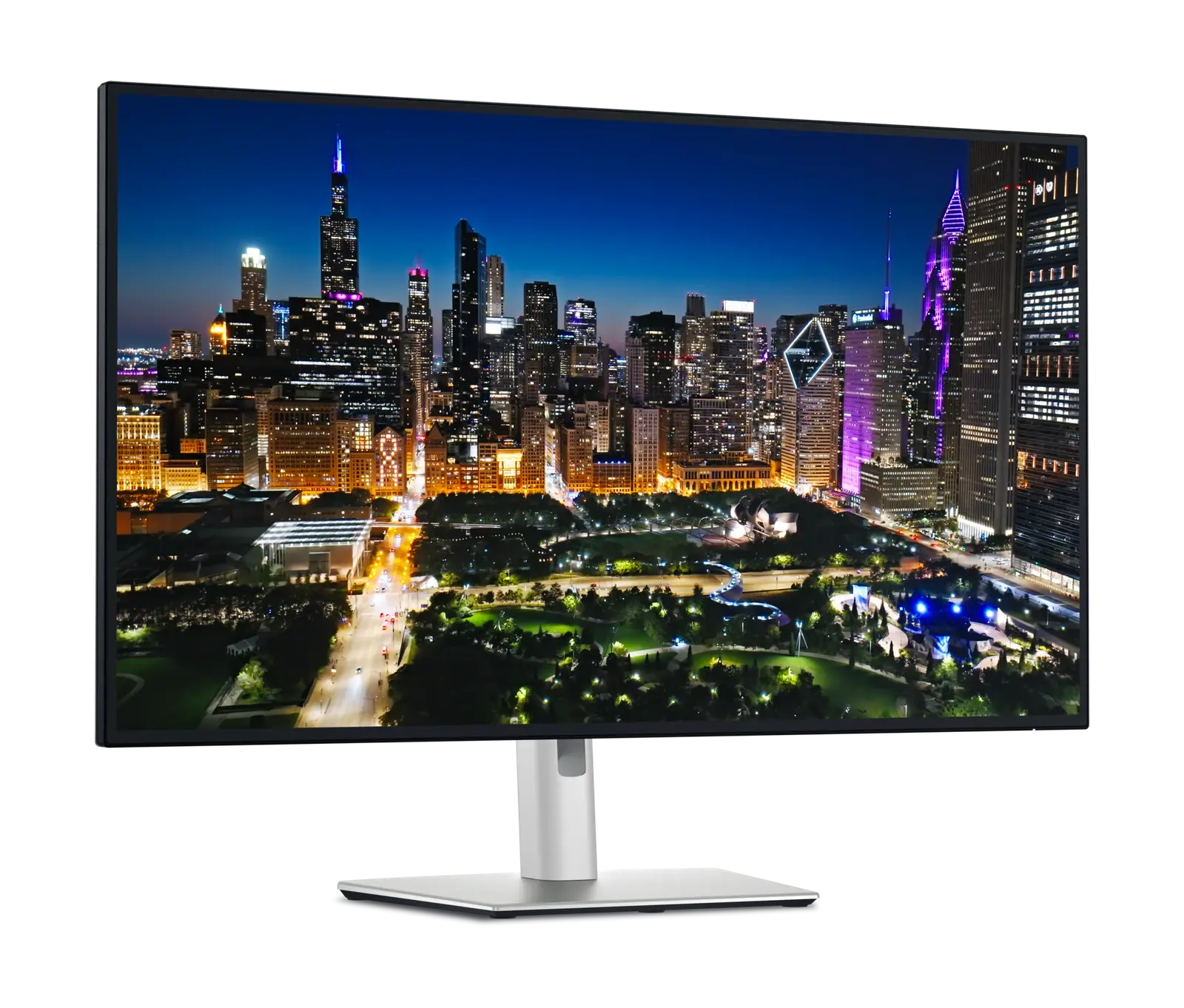
A 32-inch 4K workstation display that replaces a dock, charges a laptop at 140W and switches between two machines.
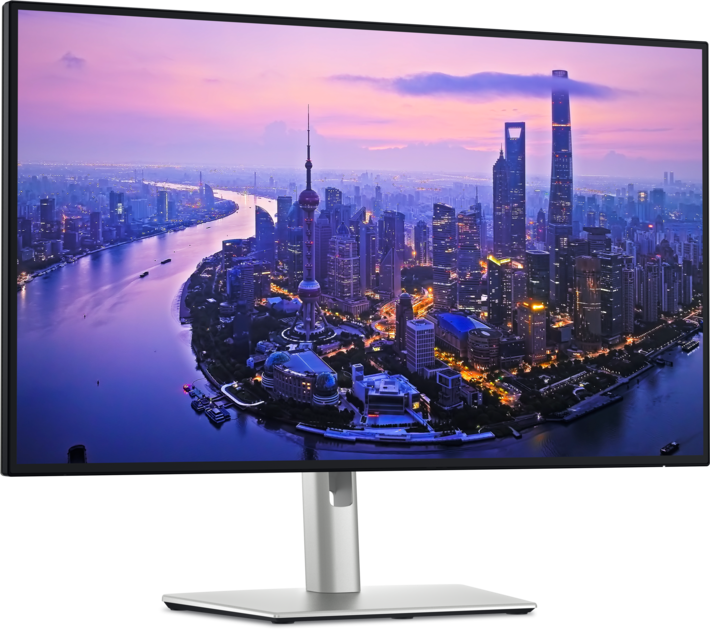
The single-cable productivity monitor to beat: 4K, Thunderbolt 4, 140W charging, KVM and Ethernet in one.
Size, resolution, panel type, refresh rate and ports — the five decisions that actually matter, explained in plain English.
More pixels mean sharper text and more room — but also higher cost and scaling quirks. Here's how to decide for work.
The PS5 asks for three things from a display, and only one of them is the port. Here is which monitors in our catalogue take its full 4K 120Hz output, which fall short and why.